- After entering the wrong pattern for 5 times, tap OK.
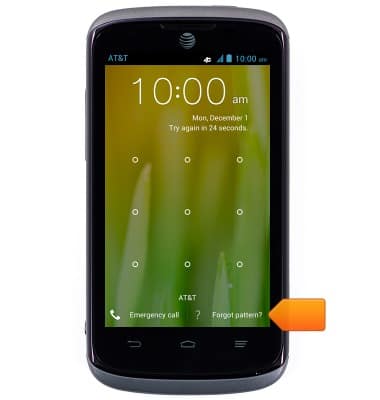
Note: The device must have already been associated with a Google account for the 'Forgot Pattern' option to display.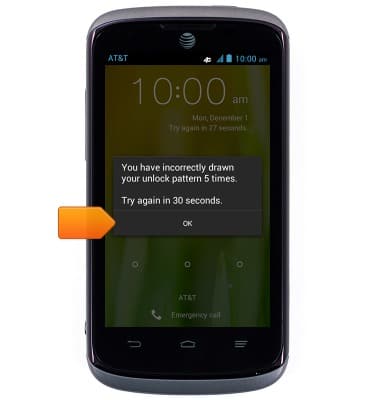
- Tap Forgot Pattern.
- Tap the Username field, then enter the Google account used to set up the device.
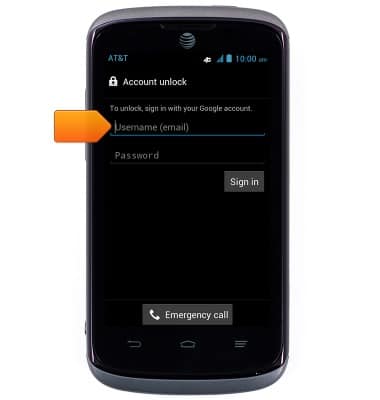
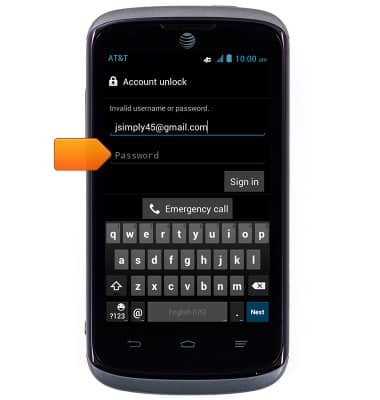
- Tap the Password field, then enter the required password.
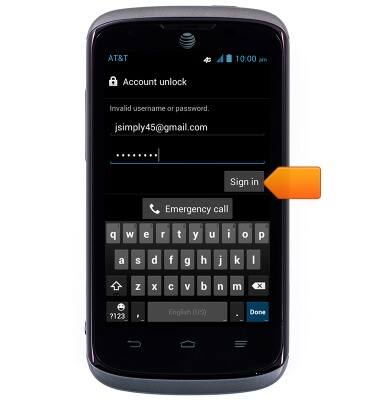
- Tap Sign in.
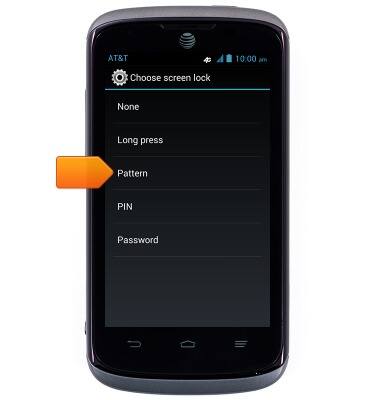
- Tap Pattern.
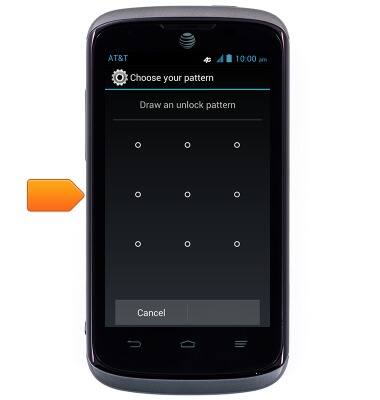
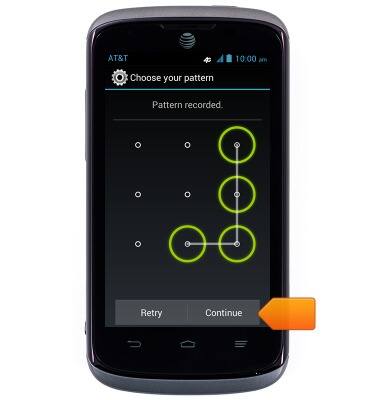
- Draw the desired pattern on the screen.
- Tap Continue.
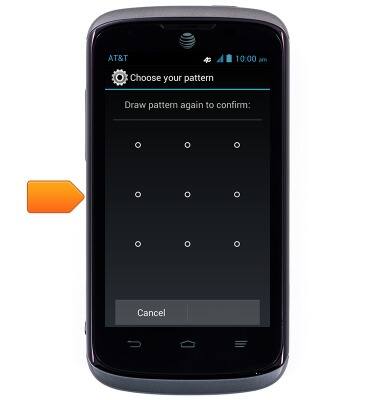
- Draw the pattern on the screen again.
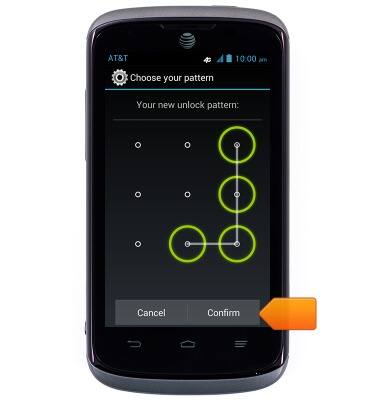
- Tap Confirm.
Reset pattern lock
AT&T Radiant (Z740)
Reset pattern lock
Reset a forgotten pattern lock.
INSTRUCTIONS & INFO