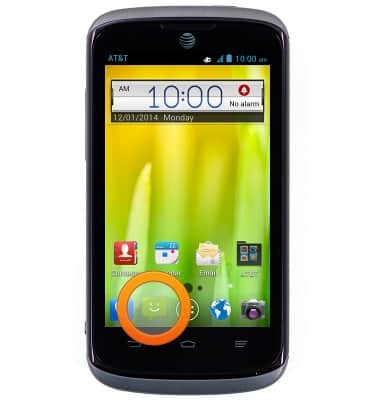
- From the home screen, tap the Messaging icon.
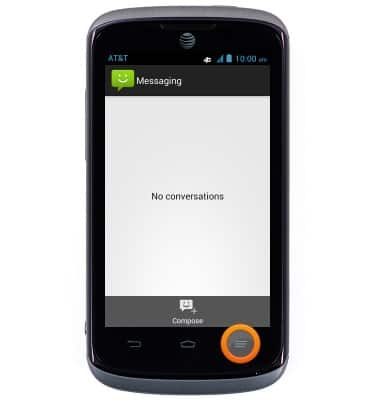
- Tap the Menu icon.
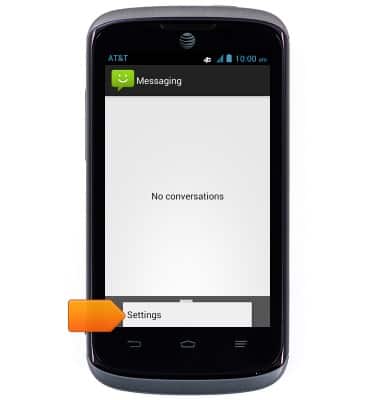
- Tap Settings.
- To change the Notification settings, scroll to, then tap Notifications to turn it on or off.
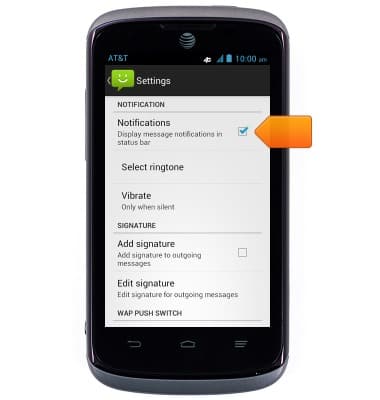
- To change the notification tone, tap Select ringtone.
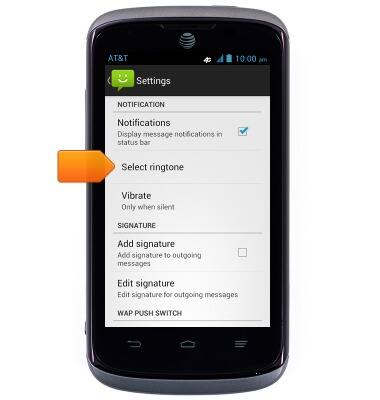
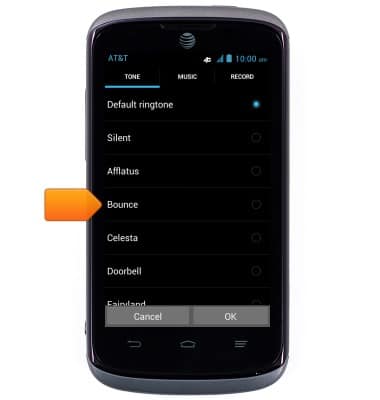
- Tap the desired ringtone.
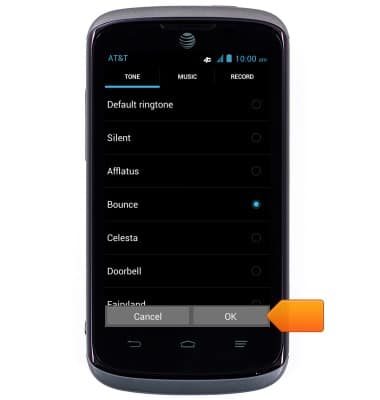
- Tap OK.
- To change the Emergency alert settings, scroll to, then tap Receive emergency alerts.
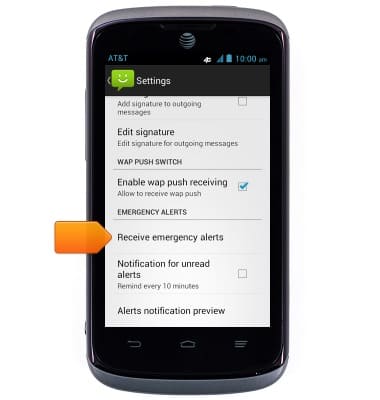
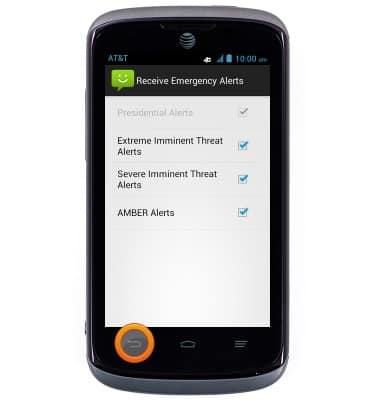
- Tap to adjust the settings as desired, then press the Back key.
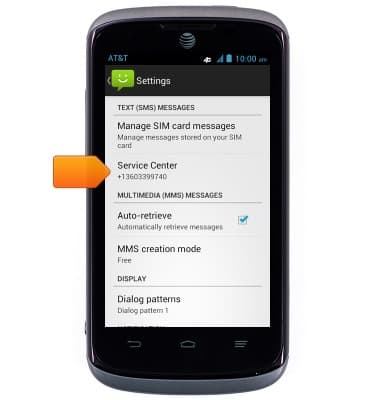
- To change the message center number, scroll to, then tap Service Center.
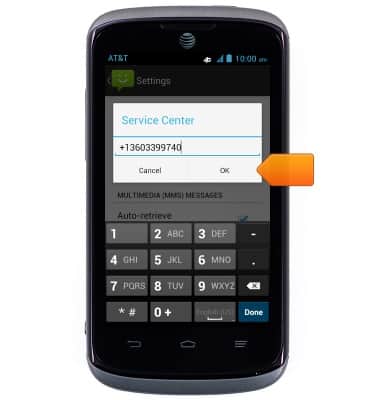
- Enter the desired number, then tap OK.
Messaging settings
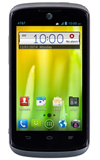
AT&T Radiant (Z740)
Messaging settings
Set text (SMS) and picture (MMS) message alerts, limits, display options and more.
INSTRUCTIONS & INFO