
- From the home screen, tap the Apps icon.

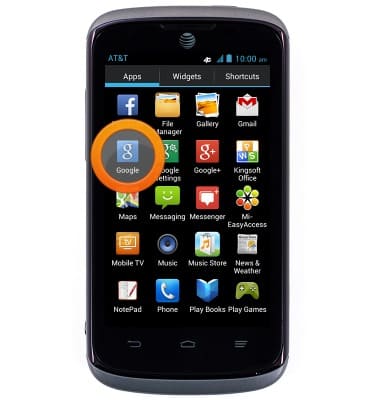
- Swipe to, then tap Google.
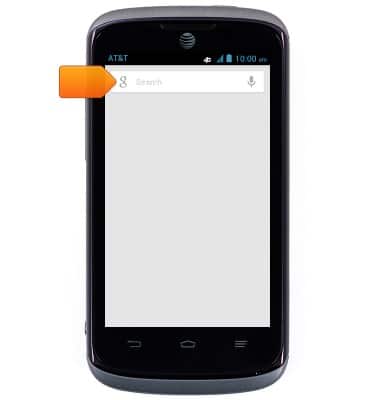
- Tap the Search field to enter the desired search term.
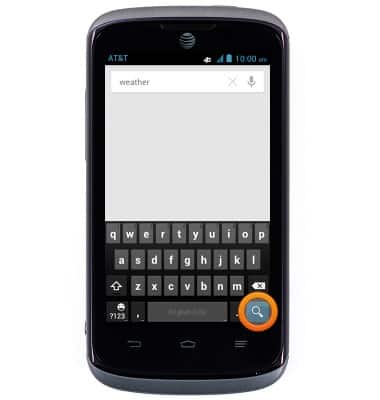
- Tap the Search icon to complete your search.
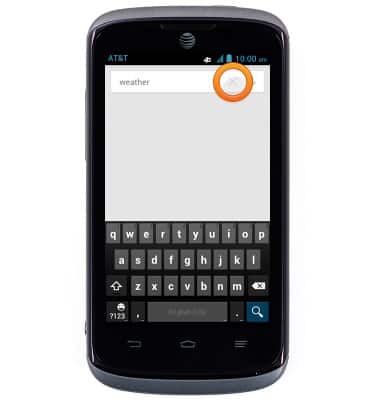
- Tap the X to clear the search field.
- Alternatively, tap the Microphone icon to do a voice search.
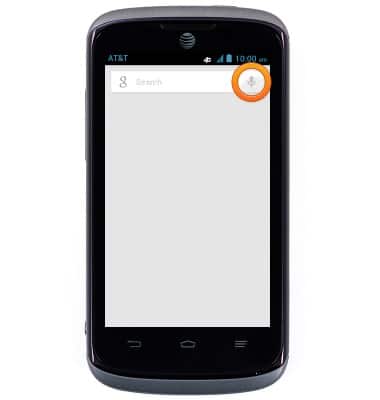
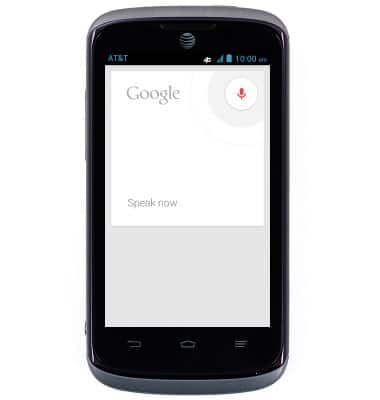
- Speak now to search.
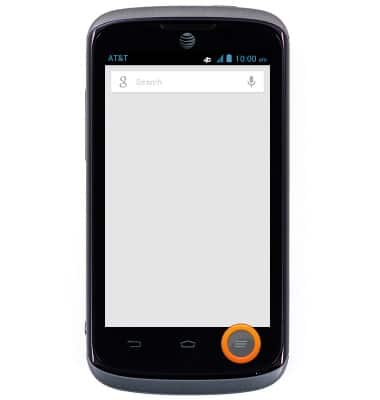
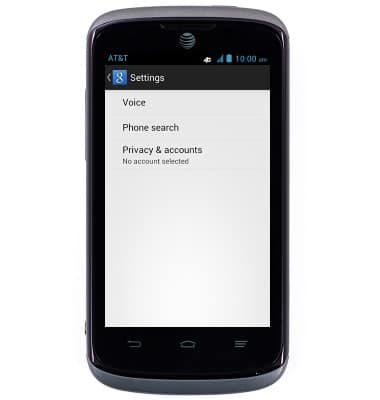
- To adjust the Google Search settings, tap the Menu key.
- Tap Settings.
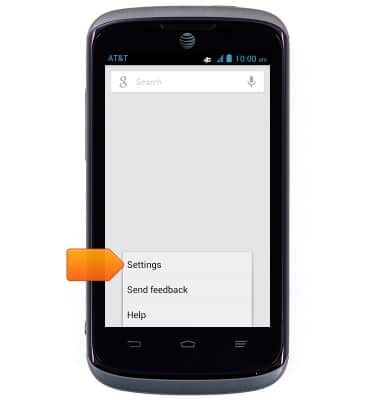
- Change settings as desired.
Search
AT&T Radiant (Z740)
Search
Perform a text and voice search on your device and how to adjust search settings.
INSTRUCTIONS & INFO