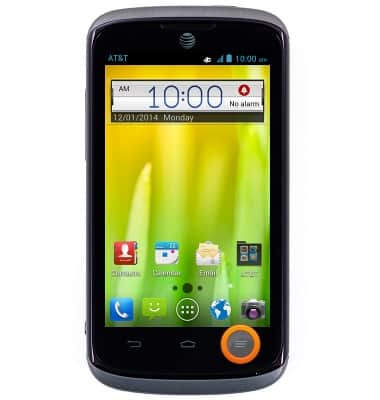
- From the home screen, press the Menu key.
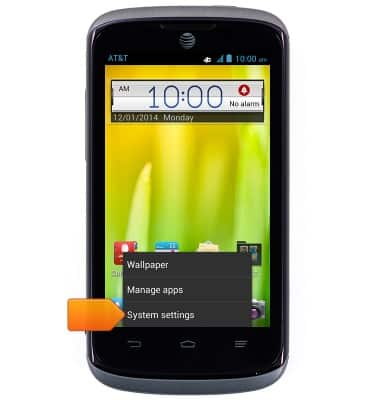
- Tap System settings.
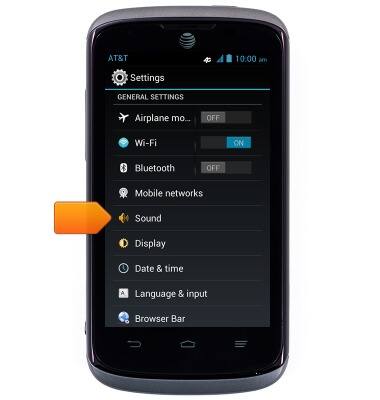
- Scroll to 'GENERAL SETTINGS', then tap Sound.
- Tap Phone ringtone.
Note: You can only tap 'Phone ringtone' if the device is not set to silent or vibrate mode.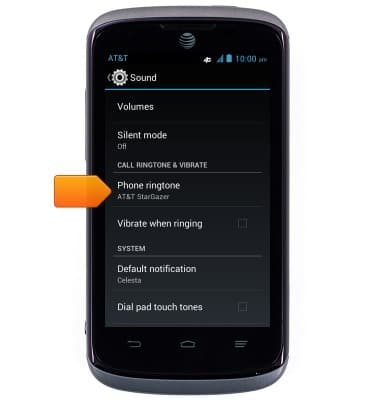
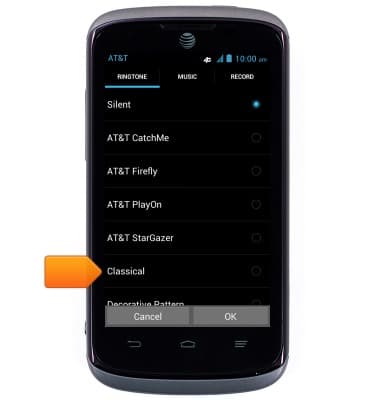
- Tap the desired ringtone.
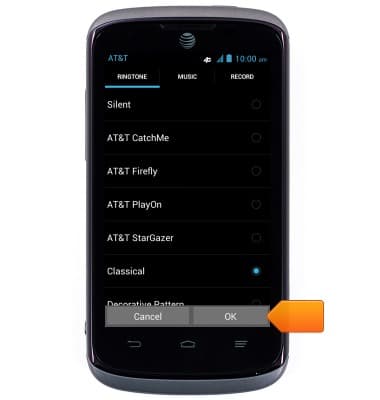
- Tap OK.
Change ringtones
ZTE Radiant (Z740)
Change ringtones
Choose which ringtone your device will use to alert you to incoming calls.
INSTRUCTIONS & INFO