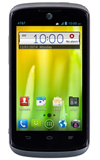
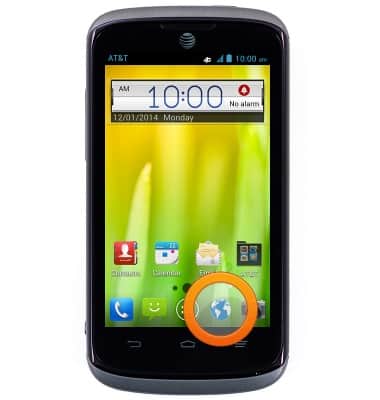
- From the home screen, tap the Browser icon.
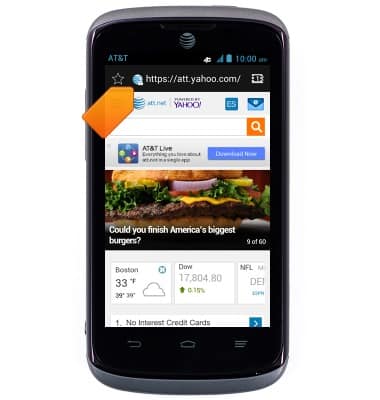
- Tap the URL field.
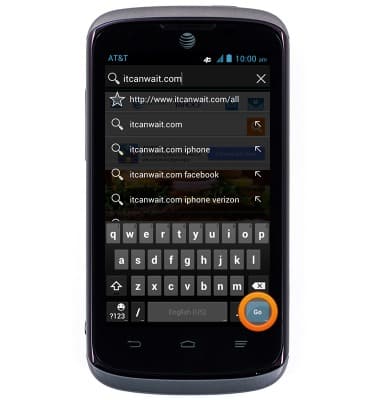
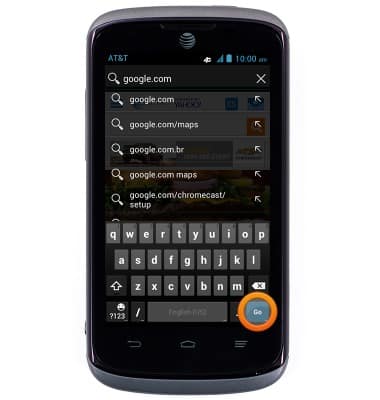
- Enter the desired URL, then tap Go.
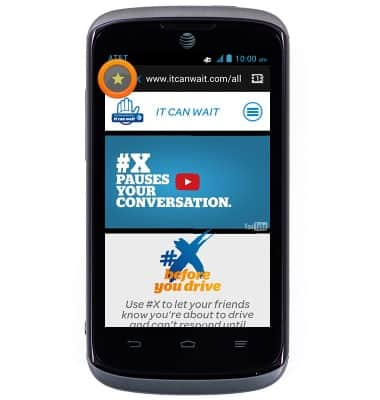
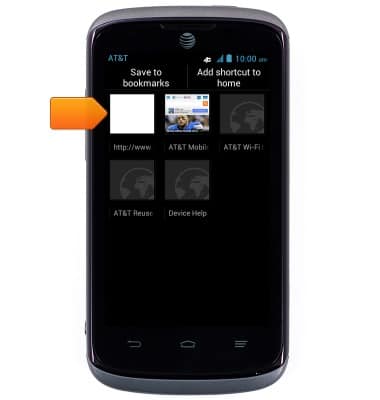
- To add a page to your bookmarks, tap the Bookmarks icon.
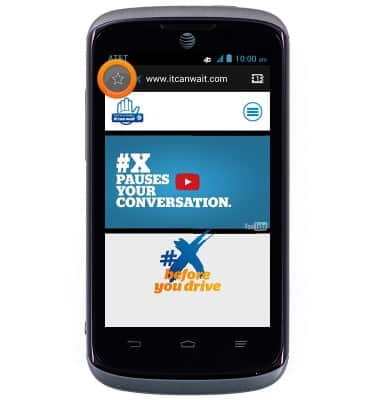
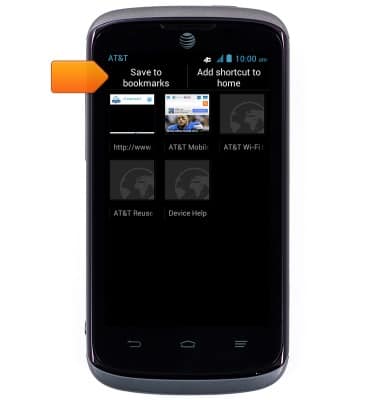
- Tap Save to bookmarks.
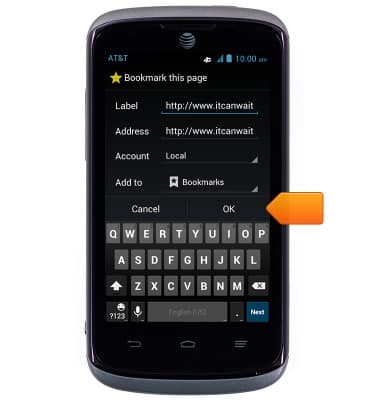
- Make any desired changes, then tap OK.
- To open a previously saved bookmark, tap the Bookmarks icon.
- Tap the desired bookmark to open.
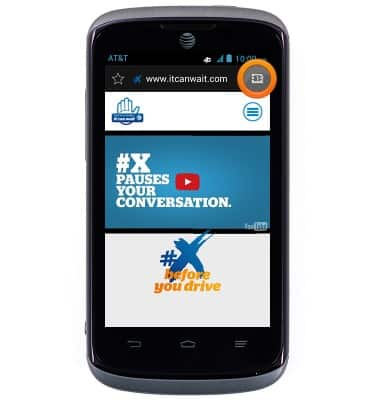
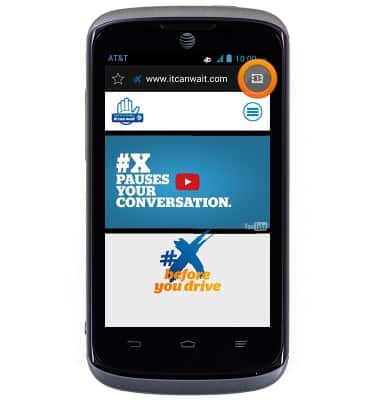
- To open a new tab, tap the Tab manager icon.
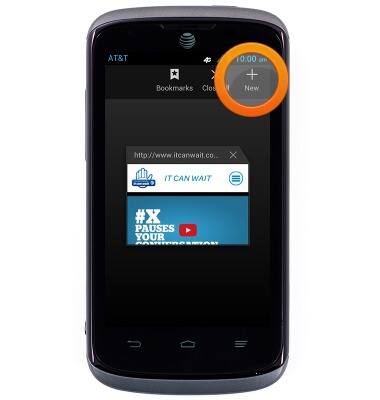
- Tap New.
- Tap the URL field.
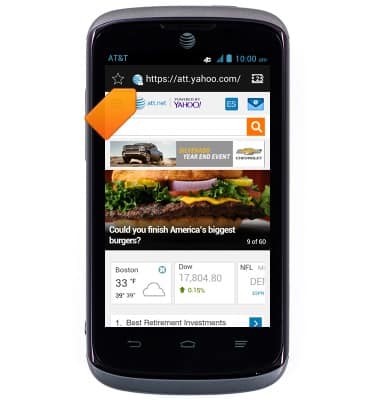
- Enter the desired URL then tap Go.
- Tap the Tab manager icon to manage windows.
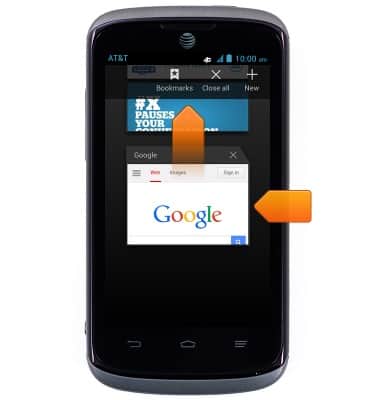
- Scroll to, then tap the desired window to open it.
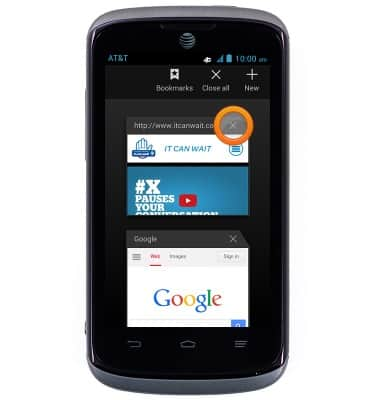
- Tap the Close icon next to the desired window to close it.
Browse the web
ZTE Radiant (Z740)
Browse the web
Learn to browse the web and manage tabs and bookmarks.
INSTRUCTIONS & INFO