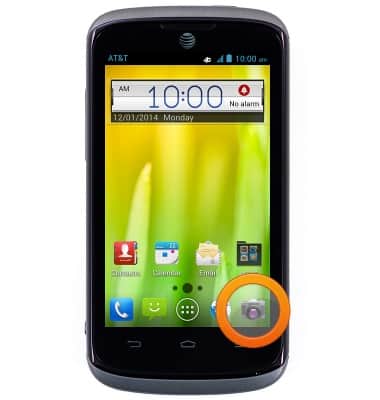
- From the home screen, tap the Camera icon.
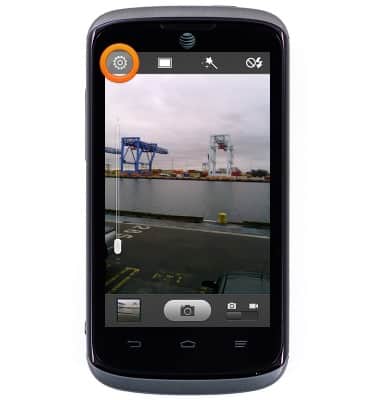
- To edit camera settings, tap the Settings icon.
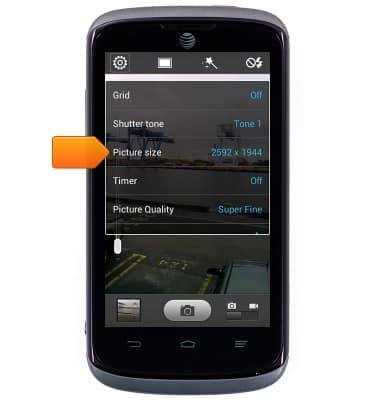
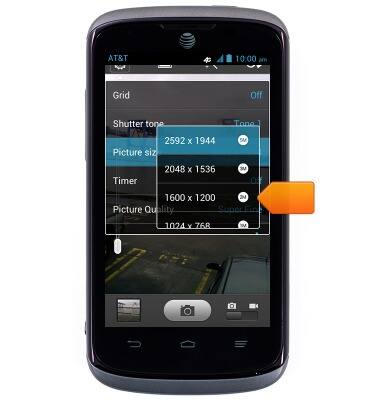
- To adjust the image size, tap Picture size.
- Tap the desired image size.
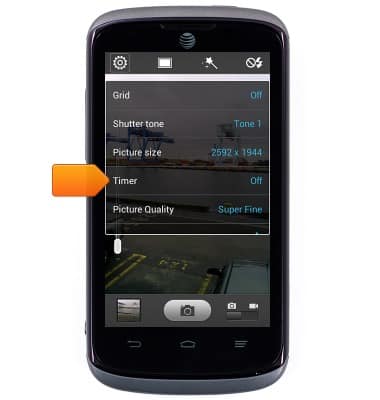
- To adjust the timer, tap Timer.
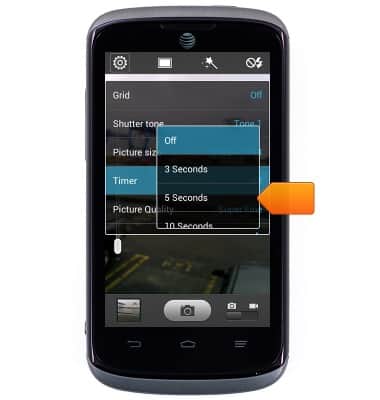
- Tap the desired timer option.
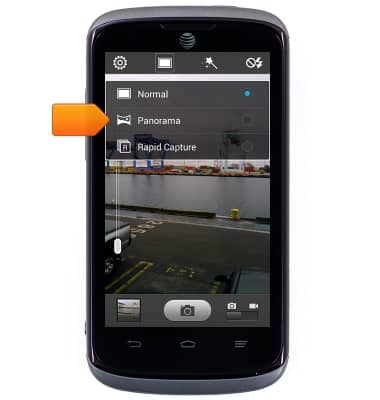
- To adjust the shooting mode, tap the Photo icon.
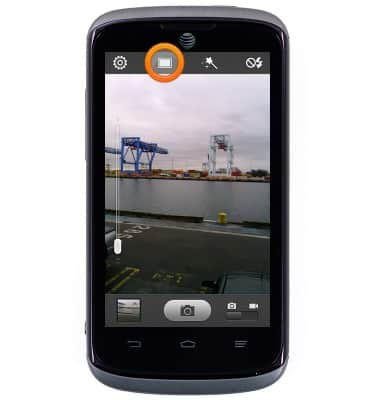
- Tap the desired shooting mode.
- Tap the Flash icon to change the flash setting.
Note: To learn more about your camera settings and features, download the user manual.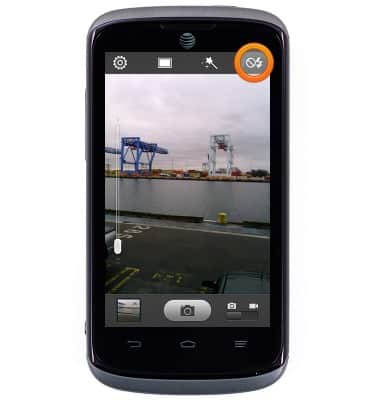
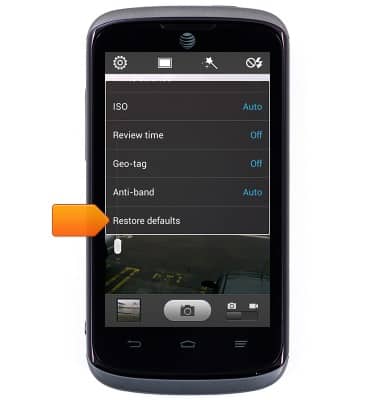
- To reset all camera settings, tap the Settings icon, then scroll to and tap Restore defaults.
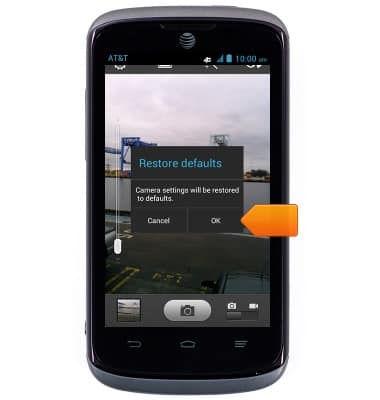
- Tap OK.
Camera & video settings
AT&T Radiant (Z740)
Camera & video settings
Manage camera and video settings including flash, timer, voice control, recording mode, storage location, and more.
INSTRUCTIONS & INFO