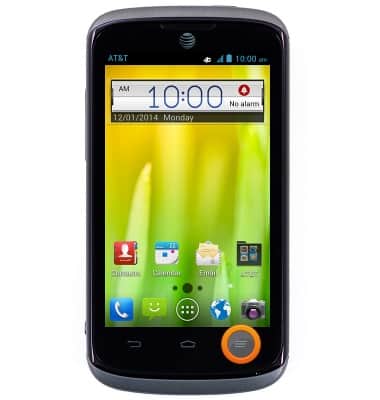
- From the home screen, press the Menu key.
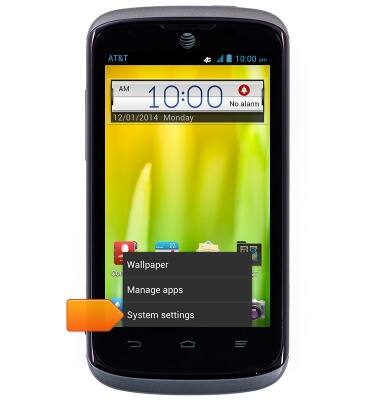
- Tap System settings.
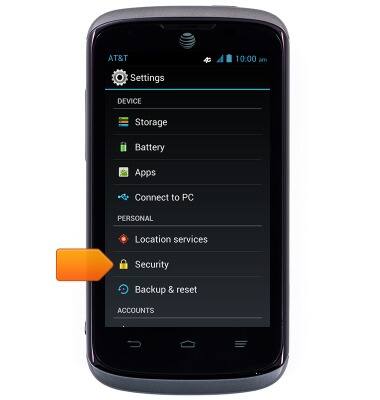
- Scroll to 'PERSONAL', then tap Security.
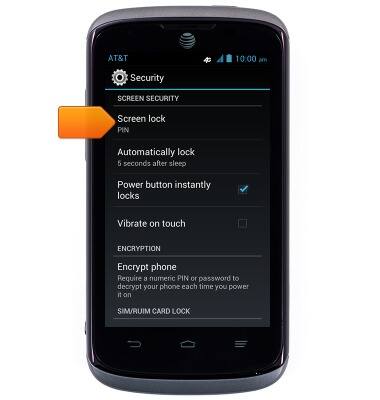
- Tap Screen lock.
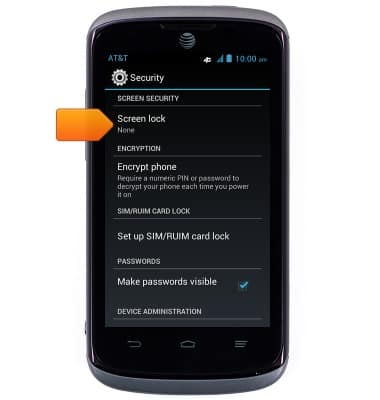
- Tap the desired option.
Note: For this demonstration, PIN was selected.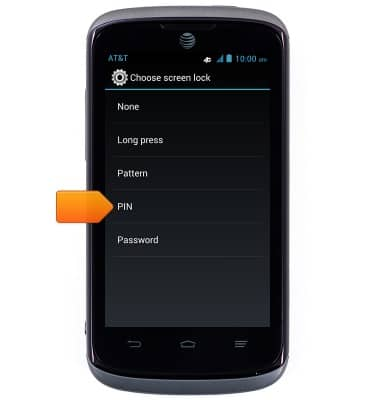
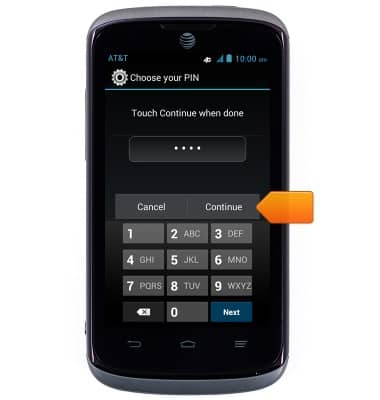
- Enter the desired PIN, then tap Continue.
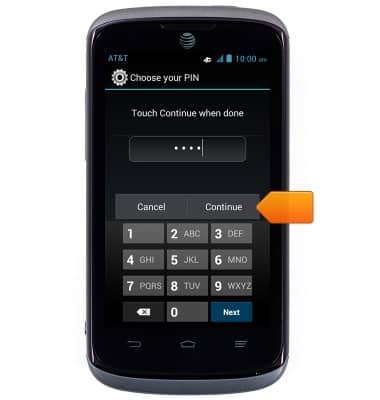
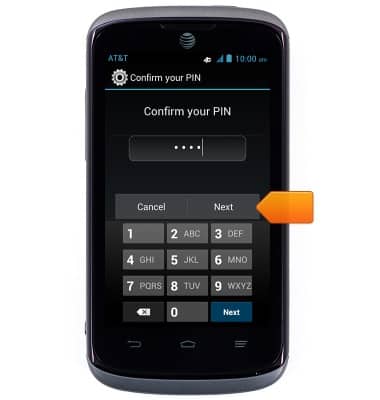
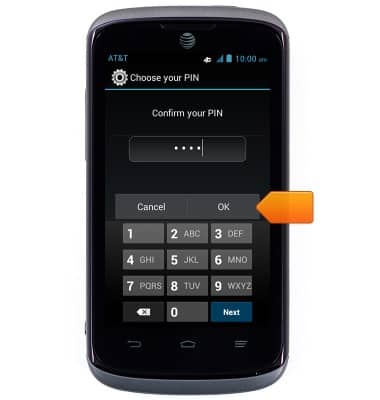
- Re-enter the PIN, then tap OK.
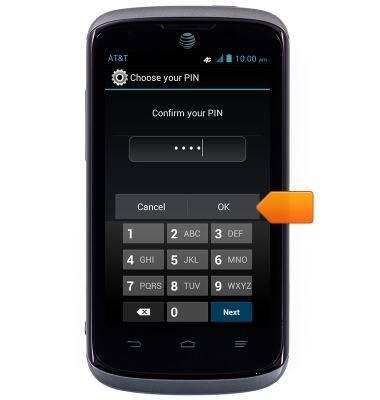
- To change the lock code, tap Screen lock.
- Enter the current PIN, then tap Next.
- Tap the desired option.
Note: For this demonstration, PIN was selected.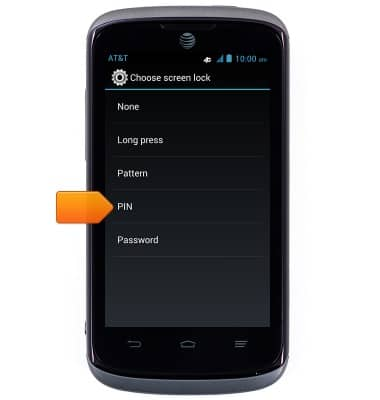
- Enter the desired new PIN, then tap Continue.
- Re-enter the new PIN, then tap OK.
Set or change password security
AT&T Radiant (Z740)
Set or change password security
Enable or change the password on your device.
INSTRUCTIONS & INFO