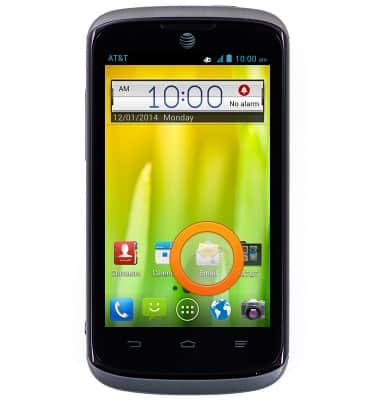
- From the home screen, tap the Email icon.
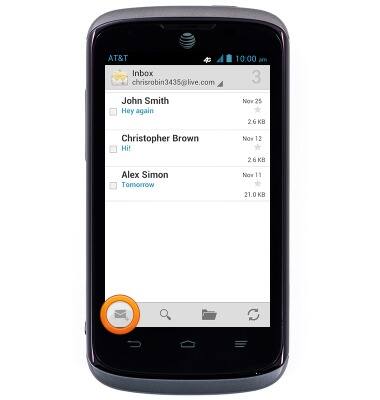
- To compose an email, tap the Compose icon.
- Tap the To field and enter the desired recipient.
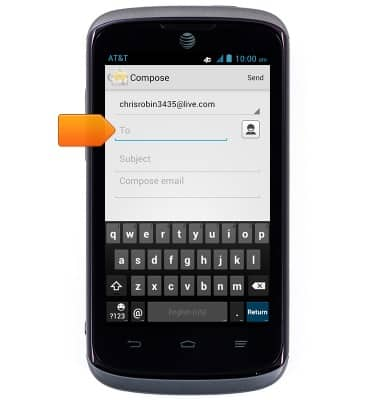
- Tap the Subject field and enter the desired subject.
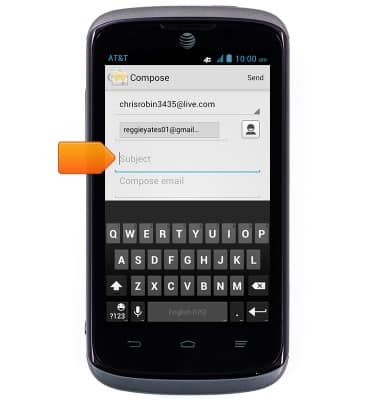
- Tap the Compose email field and enter the desired message.
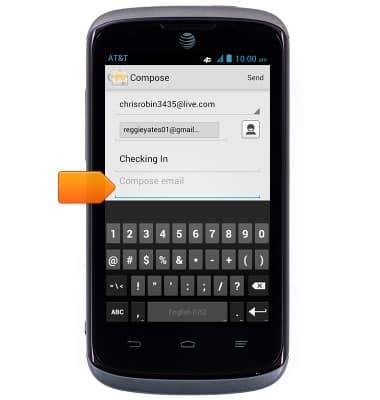
- Tap Send.
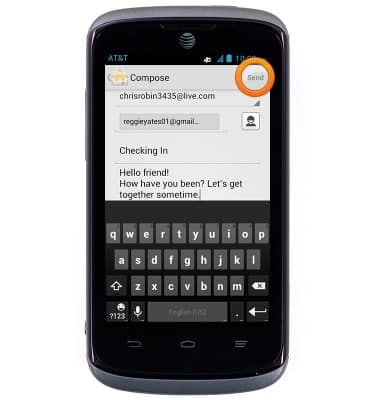
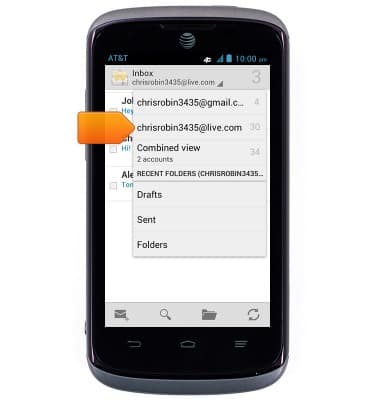
- If multiple email accounts are set up on your device, tap the Inbox drop-down to switch between inboxes.
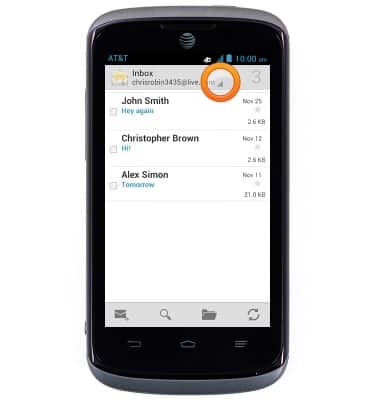
- Tap the desired email account.
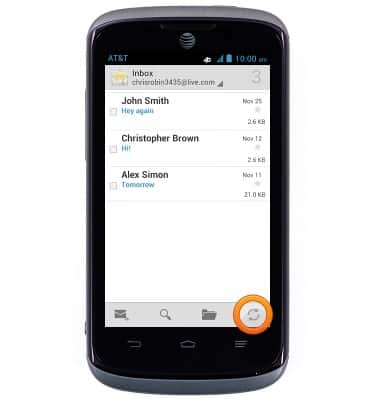
- Tap the Refresh icon to refresh the selected inbox.
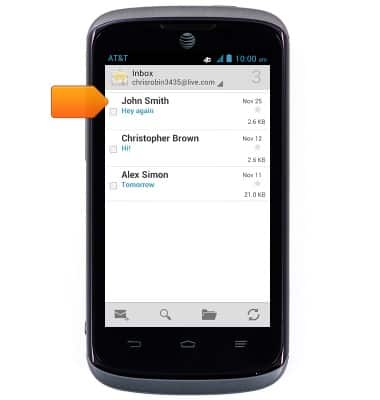
- Tap the desired email to view it.
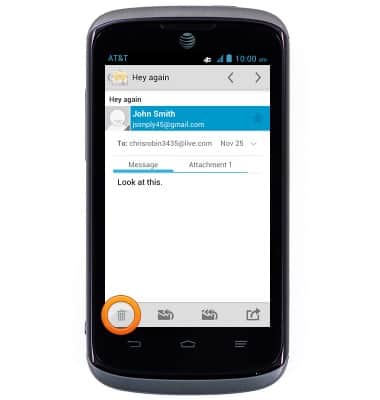
- Tap the Trash icon to delete a message.
- Tap the Reply icon to reply to the sender of a message.
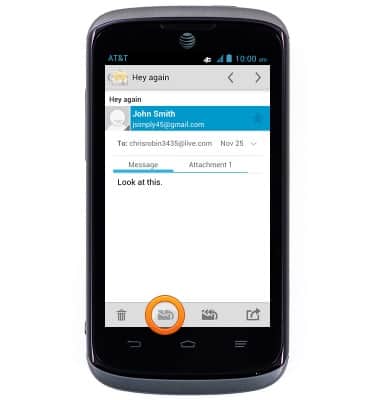
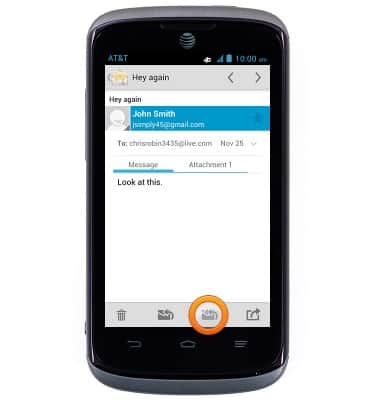
- Tap the Reply all icon to reply to the sender and all recipients of a message.
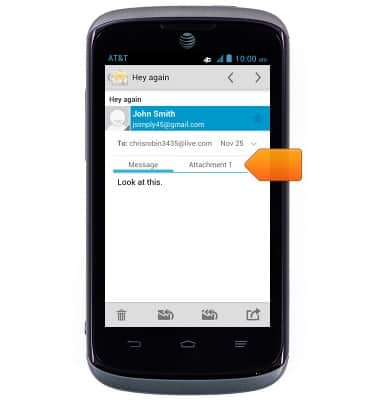
- To access files attached to an email, tap Attachment.
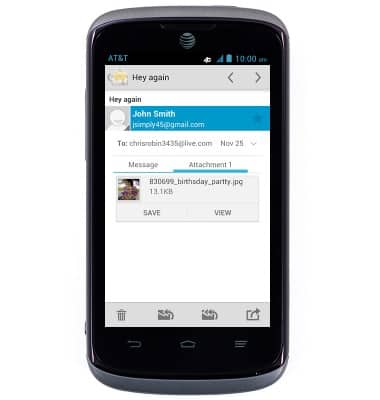
- Tap the desired option to either view or download and save the file.
Send & receive email
AT&T Radiant (Z740)
Send & receive email
Add and download email attachments, respond to an email and more.
INSTRUCTIONS & INFO