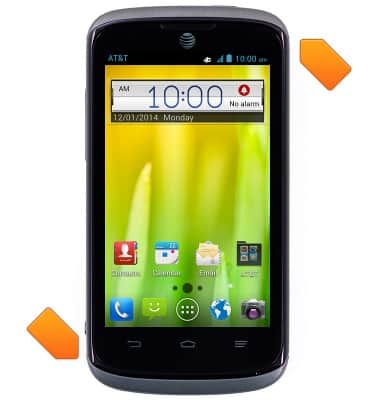
- Rotate the device to allow display in landscape orientation.
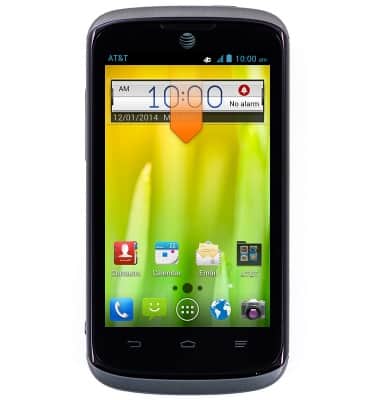
- To enable or disable the screen orientation, swipe down the Notifications bar.
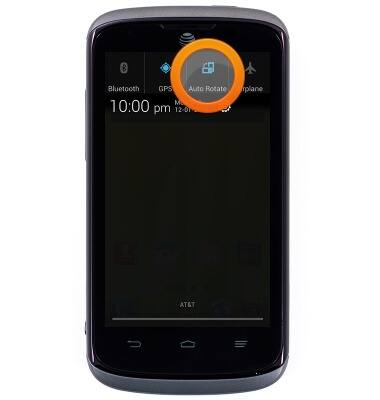
- Tap AUTO ROTATE to turn it on or off.
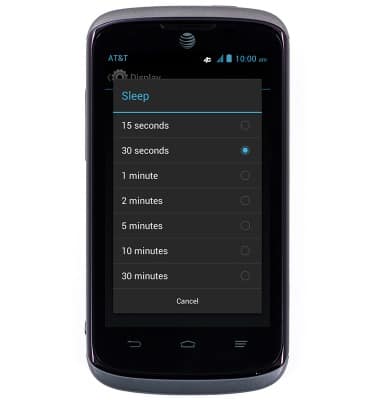
- To change screen time out, from the home screen, from the home screen, press the Menu key.
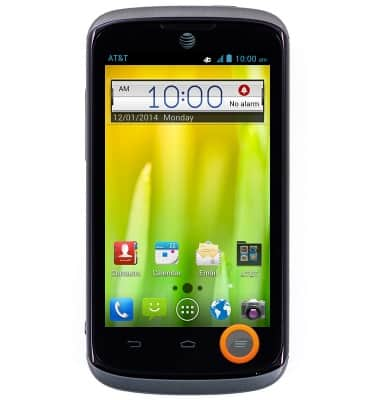
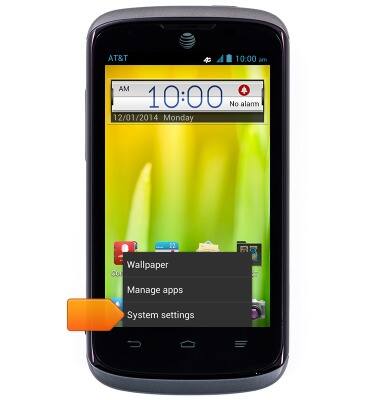
- Tap System settings.
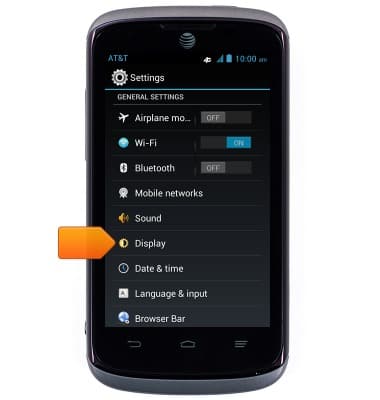
- Scroll to 'GENERAL SETTINGS', then tap Display.
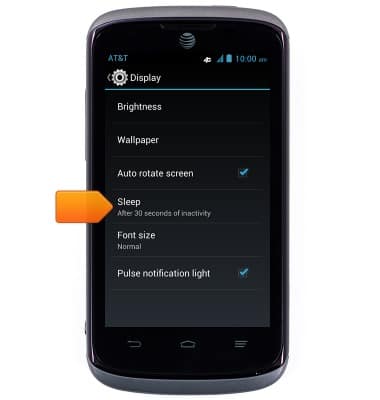
- Tap Sleep.
- Tap the desired option.
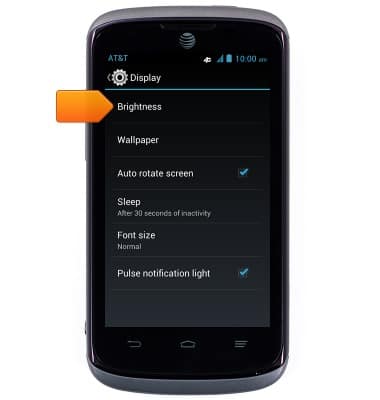
- To change the brightness level, tap Brightness.
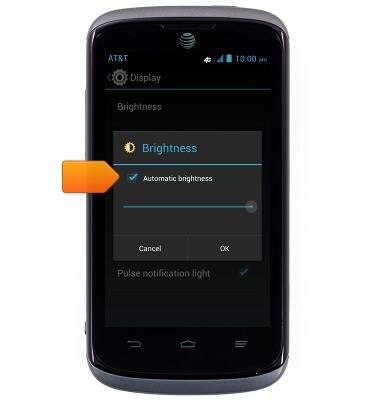
- To adjust the brightness level manually, tap AUTO to disable the function.
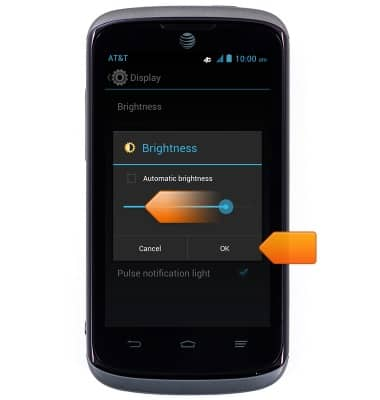
- Touch and drag the Screen brightness slider to the desired brightness level, then tap OK.
Display
AT&T Radiant (Z740)
Display
Change the display time out, brightness and orientation.
INSTRUCTIONS & INFO