- Create event:
From the Home screen, tap Calendar.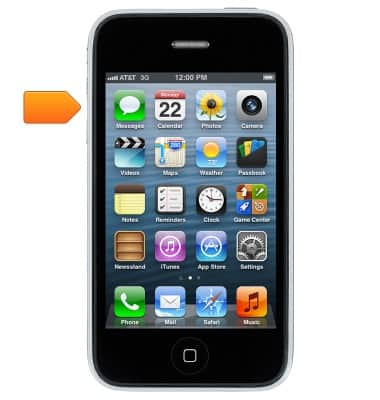
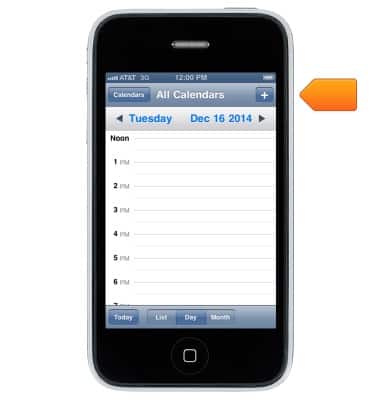
- Tap + to create a new event.
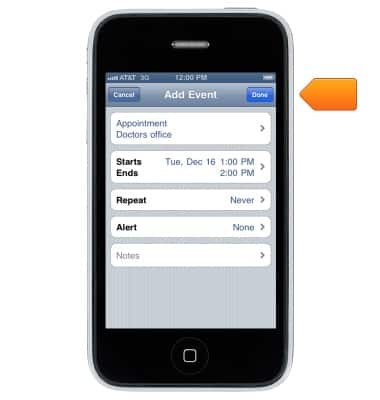
- Enter the desired information, and then tap Done.
- Edit event:
From the Calendar, tap on the desired appointment, and then select Edit.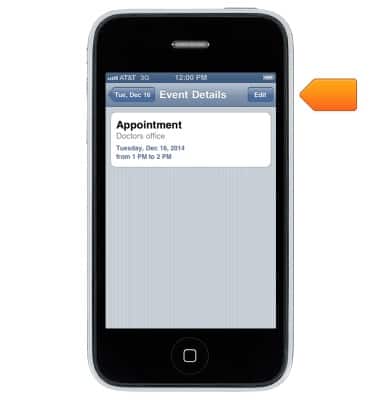
- Edit the fields as desired, and then tap Done.
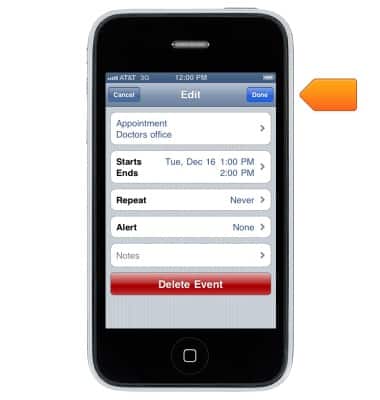
- Delete event:
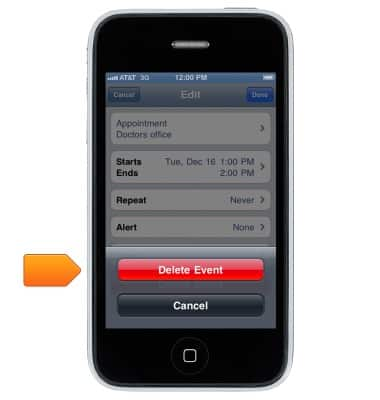
From the Calendar, tap on the desired appointment, and then select Edit.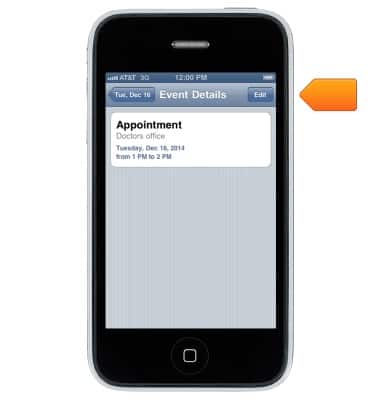
- Tap Delete Event.
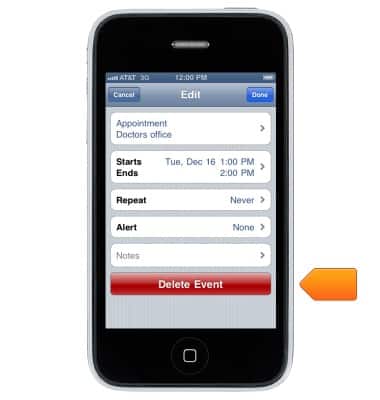
- Tap Delete Event again to confirm.
Calendar
Apple iPhone 3-GS
Calendar
Learn how to access the calendar and manage events.
INSTRUCTIONS & INFO