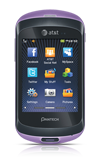
- Set the screen brightness to low.
Note: From the home screen, tap Menu > Settings > Display > Backlighting > Drag the Screen Brightness slider to Level 1.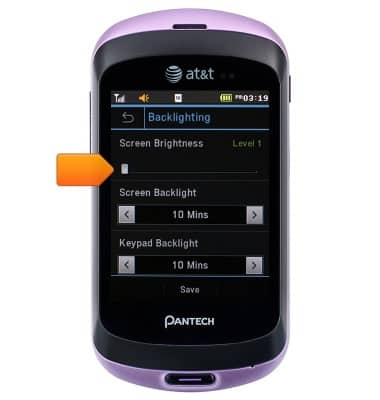
- Set the screen timeout to a shorter duration.
Note: From the home screen, tap Menu > Settings > Display > Backlighting > Screen Backlight.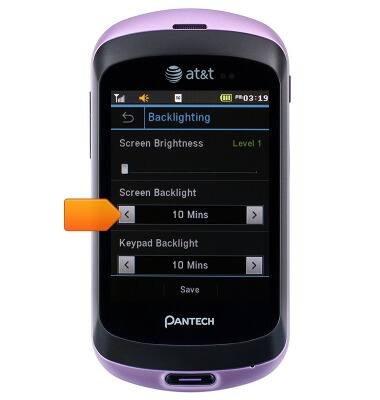
- Turn off Bluetooth when not in use.
Note: From the home screen, tap Menu > Settings > Connectivity > Bluetooth > Settings > Activation.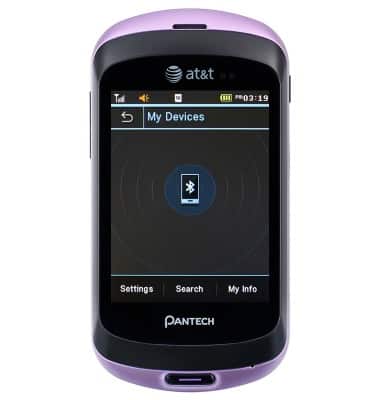
- If you are traveling and do not have access to mobile or Wi-Fi networks, switch to Flight mode.
Note: From the home screen, tap Menu > Settings > Profiles > Flight Mode.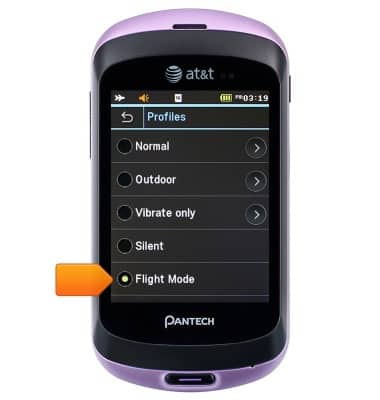
Battery life
Pantech Swift (P6020)
Battery life
Tips & tricks to extend your battery performance.
INSTRUCTIONS & INFO