
- Press the Volume down key until the Vibrate icon displays to set the device to vibrate.
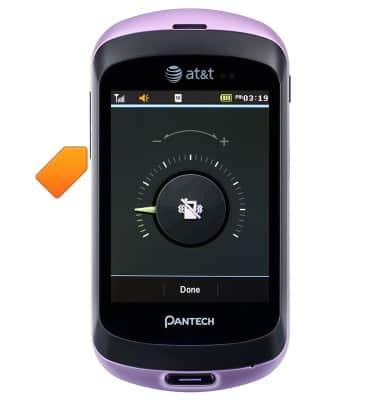
- Press the Volume down key until the Silent icon displays to set the device to silent.

- Press the Volume Up key to raise the volume.

Sounds & alerts
Pantech Swift (P6020)
Sounds & alerts
Change volume settings, ringtones, and notification alerts.
INSTRUCTIONS & INFO