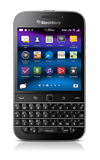
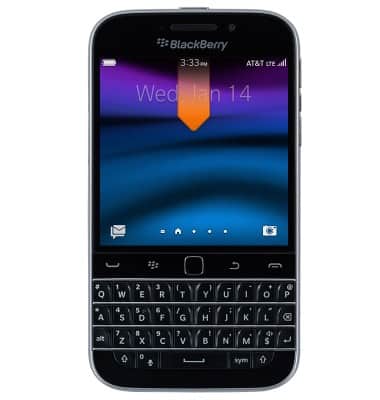
- From the home screen, swipe down from the top of the display to access Quick Settings.
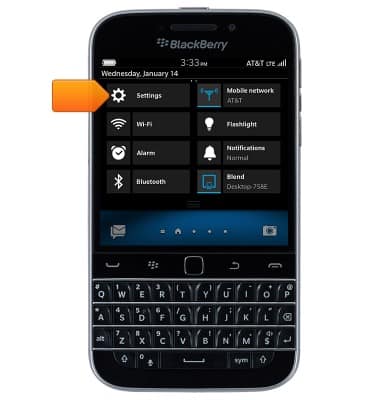
- Tap Settings.
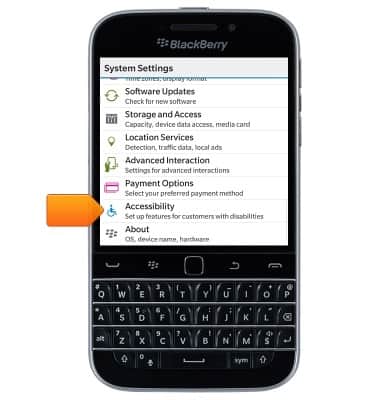
- Scroll to, then tap Accessibility.
- Adjust accessibility settings as desired.
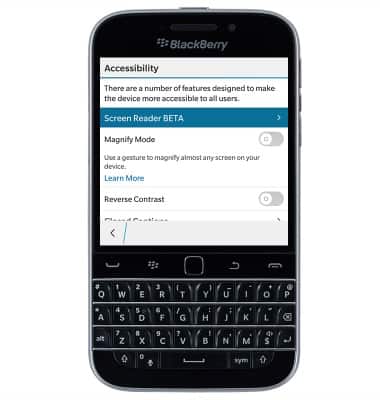
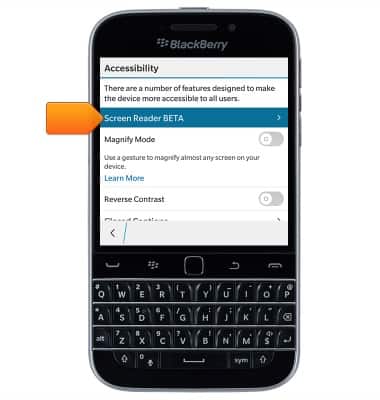
- To turn on Talk Back, tap Screen Reader BETA.
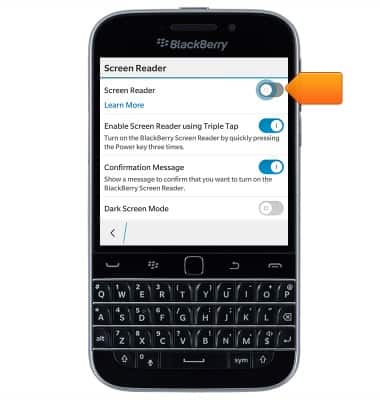
- To turn the screen reader on or off, tap the Screen Reader toggle switch.
Accessibility
BlackBerry Classic (SQC100-2)
Accessibility
Turn on features such as TalkBack, Hearing aid mode, and more.
INSTRUCTIONS & INFO