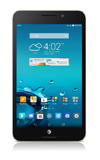
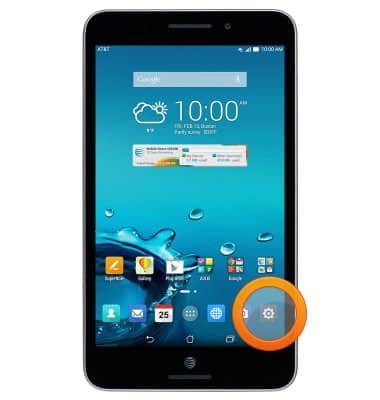
- From the home screen, tap the Settings icon.
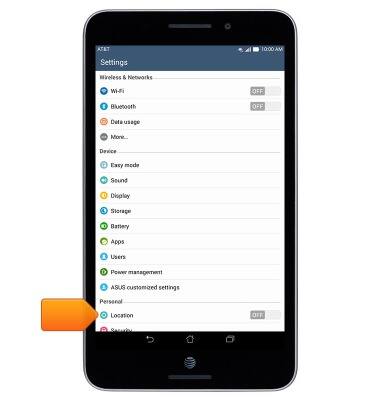
- Tap Location.
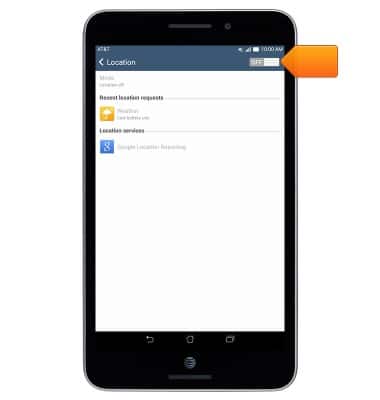
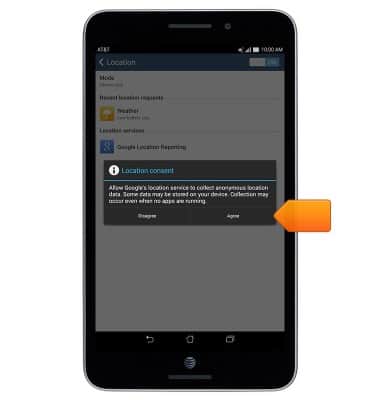
- To turn GPS on or off, tap the Location switch.
- Tap Agree.
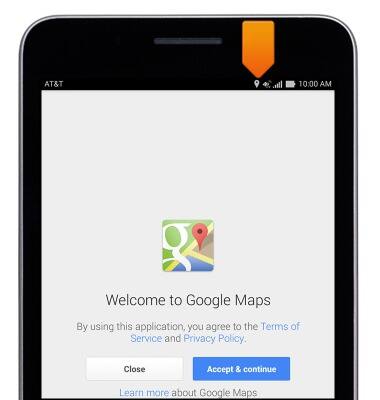
- The Location icon will be displayed in the notification bar when using an app that currently is using Location services.
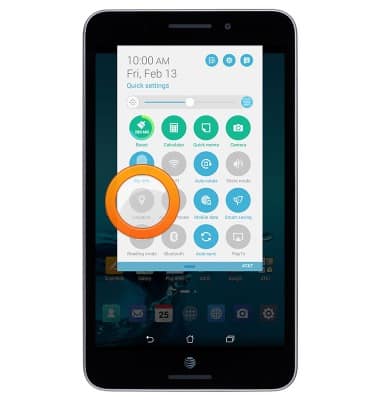
- To quickly turn Location on or off, swipe down from the top of the screen with two fingers, then tap Location.
Location services & GPS
ASUS MeMO Pad 7 LTE (ME375CL)
Location services & GPS
This article describes how to enable location services.
INSTRUCTIONS & INFO