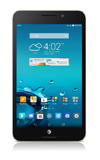
- From the home screen, tap the Calendar icon.

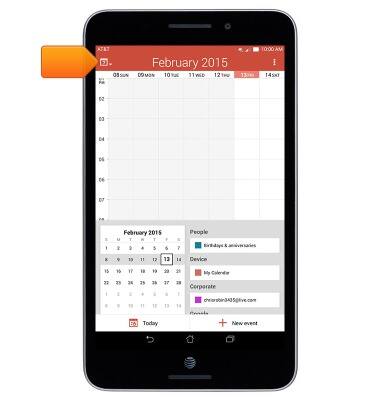
- To change the calendar view, tap the Calendar icon.
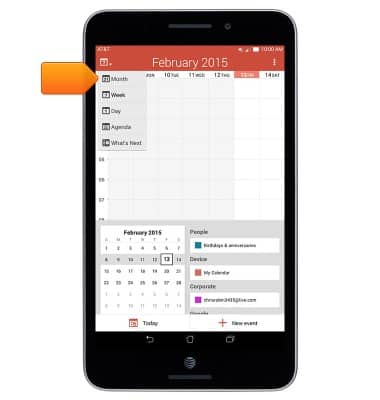
- Tap the desired option.
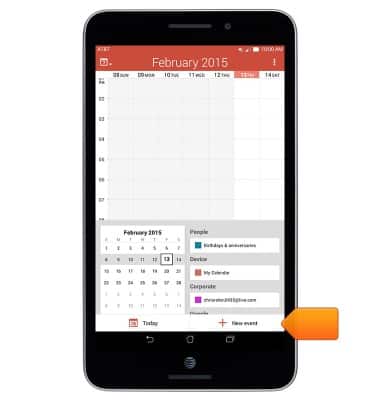
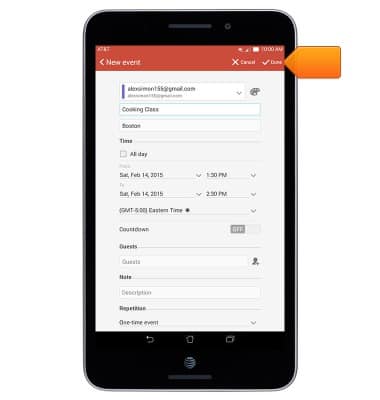
- To add an event, tap New event.
- Enter the desired calendar event information, then tap Done.
- To edit an existing event, navigate to and tap the desired event.
Note: You will only be able to edit events you have created.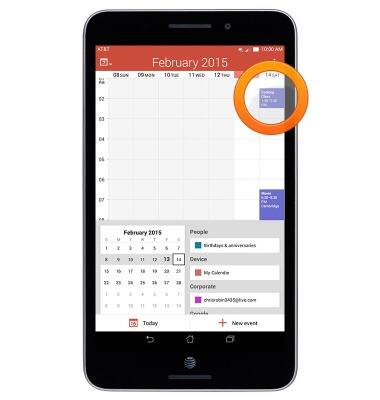
- Tap the Edit icon.
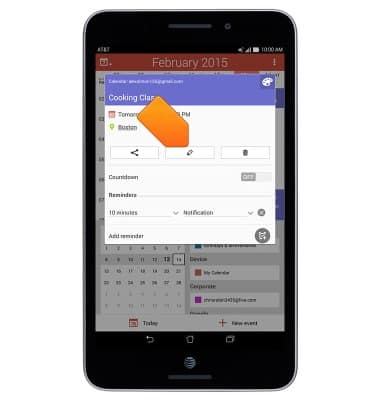
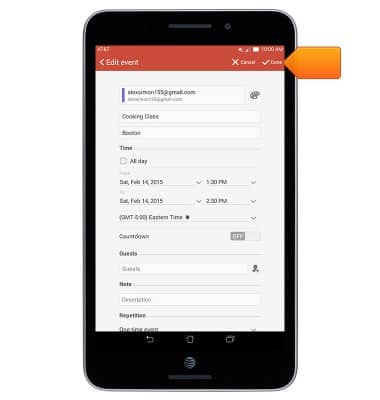
- Edit the event details as desired, and then tap Done.
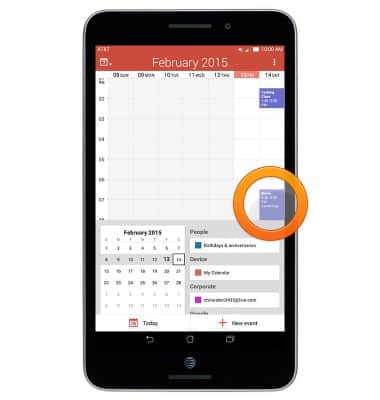
- To delete an event, navigate to, then tap the desired event.
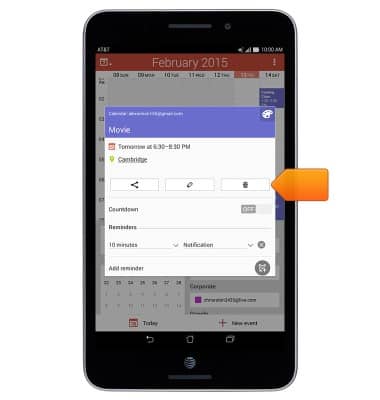
- Tap the Delete icon.
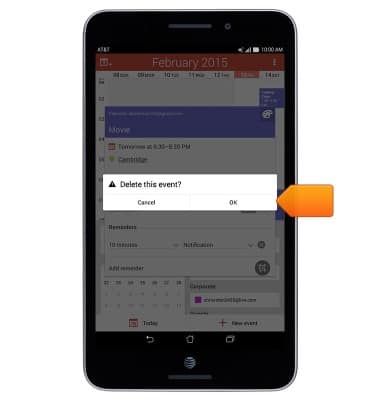
- Tap OK.
- The Event icon will be displayed in the Notification bar indicating an upcoming event.

Calendar
ASUS MeMO Pad 7 LTE (ME375CL)
Calendar
This article describes how to create, edit, or delete a calendar event.
INSTRUCTIONS & INFO