- From the home screen, tap the Apps icon.
Note: To add music to your device, you can purchase from Google Play or transfer music files from your computer to the device Music folder.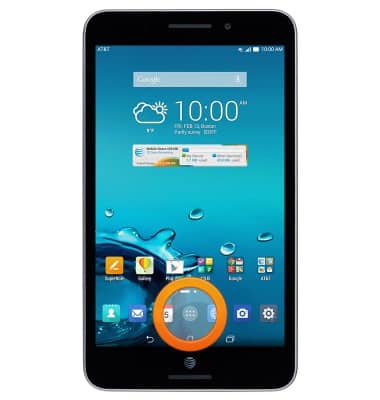
- Tap Music.
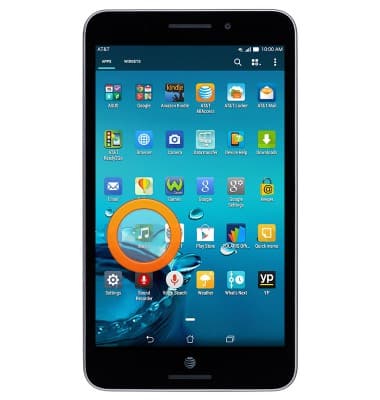
- Tap the desired album.
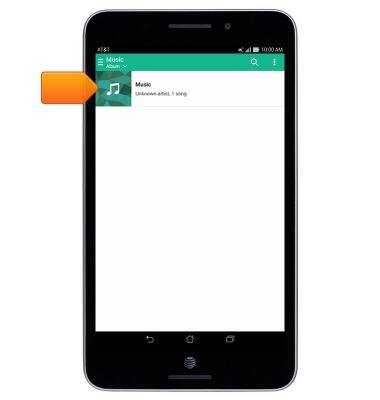
- Tap the desired song.
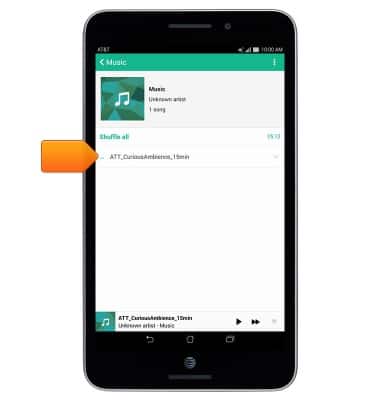
- Playback will begin automatically. Tap the Song tab.
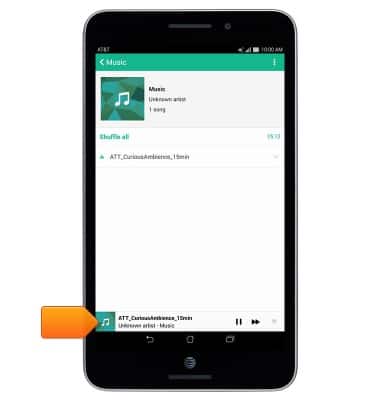
- Tap the Pause icon to pause playback.
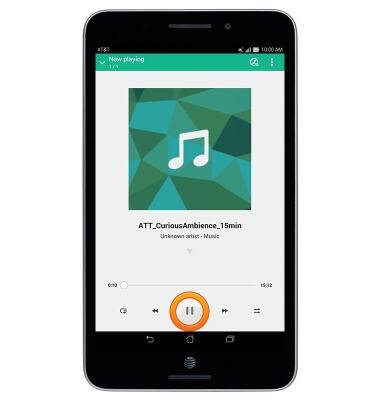
- Tap the Forward / Back icons to skip back and forth on the playlist. Touch and hold the icons to fast forward and rewind.
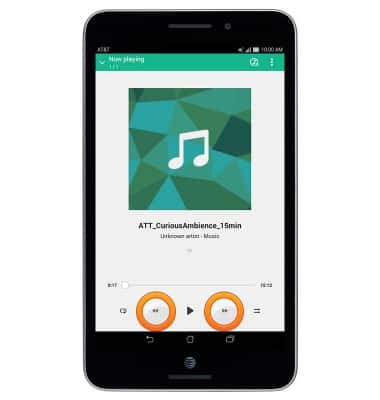
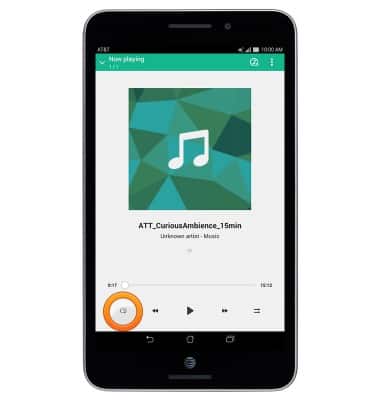
- Tap the Repeat icon to toggle through the repeat options.
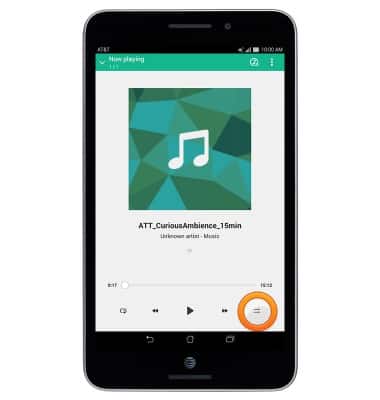
- Tap the Shuffle icon to enable shuffle.
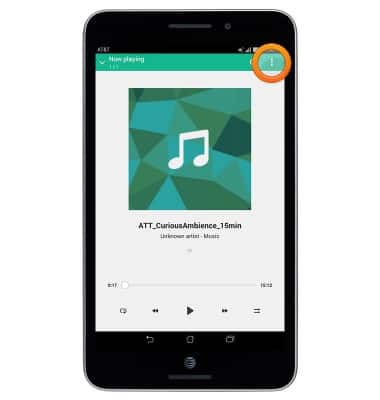
- Tap the Menu icon to view additional options.
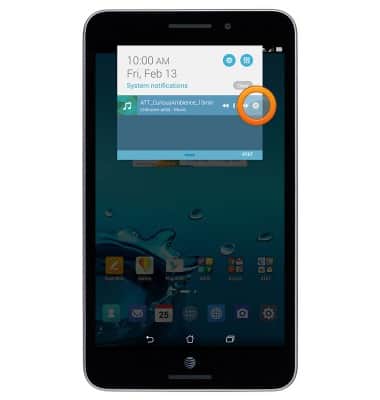
- When music is playing, the Music icon will be displayed in the Notifications Bar.
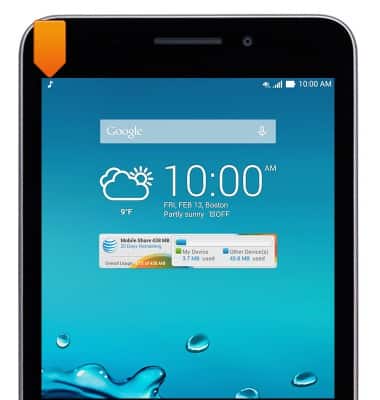
- To turn off the music player, swipe down from the top of the screen, then tap the X icon.
Play music
ASUS MeMO Pad 7 LTE (ME375CL)
Play music
Listen to your favorite music.
INSTRUCTIONS & INFO