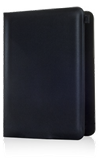
- To reset the AT&T Modio LTE case to default settings, push in the device Reset button for 2 seconds then release.
Note: This will reset the Wi-Fi network name (SSID) and password.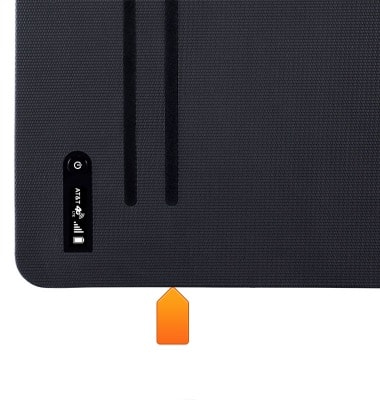
- To reset the AT&T Modio Data app to default settings, tap Settings.
- Scroll to and tap AT&T Modio Data.
- Slide the Reset switch to the On position.
- Press the Home Key.
- When you access the AT&T Modio Data app the 'Welcome to AT&T Modio Data' wizard will display.
Reset device
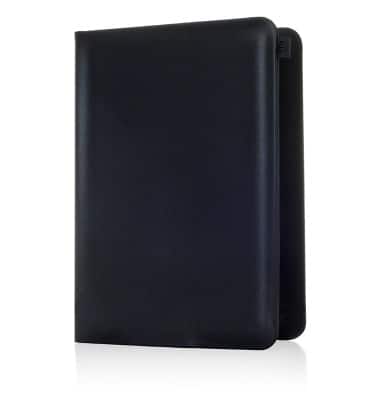
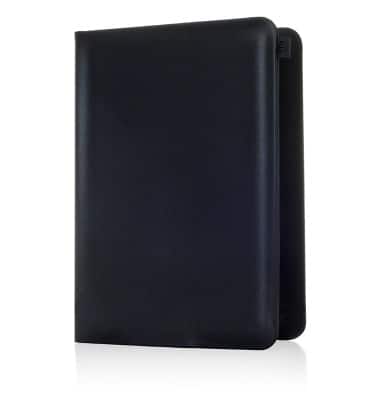
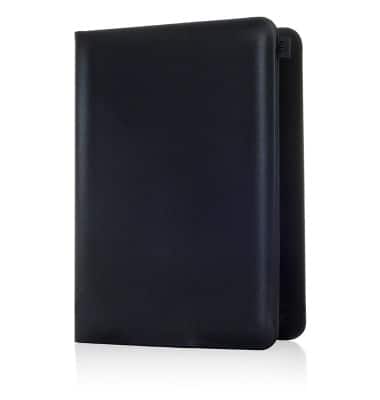
AT&T Modio LTE case for iPad mini (Y860OA)
Reset device
This article describes how to reset the device to its factory settings.
INSTRUCTIONS & INFO