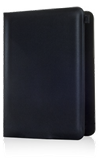
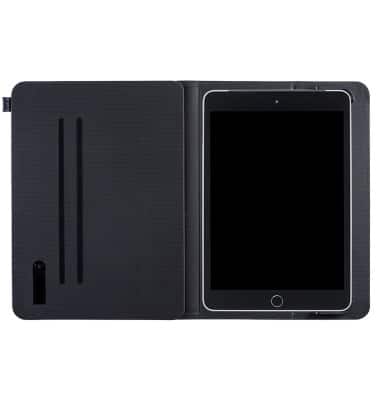
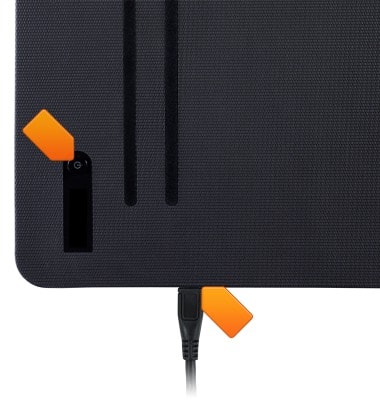
- To turn the device on, press and hold the Power button for 2 seconds until 'AT&T' appears on the adjoining OLED screen.
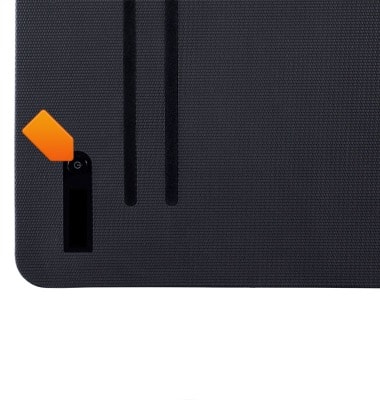
- To turn the device off, press and hold the Power button, until 'Shutting down' appears on the OLED screen.
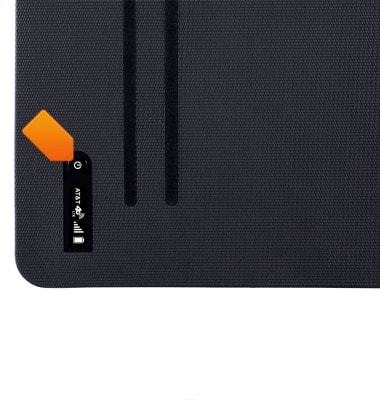
- The AT&T Modio LTE case automatically wakes and sleeps with your iPad mini.
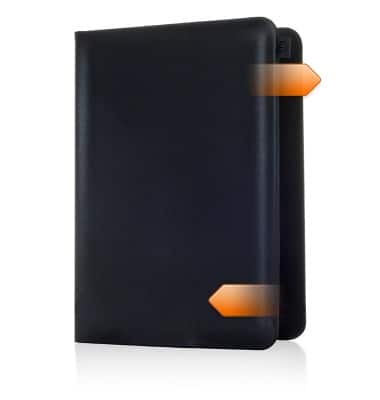
- The AT&T Modio LTE case detects when your iPad mini is asleep and automatically turns off your connection.
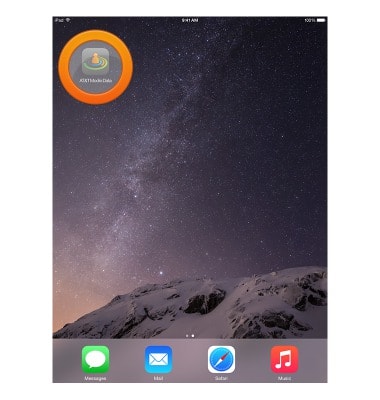
- If you are unable to turn the device off using the Power button, try turning it off via the AT&T Modio Data app. From the home screen, swipe to then tap AT&T Modio Data.
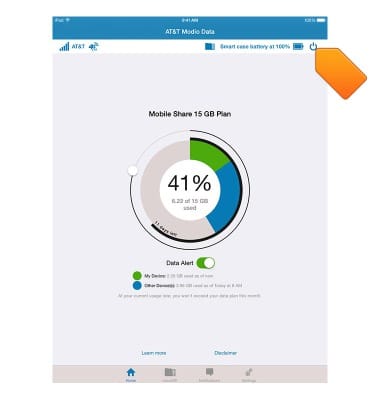
- Tap the Power icon.
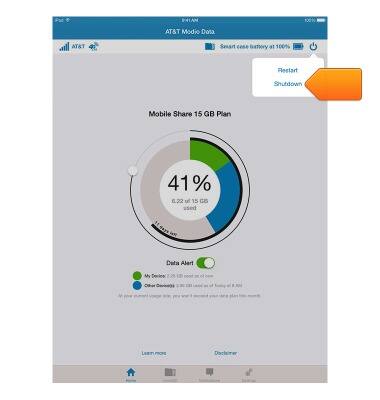
- Tap Shutdown.
- If you are unable to turn the device on, connect to a power source then try again.
Power device on or off
AT&T Modio LTE case for iPad mini (Y860OA)
Power device on or off
Turn your device on and off.
INSTRUCTIONS & INFO