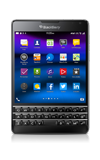
- With the Apps Tray displayed, touch and hold the desired app.
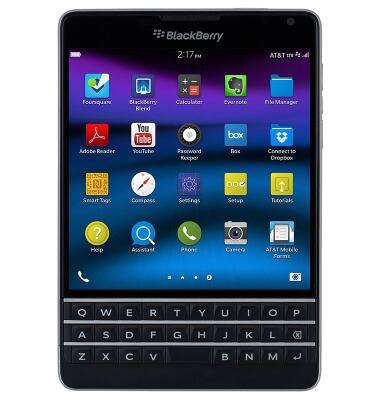
- Tap the Delete icon next to the desired app.
Note: Some pre-installed applications cannot be uninstalled from the device, but can be disabled.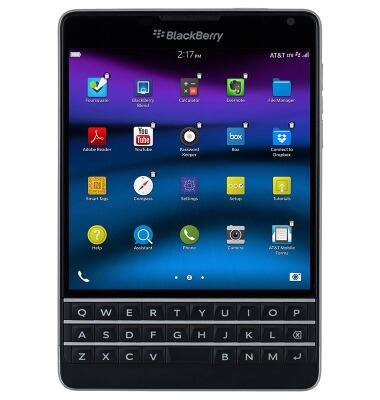
- Tap Delete.
Note: Downloaded applications can be re-installed through BlackBerry World.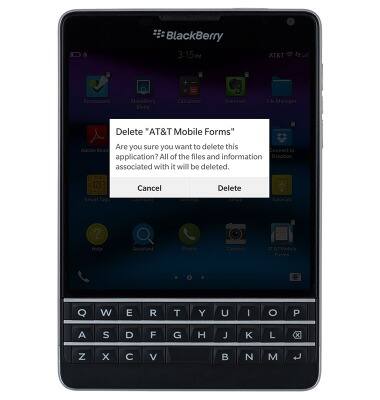
Remove an app
BlackBerry Passport (SQW100-3)
Remove an app
Remove an icon from your home screen and delete apps from your device.
INSTRUCTIONS & INFO