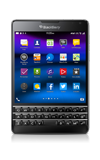
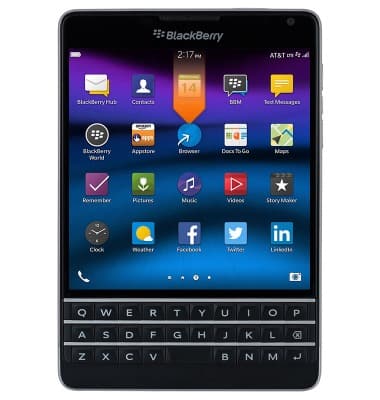
- From the home screen, swipe down from the top of the display to access Quick Settings.
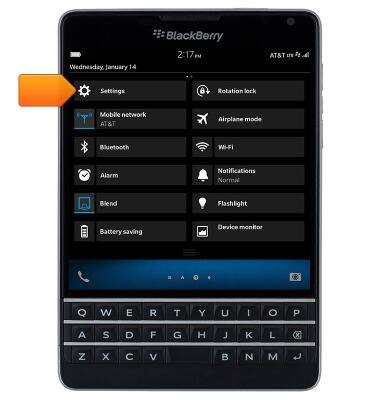
- Tap Settings.
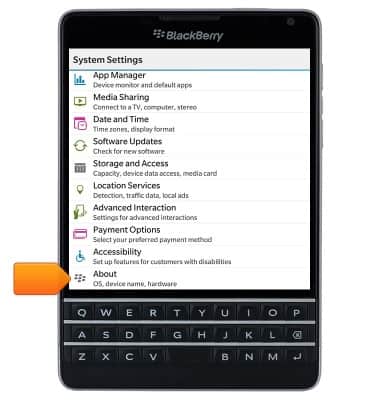
- Scroll to, then tap About.
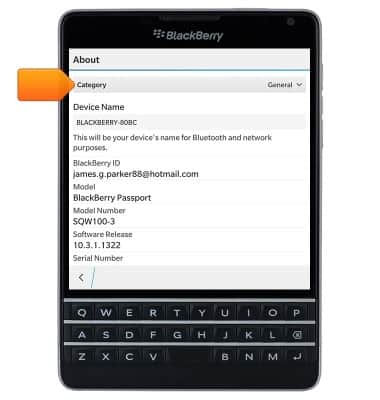
- Tap the Category drop-down.
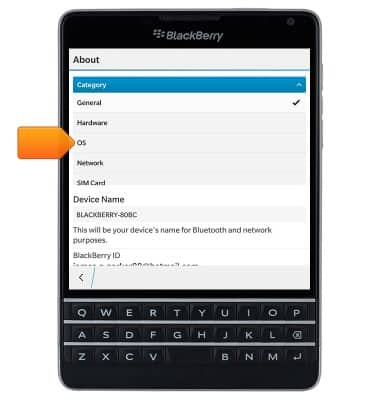
- Tap OS.
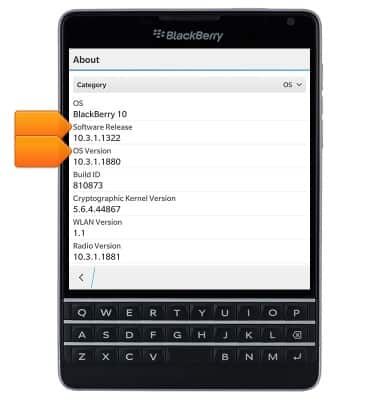
- The Software Release and OS Version will be displayed.
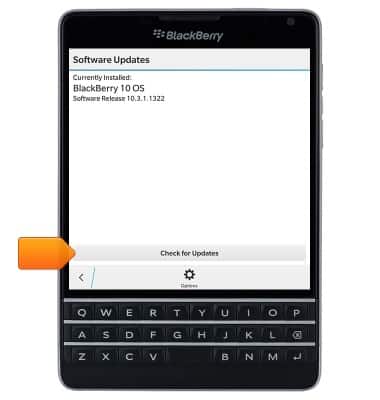
- To check for software updates, return to the 'System Settings' screen, then tap Software Updates.

- Tap Check for Updates, then follow on-screen prompts to install any available updates.
Software version
BlackBerry Passport (SQW100-3)
Software version
Determine your current device software version and check for updates.
INSTRUCTIONS & INFO