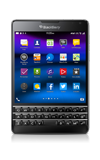
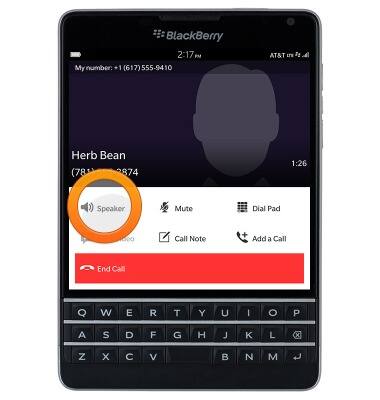
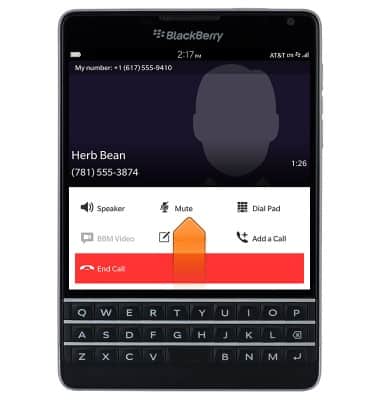
- While connected to a call, tap Speaker to toggle speakerphone on/off.
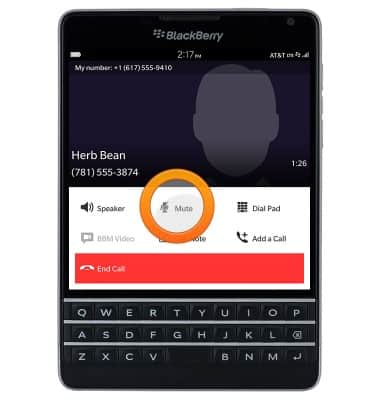
- Tap Mute to mute/unmute your microphone.
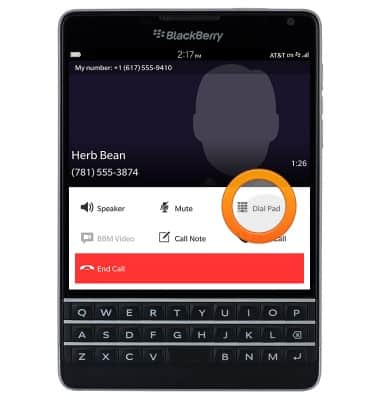
- Tap Dial Pad to display the dial pad.
- Tap BBM Video to start a video chat.
Note: This option is only available for contacts with BlackBerry Messenger.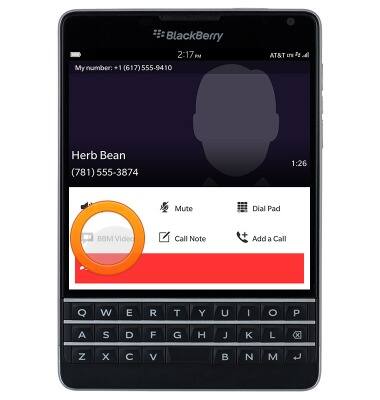
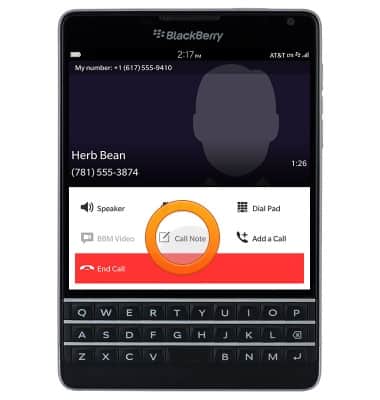
- Tap Call Note to type notes about the call.
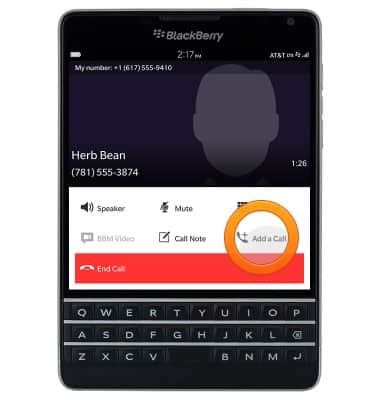
- Tap Add a Call to make another call.
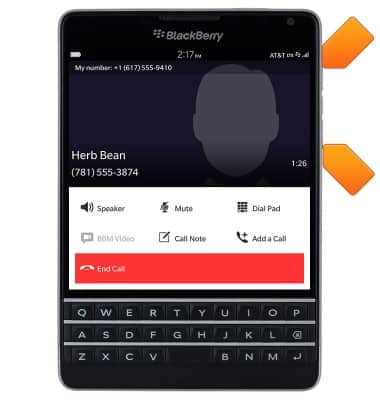
- Press the Volume keys to adjust the call volume.
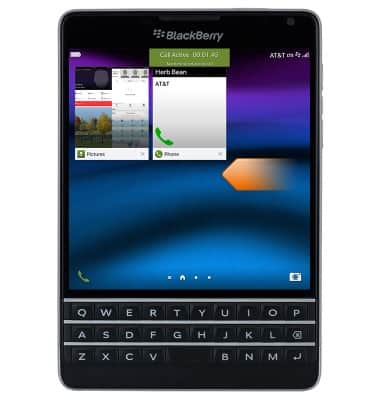
- To access the home screen during a call, swipe up from the bottom of the screen.
- Swipe left to view to the Apps Tray.
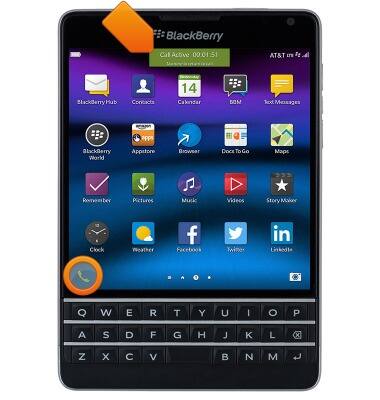
- To return to the active call, tap the Phone icon or the Call notification.
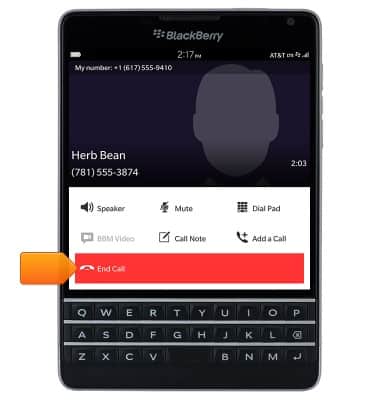
- Tap End Call to disconnect from a call.
In-call options
BlackBerry Passport (SQW100-3)
In-call options
Learn what features are available while on an active call.
INSTRUCTIONS & INFO