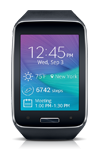
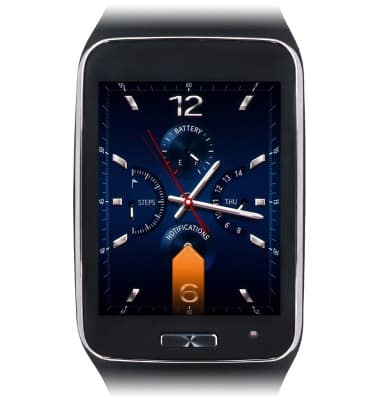
- From the clock screen, swipe up from the bottom edge of the screen.
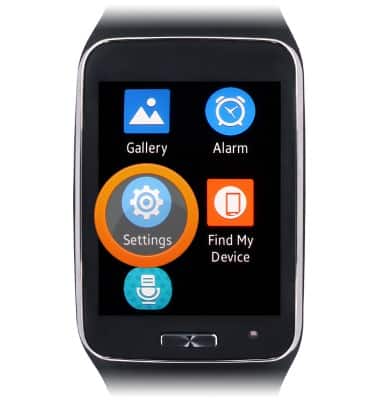
- Scroll to, then tap Settings.
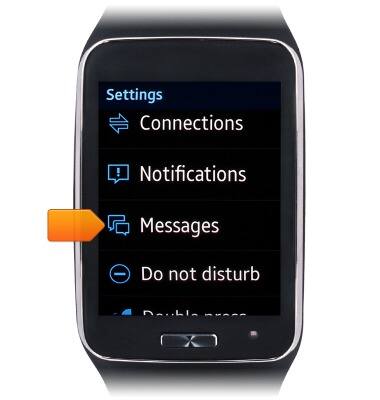
- Scroll to, then tap Messages.
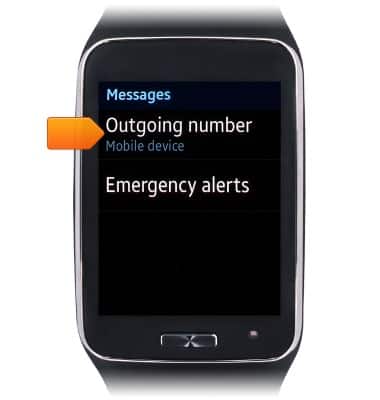
- Tap Outgoing number.
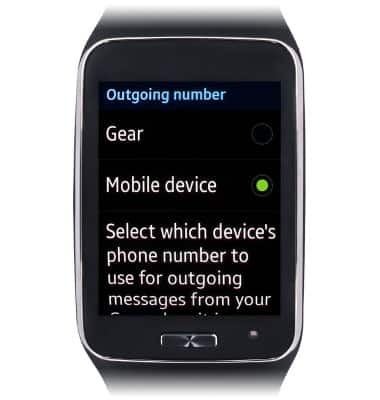
- Tap to select which device's phone number to use for outgoing messages from your Gear when it is connected to your mobile device.
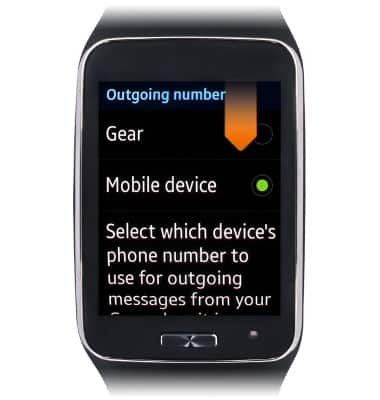
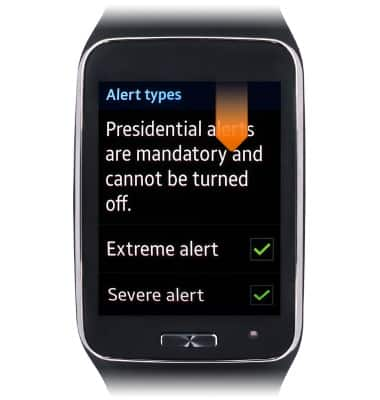
- Swipe down from the top edge of the screen to return to the previous screen.
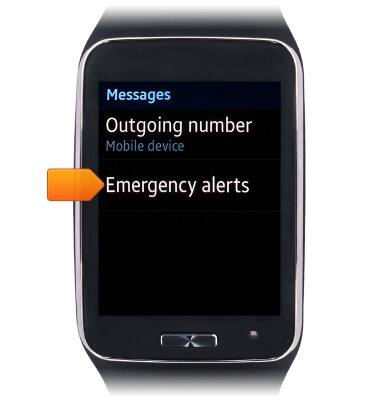
- Tap Emergency alerts.
- Tap Alert types.
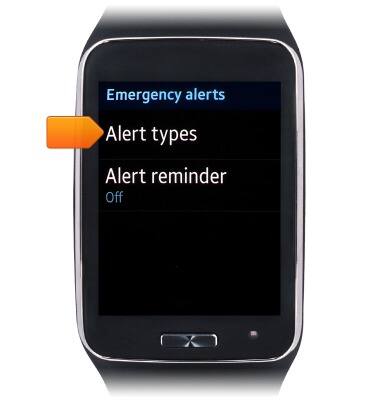
- Tap the desired emergency alerts to display.
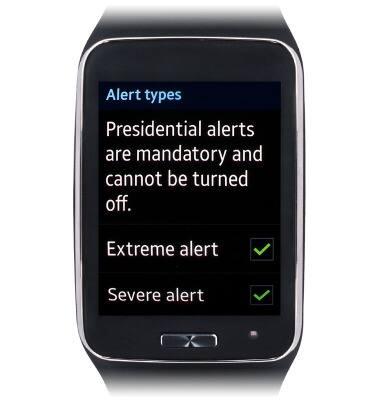
- Swipe down from the top edge of the screen to return to the previous screen.
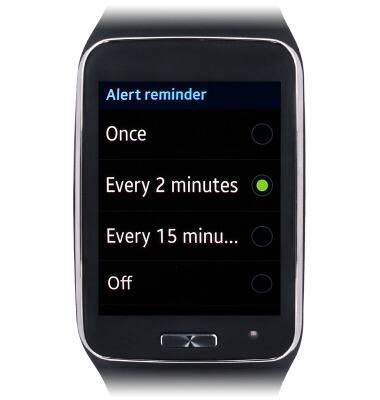
- Tap Alert reminder.
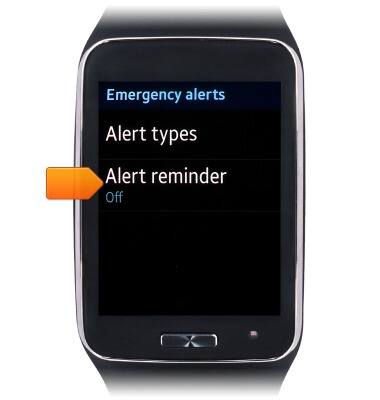
- Tap the desired reminder duration.
Messaging settings
Samsung Gear S (R750A)
Messaging settings
This tutorial shows how to adjust messaging settings on your device.
INSTRUCTIONS & INFO