- This product is not intended to diagnose, treat or prevent any disease or medical condition. Always seek the advice of a qualified medical professional before making any changes to your exercise, sleep, or nutrition.
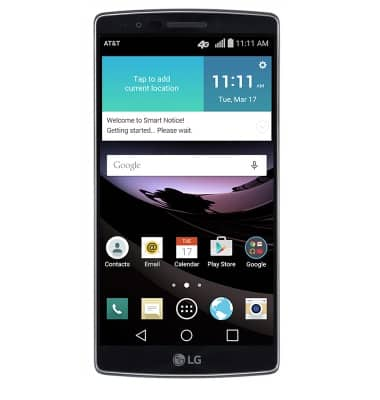
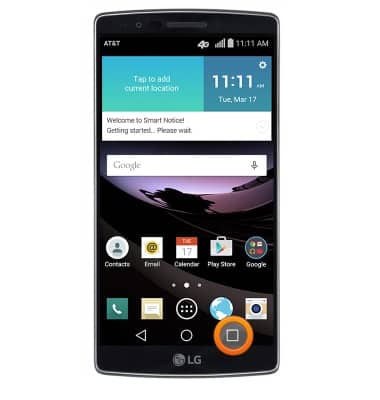
- From the home screen, press and hold the Recent Apps key.
- Tap Home screen settings.
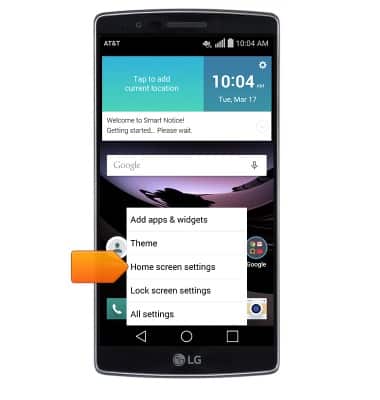
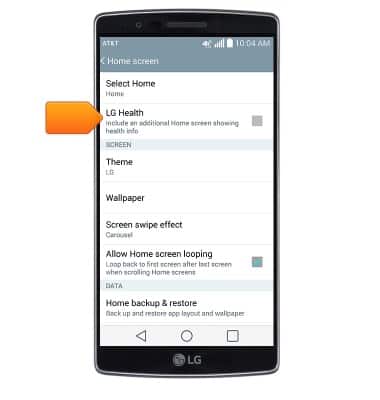
- Tap LG Health to turn on or off.
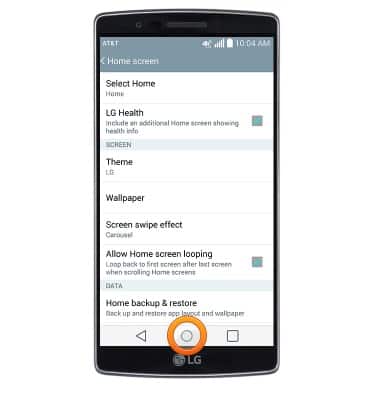
- Press the Home key.
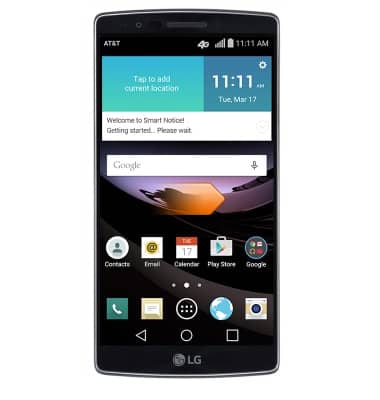
- When turned on, a new home screen will be added for LG Health. Swipe right to access.
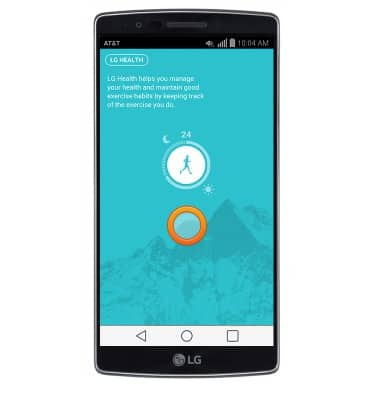
- Tap the screen.
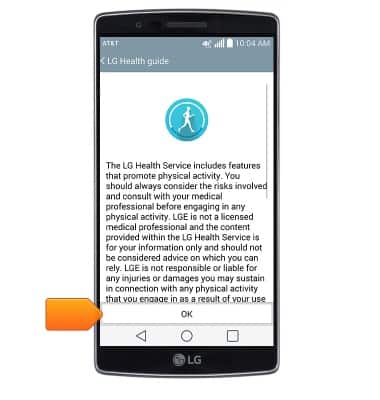
- Tap OK.
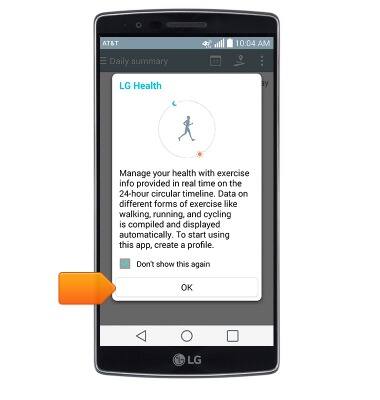
- Tap OK.
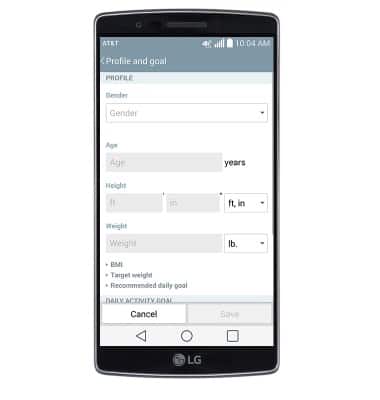
- Enter the desired profile information.
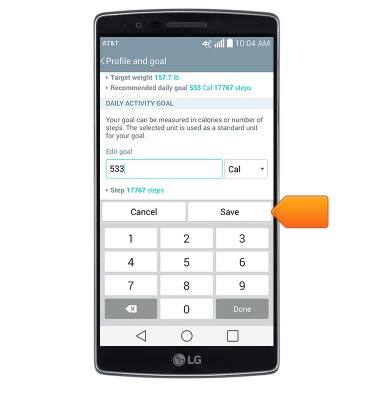
- Tap Save.
- Tap Yes.
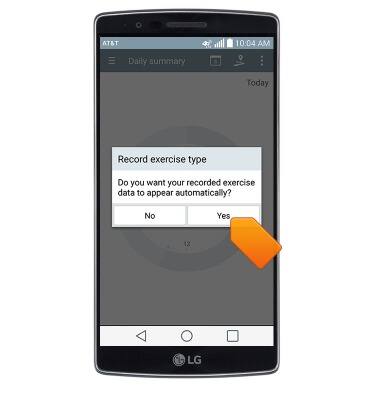
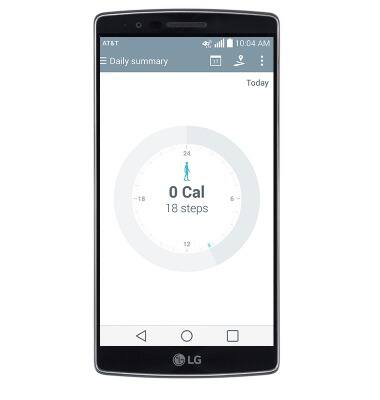
- LG Health is now ready for use.
LG Health
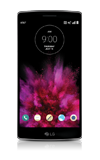
LG G Flex 2 (H950)
LG Health
This article describes the LG Health feature.
INSTRUCTIONS & INFO