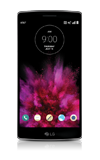
- To adjust the ringtone volume, press the Volume keys.
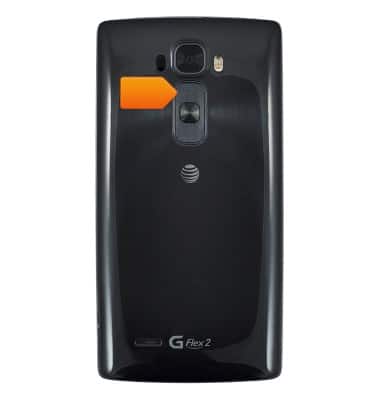
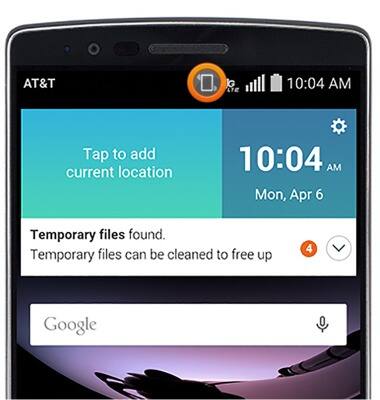
- To set to vibrate, press the Volume down key until the device vibrates.
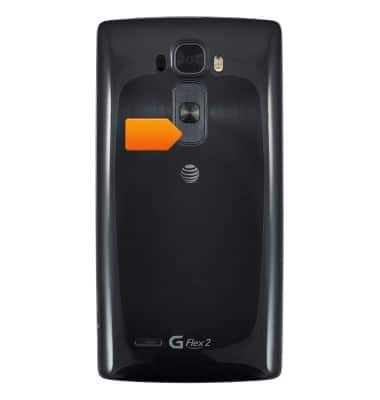
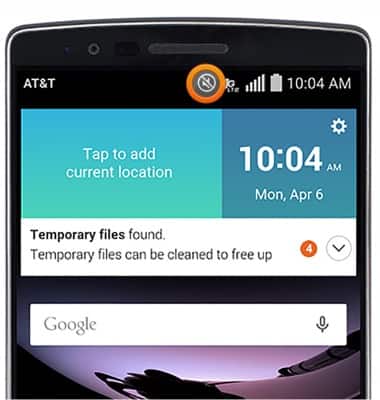
- To set to silent, press a Volume key to display the Volume Bar, then tap SILENT.
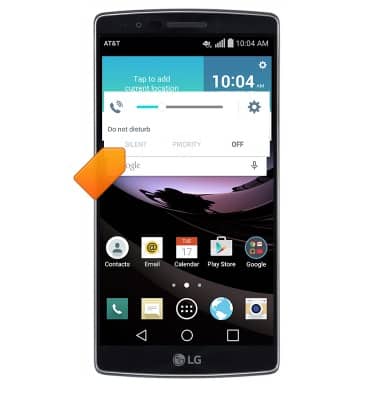
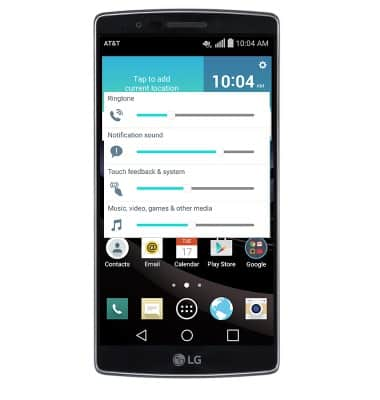
- For more volume settings, tap the Settings icon.
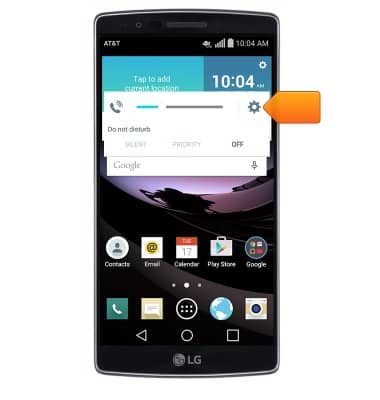
- Adjust ring and vibrate settings as desired.
- When the device is set to vibrate, a Vibrate icon will appear in the Notifications bar.
- When the device is set to silent, a Silent icon will appear in the Notifications bar.
Sounds & alerts
LG G Flex 2 (H950)
Sounds & alerts
Change volume settings, ringtones, and notification alerts.
INSTRUCTIONS & INFO