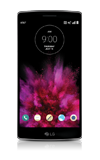
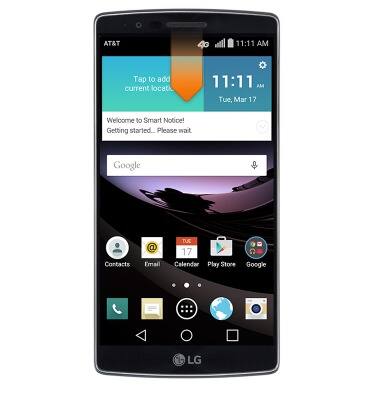
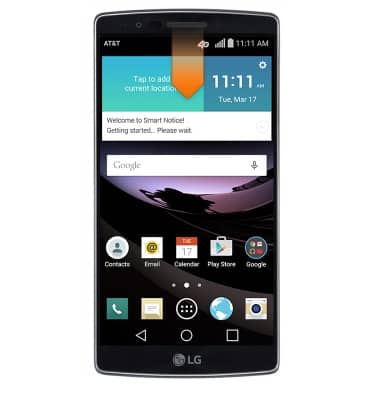
- From the home screen, swipe down from the Notifications bar.
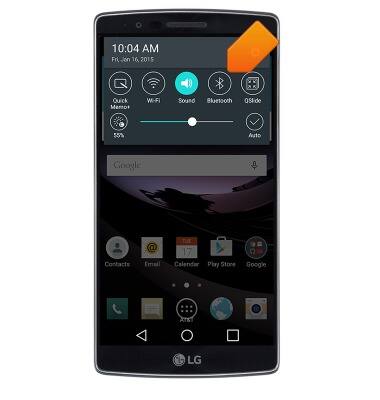
- Tap and hold Bluetooth.
- Tap the Bluetooth switch to turn Bluetooth on and off.
Note: To optimize battery life, turn Bluetooth off when not in use.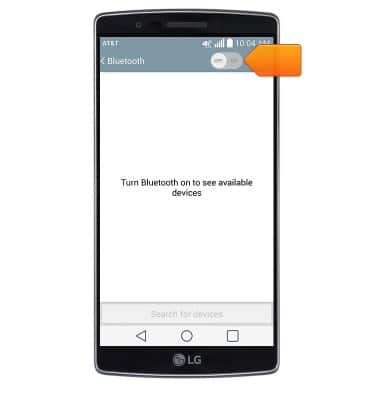
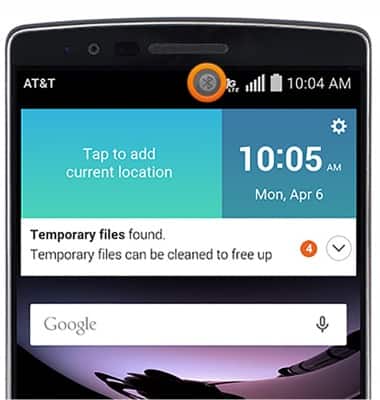
- While Bluetooth is enabled, the Bluetooth icon will be displayed in the notifications bar.
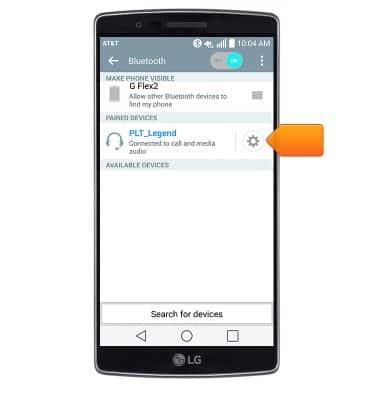
- Tap the desired device.
Note: If the desired device is not shown, make sure it is set to discoverable, then tap Search for devices.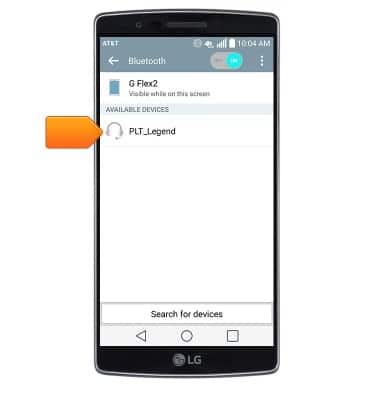
- If prompted, enter the Bluetooth pass code for the connecting device.
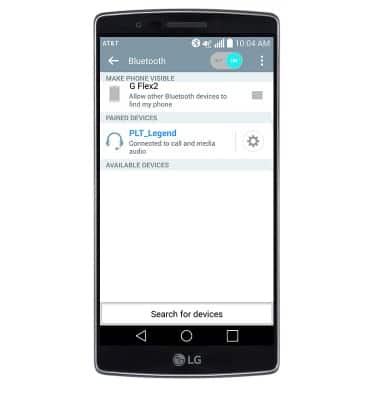
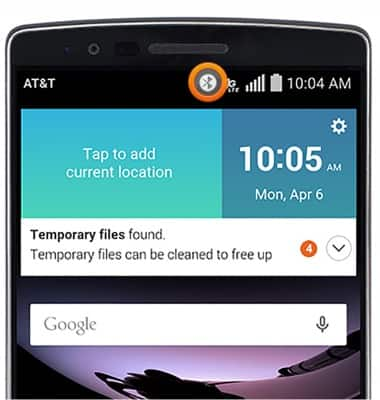
- When Bluetooth is paired, the Bluetooth paired icon will display in the notification bar.
- To adjust settings or unpair, tap the Settings icon.
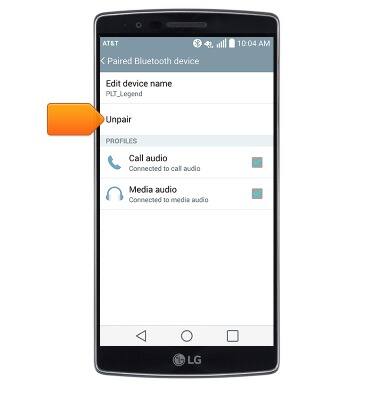
- Adjust settings as desired. Tap Unpair to unpair the device.
- To quickly enable or disable Bluetooth, swipe down from the notification bar and tap Bluetooth.
Bluetooth
LG G Flex 2 (H950)
Bluetooth
Turn Bluetooth on or off, scan and connect to other Bluetooth devices, and unpair a connected device.
INSTRUCTIONS & INFO