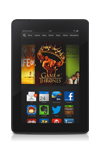
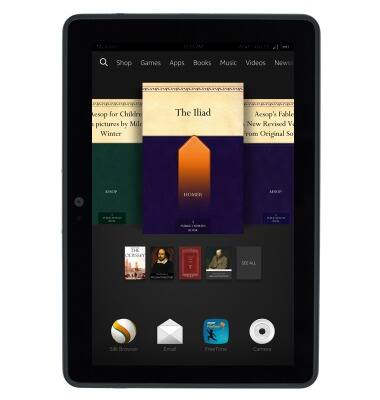
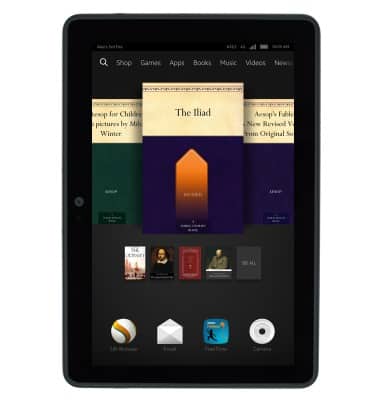
- From the home screen, swipe up.
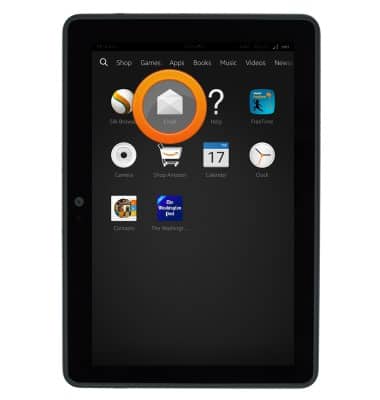
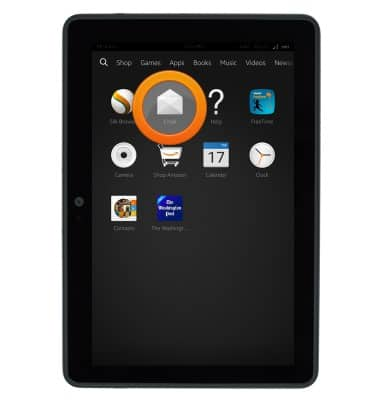
- Tap Email.
- To compose a new email, tap New.
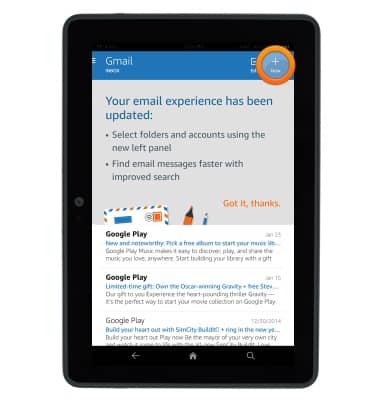
- Enter the desired recipient email address.
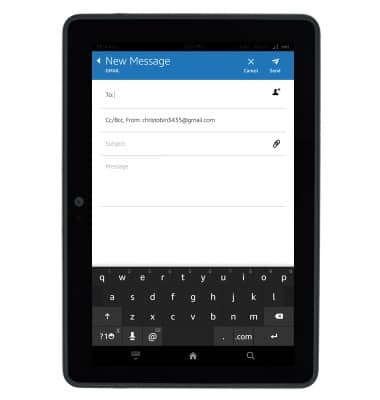
- Tap the Subject field, then enter the desired subject.
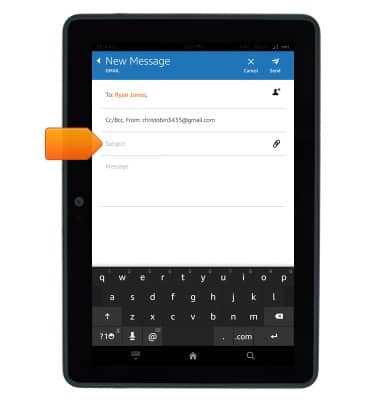
- Tap the Message field, then enter the desired message.
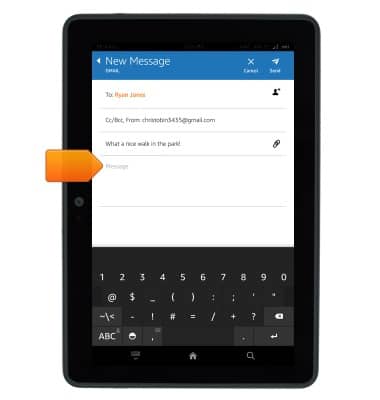
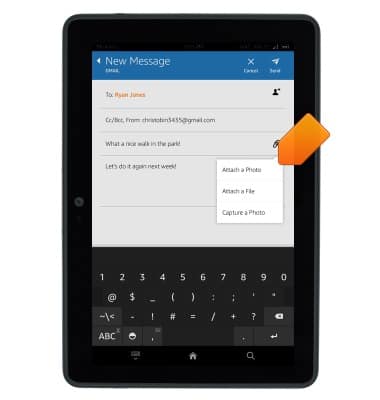
- To add an attachment, tap the Attachment icon.
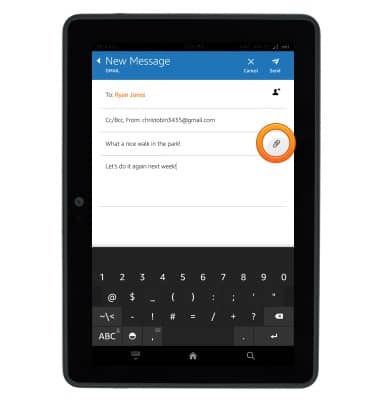
- Tap the desired option, then follow the on-screen instructions to add an attachment.
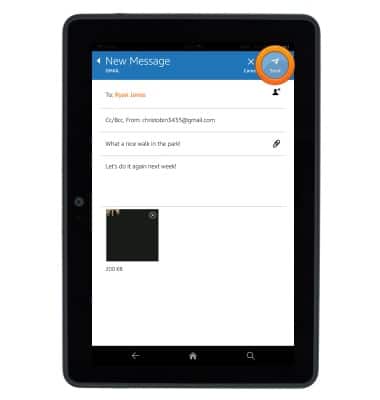
- Tap Send to send the email.
- To access the email inbox, from the home screen, swipe up.
- Tap Email.
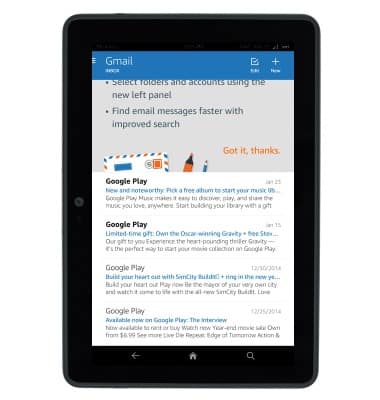
- The email inbox will be displayed.
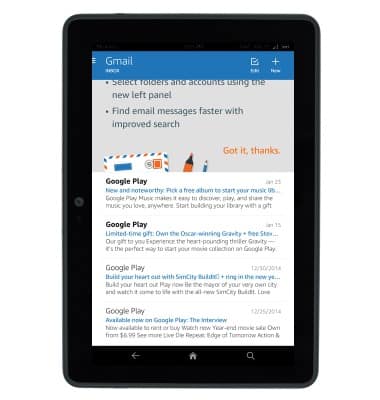
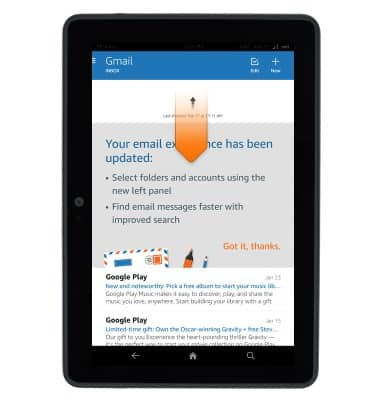
- Swipe down from the top of the inbox to refresh your email.
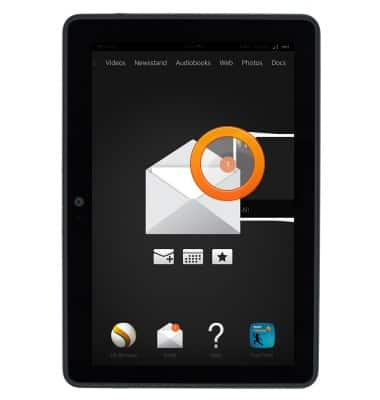
- When a new email message is received, an orange number will appear next to the Email icon on the home screen.
- To view a message, scroll to, then tap the desired message.
- To respond to an email, first tap Respond.
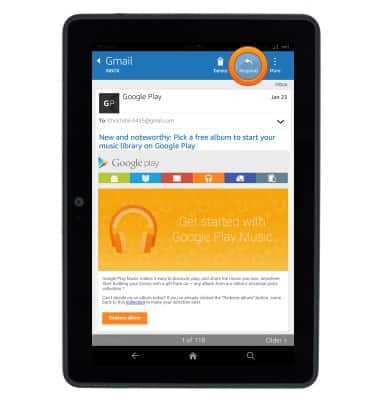
- To reply to a message tap Reply.
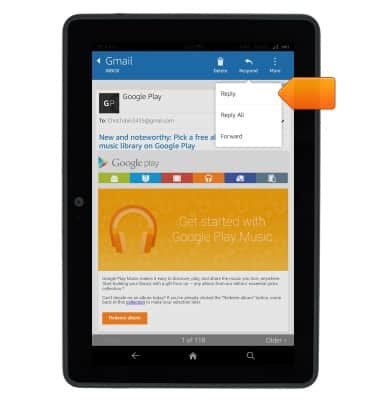
- To reply all to a message, tap Reply All.
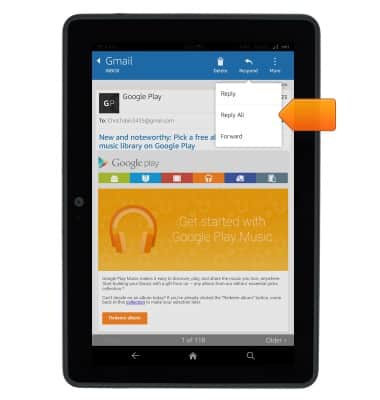
- To forward the message, tap Forward.
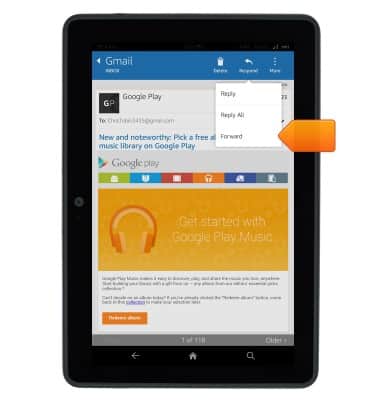
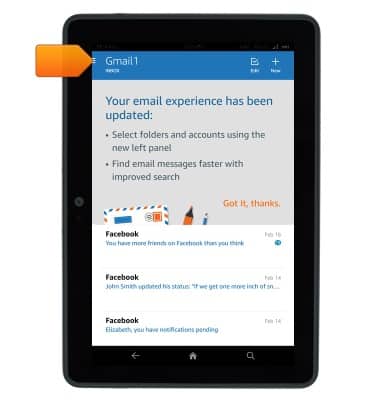
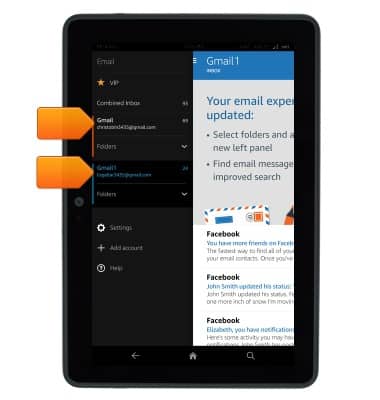
- If multiple accounts are configured, tap the Menu icon to choose which inbox will display.
- Tap the desired inbox.
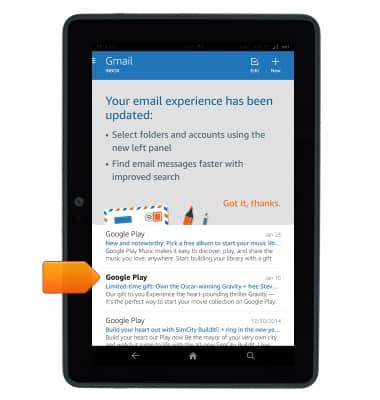
- To delete an email, scroll to, then tap the desired email.
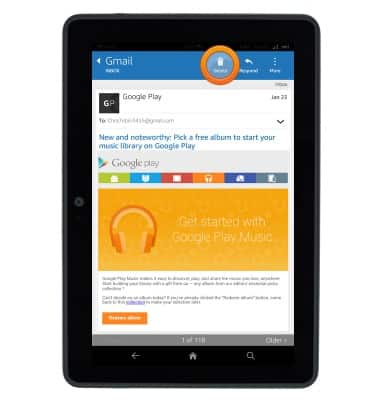
- Tap Delete.
Send & receive email
Amazon Kindle Fire HDX 7
Send & receive email
This article describes how to send and receive email messages.
INSTRUCTIONS & INFO