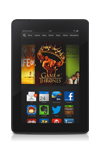
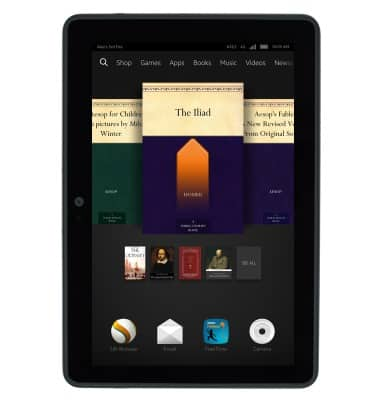
- From the home screen, swipe up.
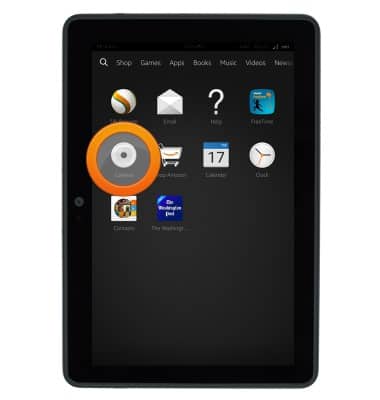
- Tap Camera.
- Tap the Shutter icon to take a picture.
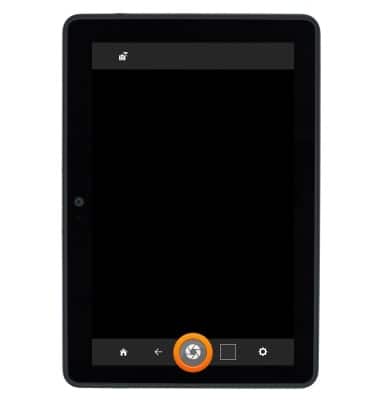
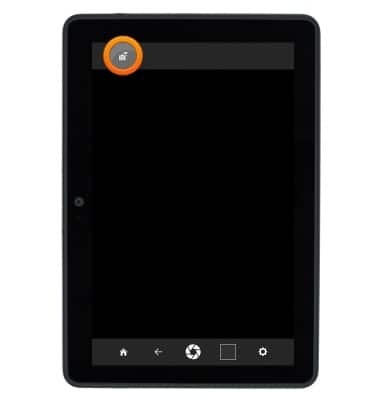
- Tap the Picture/Video icon to toggle between picture and video mode.
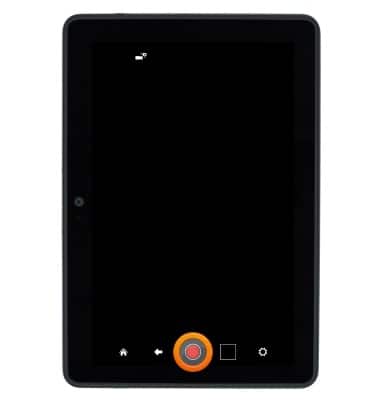
- Tap the Record icon to begin recording video.
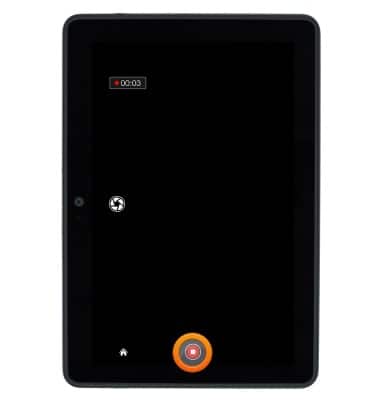
- Tap the Stop icon to stop and save a video recording.
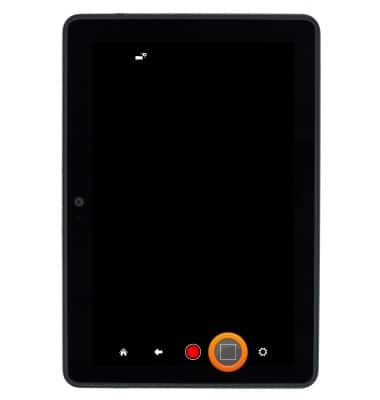
- Tap the Photos/Videos icon to review photos or videos.
Take a picture or video
Amazon Kindle Fire HDX 7
Take a picture or video
This article describes how to take a picture or video.
INSTRUCTIONS & INFO