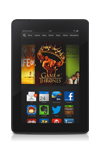
- From the home screen, swipe up.
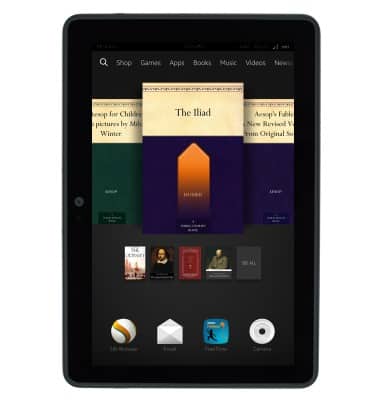
- Tap Email.
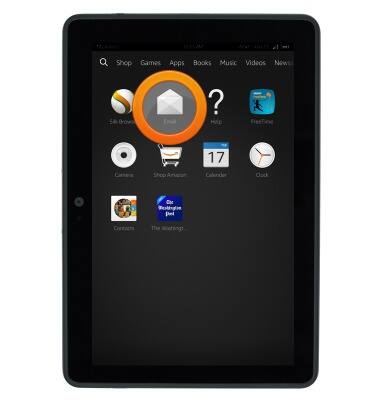
- Tap the Mail tab.
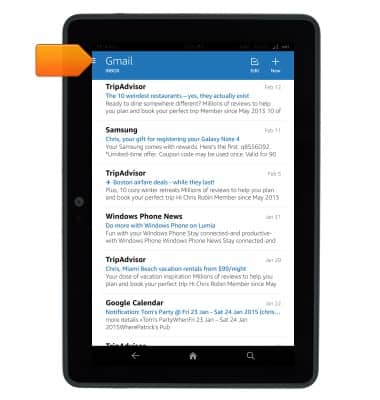
- Tap Settings.
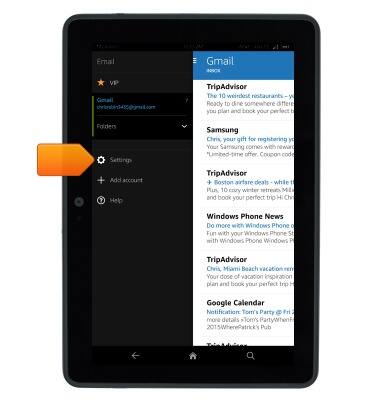
- Email options will be displayed.
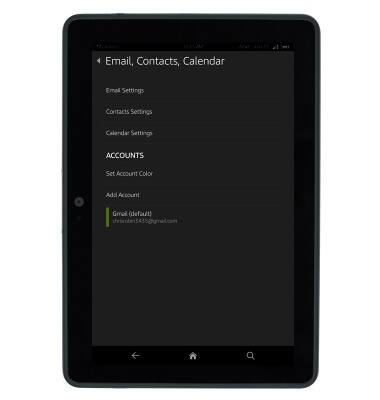
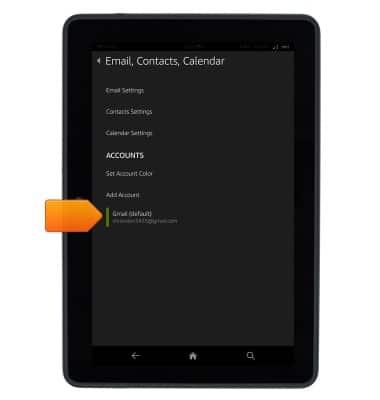
- To change the email signature of an account, tap the desired account.
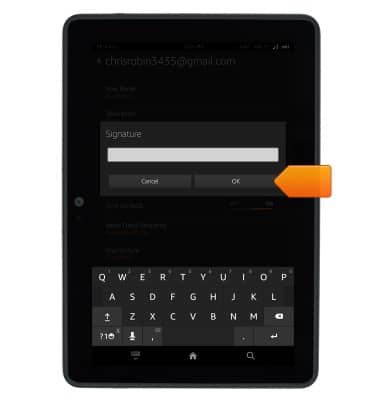
- Tap Signature.
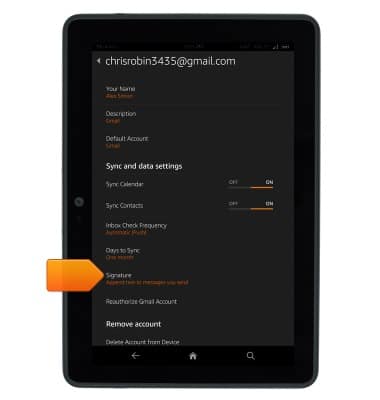
- Enter the desired signature, then tap OK.
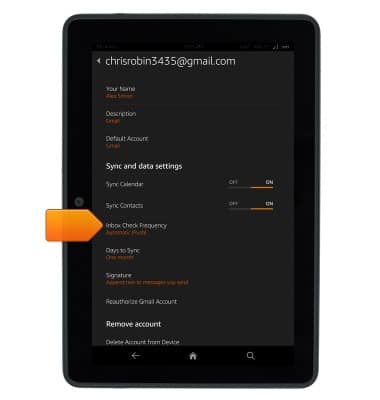
- To edit email sync frequency, tap Inbox Check Frequency.
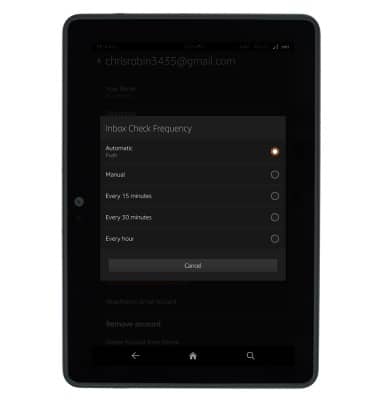
- Tap the desired option.
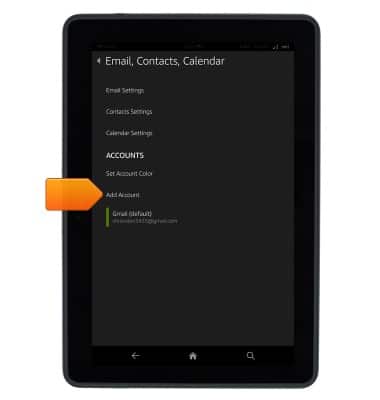
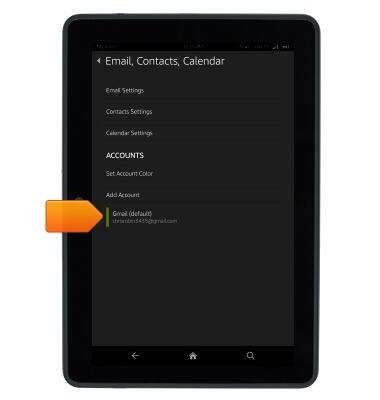
- Tap Add Account, then follow the on-screen instructions to add a new account.
- To remove an account, tap the desired account.
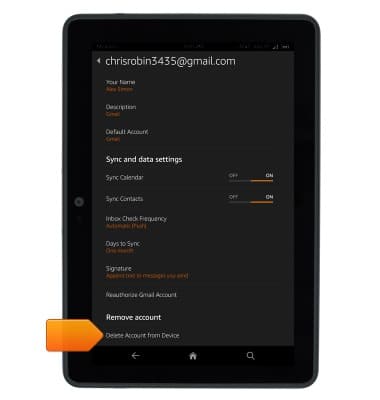
- Tap Delete Account from Device.
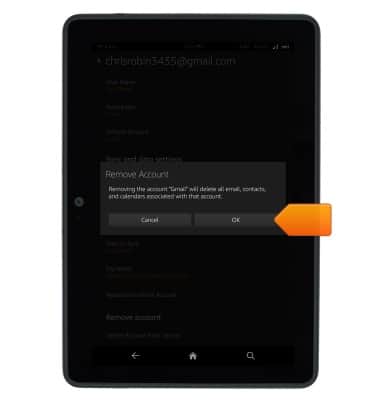
- Tap OK.
Email options
Amazon Kindle Fire HDX 7
Email options
This article provides an overview of email settings.
INSTRUCTIONS & INFO