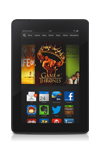
- To remove an app, from the home screen, swipe up.
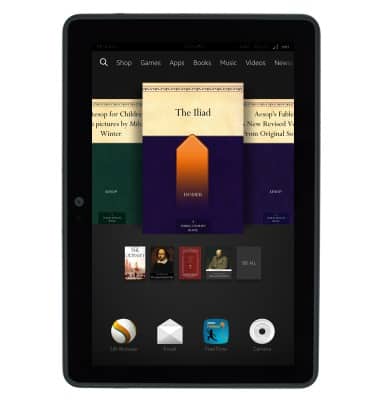
- Touch and hold the desired app.
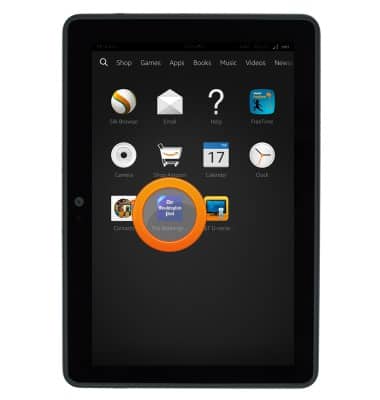
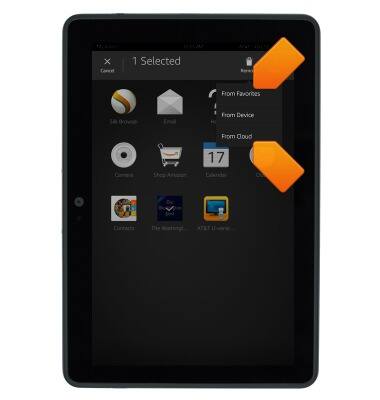
- Tap Remove.
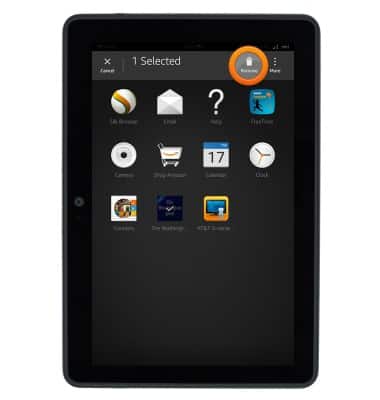
- Tap the desired option to remove the app from the home screen, from the device, or from the cloud.
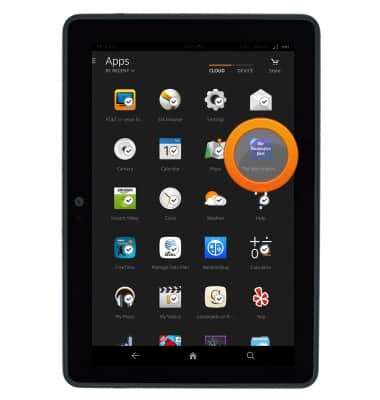
- To re-add a deleted item, first touch and hold the desired app.
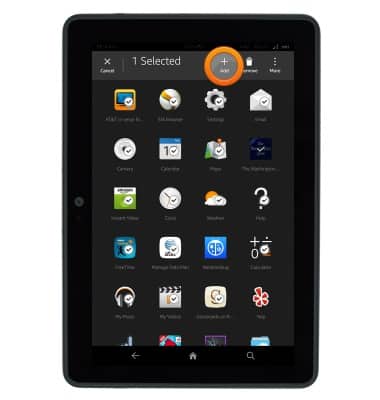
- Tap Add.
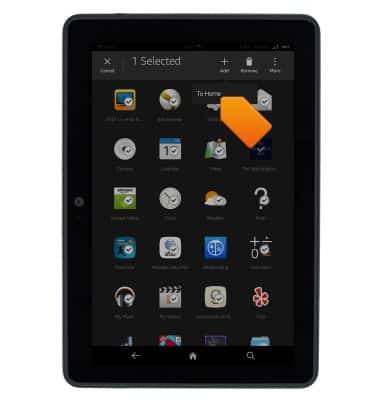
- Tap the desired option.
Remove an app
Amazon Kindle Fire HDX 7
Remove an app
This article describes how to delete an app.
INSTRUCTIONS & INFO