
- When using the keyboard, tap a character or number key to input the designated character.
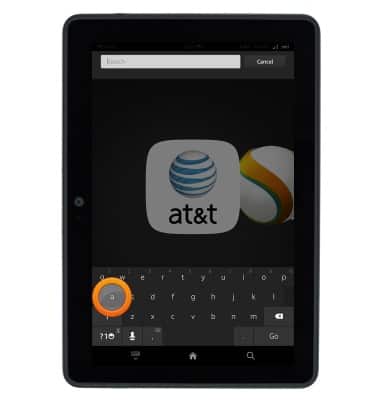
- Touch and hold a character key to access a list of characters associated with that key.
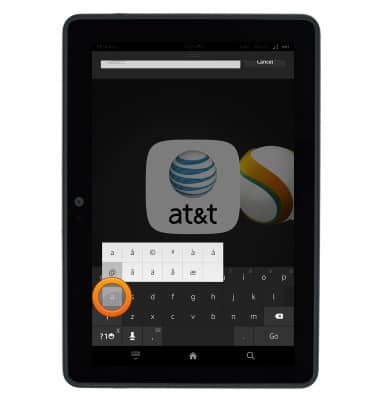
- Tap the ?1 icon for a list of common symbols.
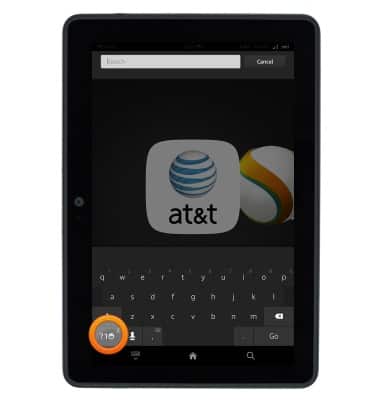
- Tap the Symbols icon for a list of more symbols.
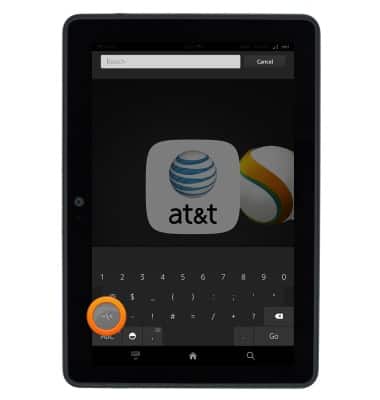
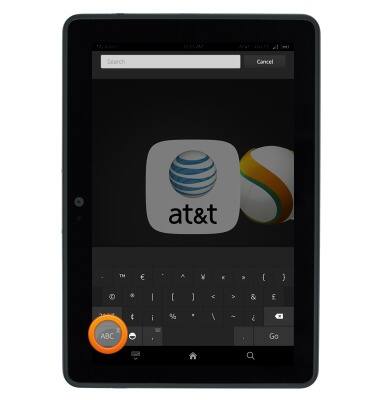
- Tap the ABC key to return to the alphanumeric keyboard.
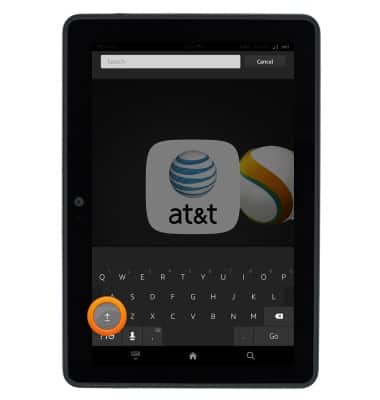
- Tap the Shift key to enter a capital letter. Tap the Shift key twice quickly to use CAPS Lock.
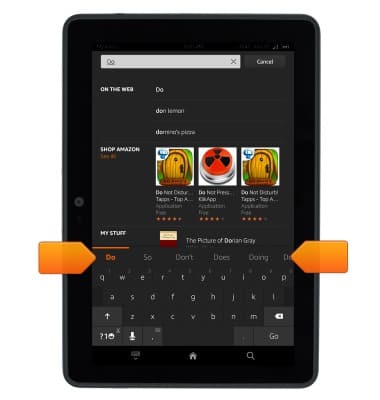
- The Suggestion bar will suggest alternate spellings to the last entered word if applicable. Tap a suggestion to replace the word in the text field.
- To use speech-to-text, tap the Microphone key.
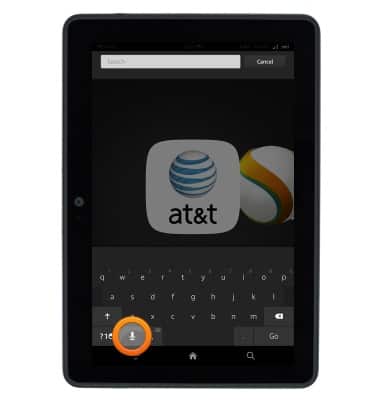
- Speak the desired input text, then tap Done.
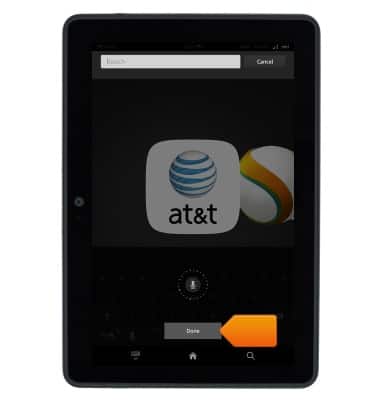
- To copy and paste, touch and hold the desired text.
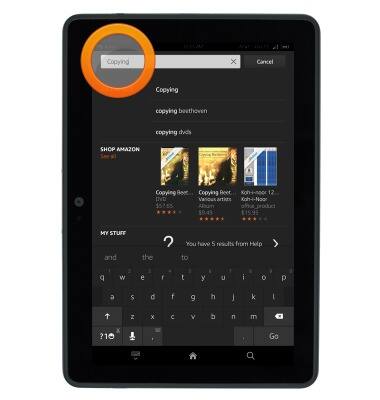
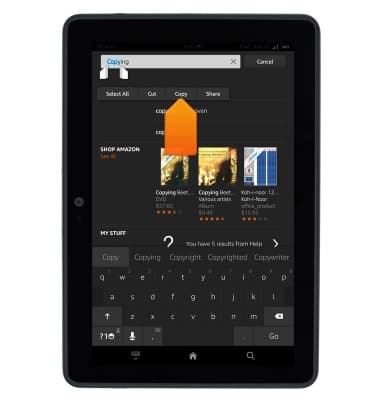
- Drag the cursors in either direction to highlight the desired text, then tap Copy.
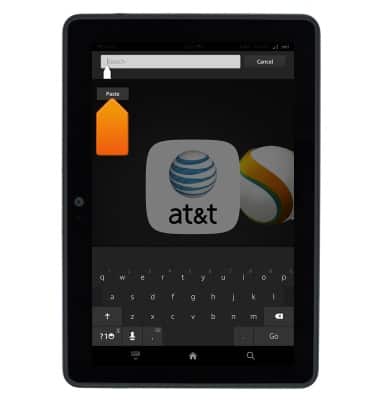
- Touch and hold the desired area in the text field.
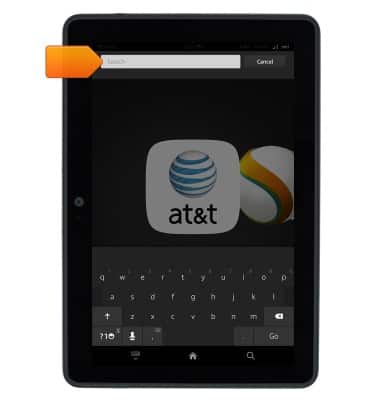
- Tap Paste.
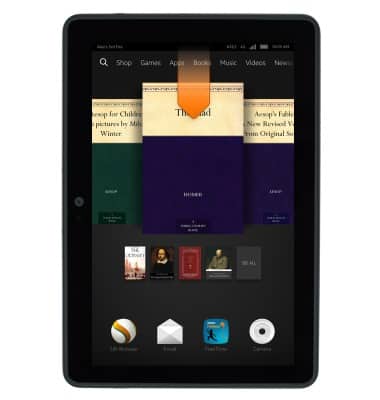
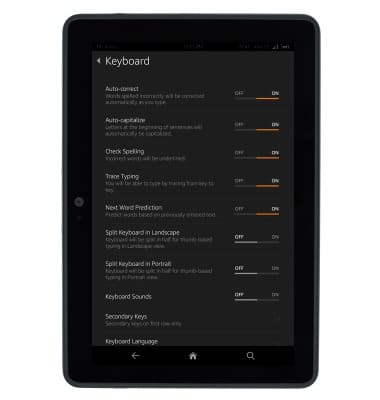
- To adjust keyboard settings, from any screen, swipe down from the status bar.
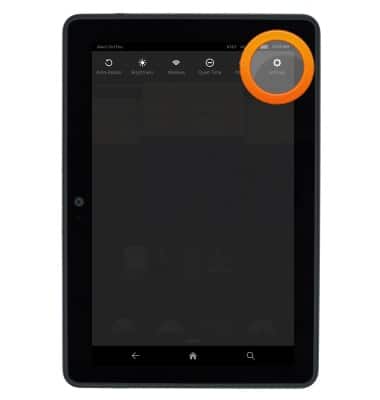
- Tap Settings.
- Tap Keyboard.
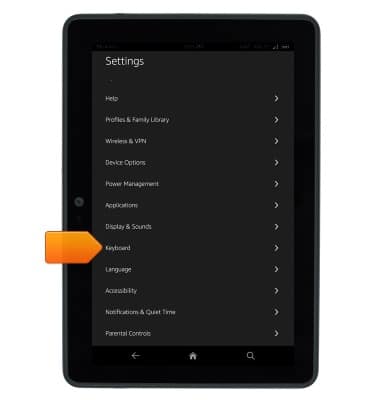
- Keyboard settings will be displayed.
Keyboard & typing
Amazon Kindle Fire HDX 7
Keyboard & typing
This article shows how to use the keyboard and type with it on the tablet.
INSTRUCTIONS & INFO