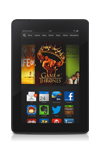
- Bluetooth 4.0 is a wireless technology that allows your device to communicate with other Bluetooth enabled devices within 5-10 feet of each other. Bluetooth is often used for wireless headsets or to transfer media between devices. To optimize battery life, turn Bluetooth off when not in use.
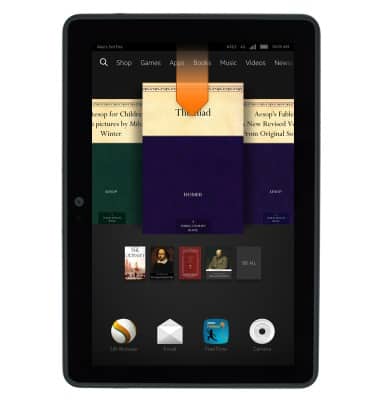
- From any screen, swipe down from the notification bar.
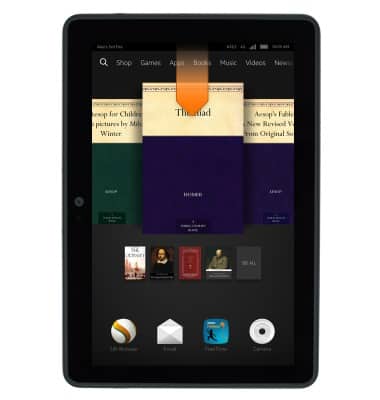
- Tap Wireless.
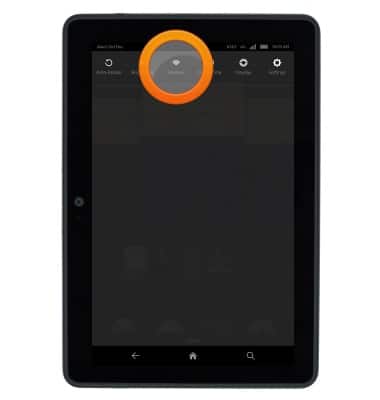
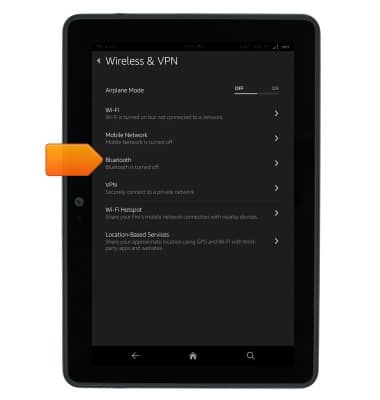
- Tap Bluetooth.
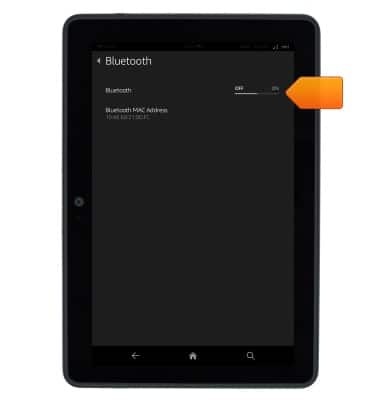
- Tap the Bluetooth switch to toggle bluetooth on or off.
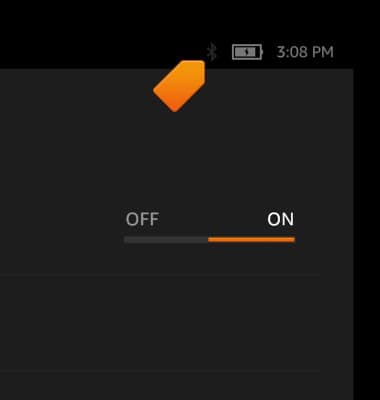
- When Bluetooth is on, the Bluetooth icon will display in the notification bar.
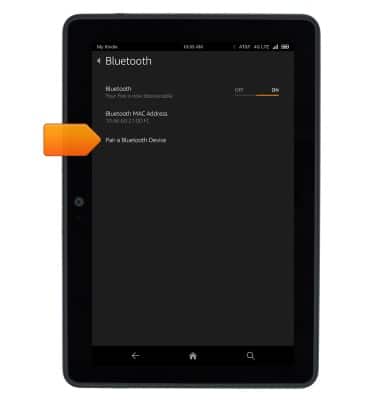
- Tap Pair a Bluetooth Device.
- Tap Scan to scan for nearby devices.
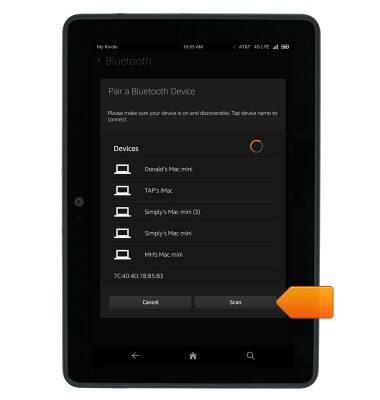
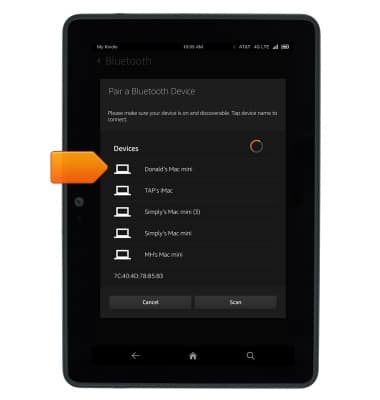
- Tap the device you wish to connect to.
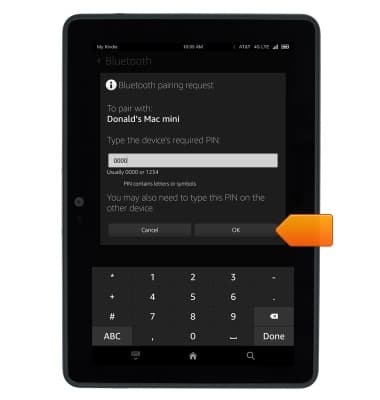
- If prompted, enter the Bluetooth pass code.

- Tap OK.
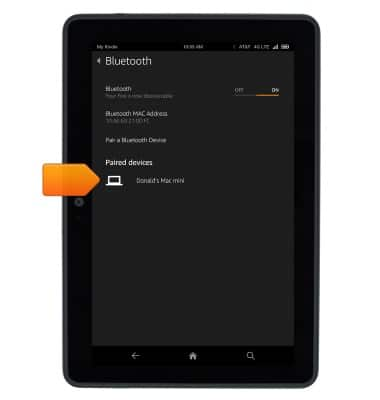
- The device is now paired.
Bluetooth
Amazon Kindle Fire HDX 7
Bluetooth
This article describes how to connect to a Bluetooth enabled device.
INSTRUCTIONS & INFO