- To access the web browser, from the home screen, swipe left on the Menu bar.
Note: For more information, view the Amazon Kindle Fire HDX 7” video: Modify Silk Settings.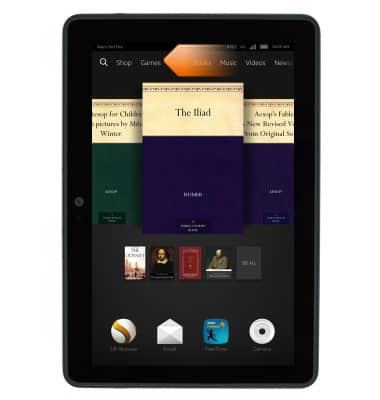
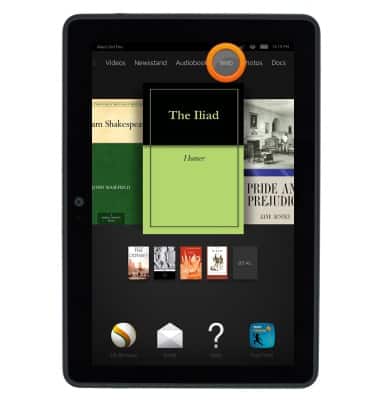
- Tap Web.
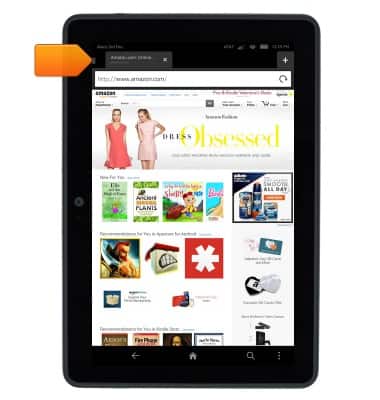
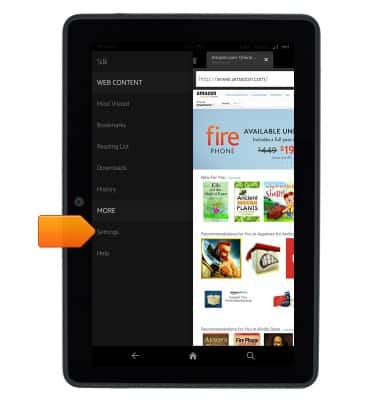
- Tap the Menu icon.
- Tap Settings.
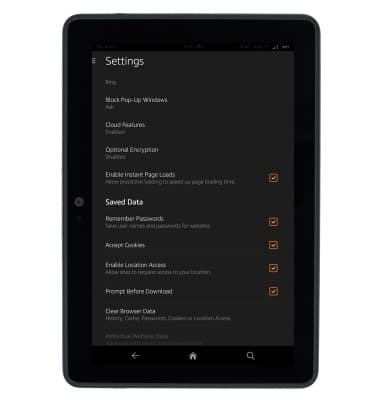
- Browser settings will be displayed.
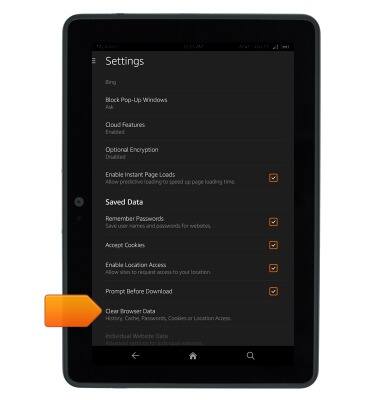
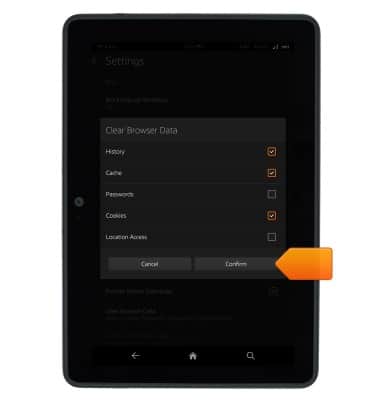
- To clear browser history, tap Clear Browser Data.
- Tap the desired checkboxes.
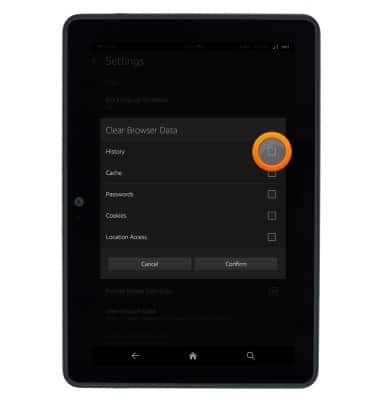
- Tap Confirm.
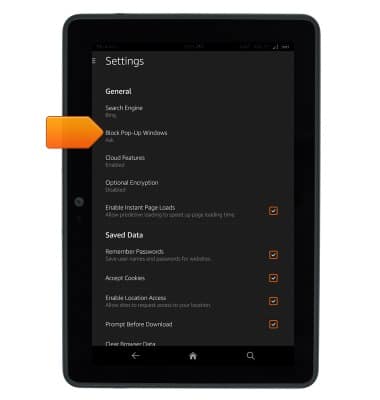
- To control pop-ups, tap Block Pop-up Windows.
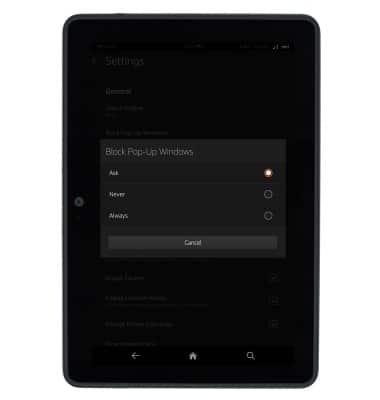
- Tap the desired option.
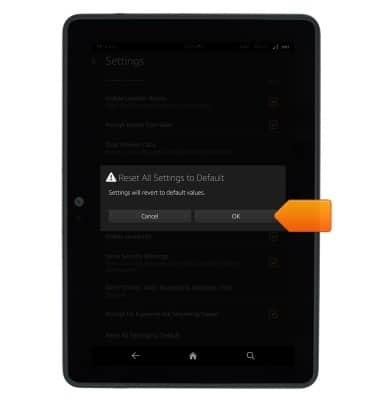
- To reset browser settings to default, scroll to, then tap Reset All Settings to Default.
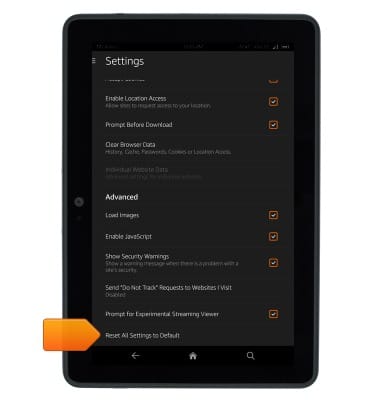
- Tap OK.
Browser options
Amazon Kindle Fire HDX 7
Browser options
This article provides an overview of the Browser settings.
INSTRUCTIONS & INFO