- Use the original charger to maintain optimal battery performance over the life of your device.
Note: For more information, view the Amazon Kindle Fire HDX 7 video: Charging the battery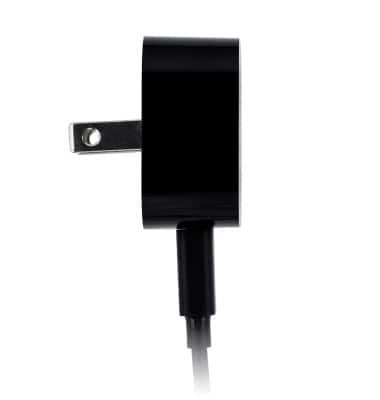
- Insert the microUSB end of the microUSB cable into the microUSB port on the device.
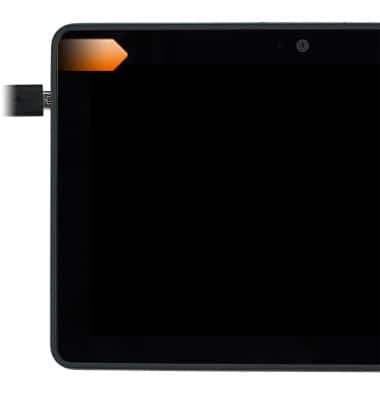
- Insert the USB end of the microUSB cable into the Wall charging adapter.
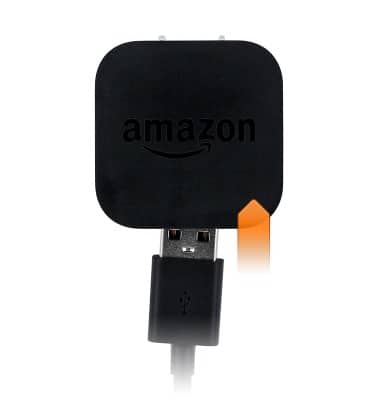
- Insert the Wall charging adapter into an available power outlet.
Note: Your device charges quicker using a power outlet then when connected to a laptop or other power source.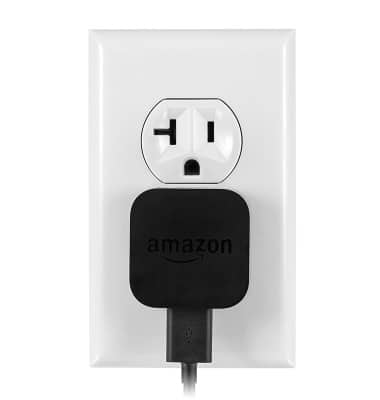
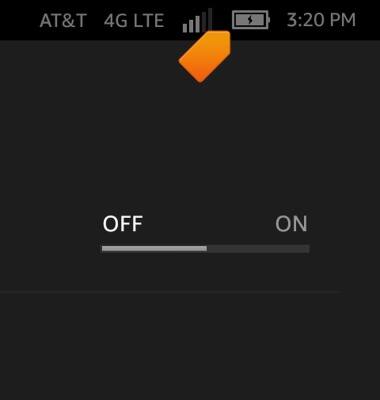
- A Charging icon will display in the Notifications bar when charging.
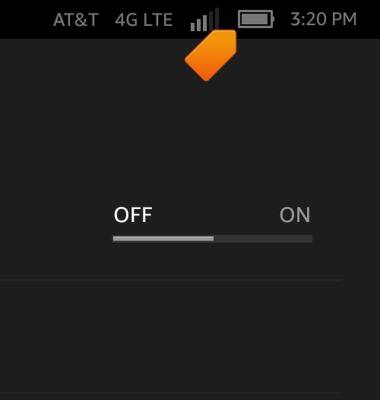
- The Battery icon will display current battery life while the device is not charging.
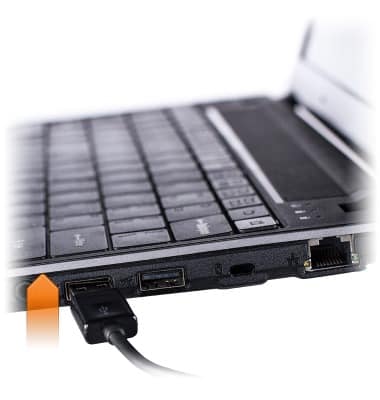
- To charge via USB, insert the USB end of the microUSB cable into an available USB port on a computer.
Charge the battery
Amazon Kindle Fire HDX 7
Charge the battery
This article describes how to charge the battery.
INSTRUCTIONS & INFO