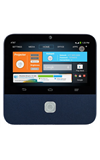
- Insert the USB end of the transfer cable into an open USB port on the Projector.
Note: You must turn Connect to PC on (Swipe down from the notification bar > tap Connect to PC) in order to transfer files via a USB cable. USB cable sold separately.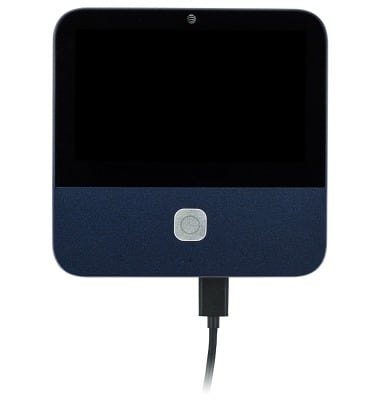
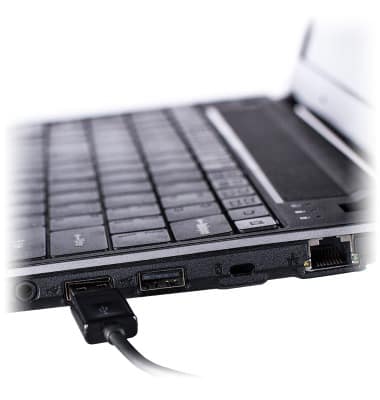
- Insert the opposite USB end of the transfer cable into an open USB port on your computer.
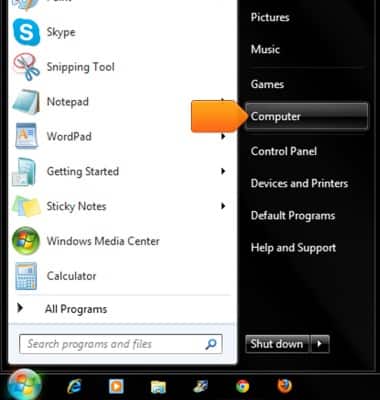
- On your computer, click to open the Start Menu.
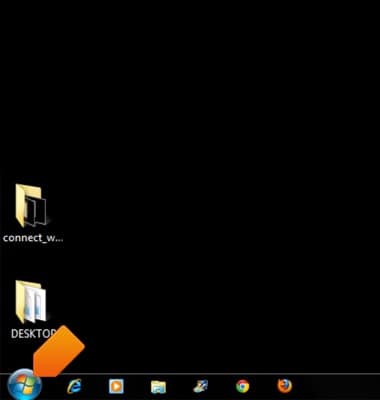
- Click Computer.
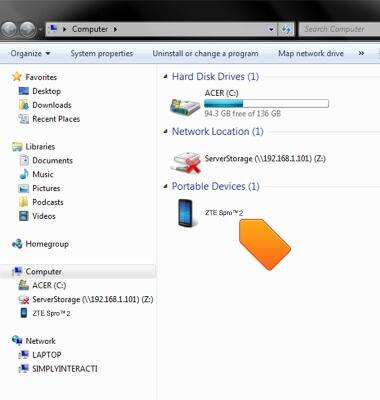
- Double-click on the device.
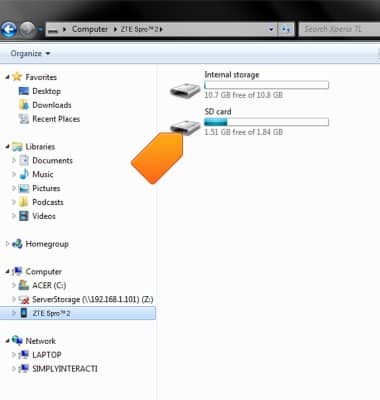
- Click the desired directory.
- Click the desired folder.
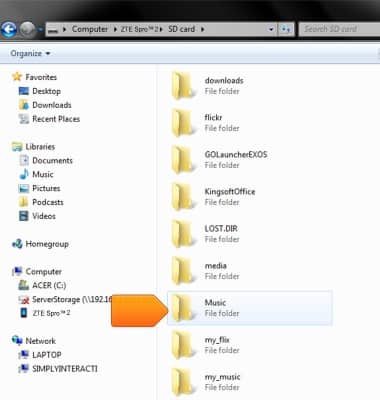
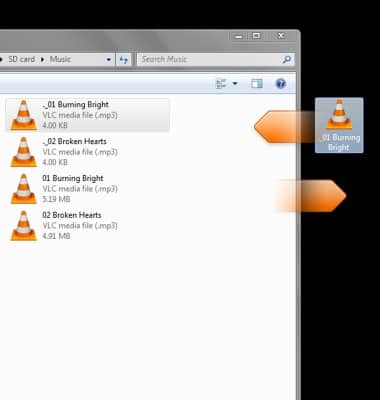
- Click and hold, then drag files to and from the folder to transfer them between the device and computer.
Transfer media to & from computer
ZTE Spro 2 Smart Projector (MF97B)
Transfer media to & from computer
Transfer files to or from your device and a computer.
INSTRUCTIONS & INFO