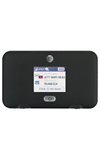
- To prevent the hotspot Wi-Fi network name and password from displaying on the home screen, login to the AT&T Wi-Fi Manager from a device connected to the AT&T Unite Express Wi-Fi network.
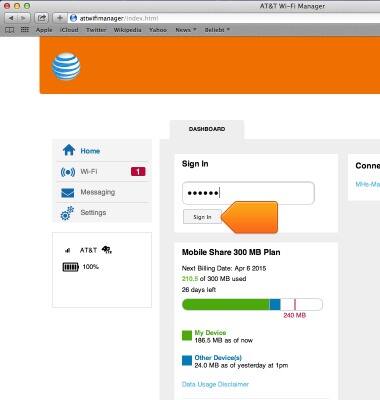
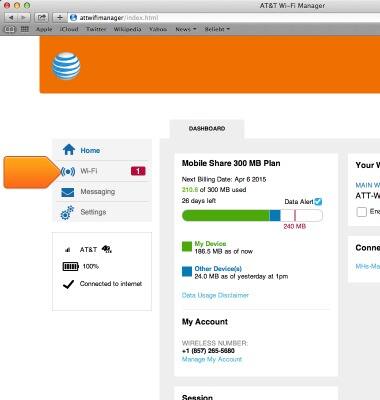
- Click Wi-Fi.
- Click OPTIONS.
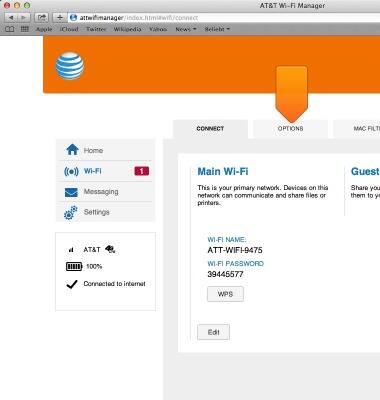
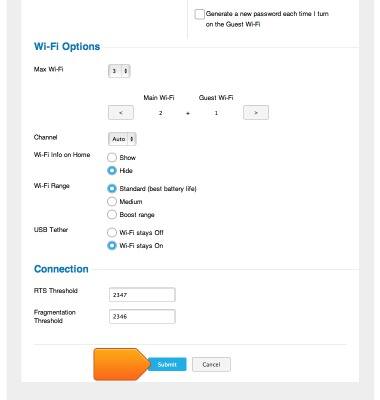
- Under Wi-Fi Options click the Hide checkmark to stop displaying your device's network name and info on the home screen.
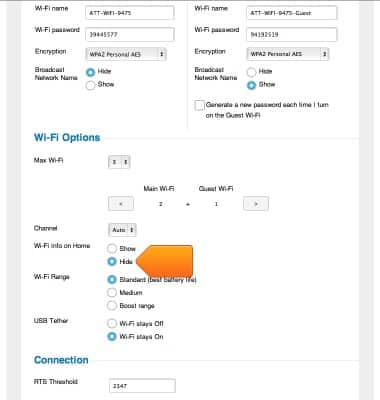
- Click Submit.
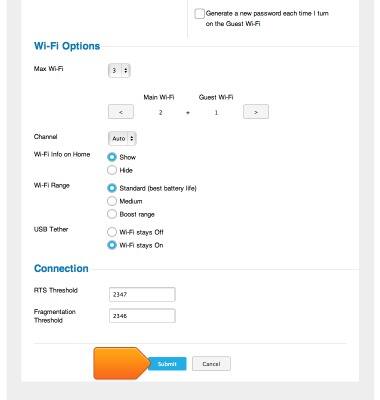
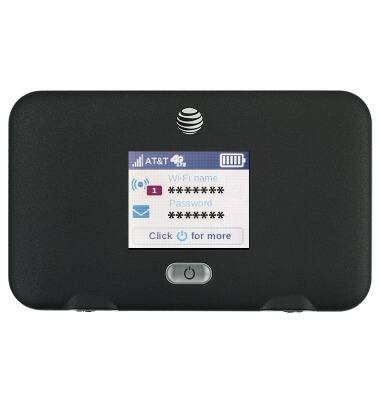
- The Wi-Fi network name and password will no longer be displayed on the home screen.
- To prevent the hotspot from broadcasting the network name, scroll to Main Wi-Fi and click the Hide checkmark under Broadcast Network Name.
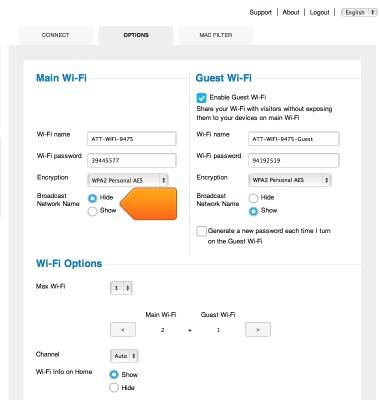
- Click Submit.
Wi-Fi security
AT&T Unite Express (AC779S)
Wi-Fi security
Access Wi-Fi security settings.
INSTRUCTIONS & INFO