- Quick Memo+ allows you to write or draw over any screen capture. Simply use your finger to jot down a note or add a personalized touch to any image and share or save.
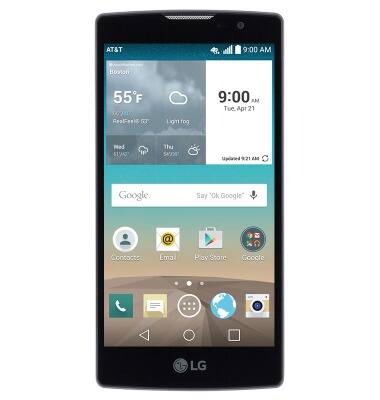
- To use Quick Memo+, first navigate to the desired screen.
Note: For this demonstration, navigate to a photo via 'Gallery'.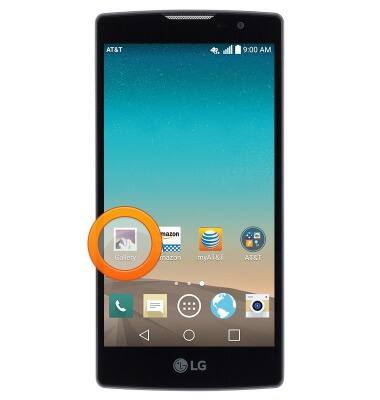
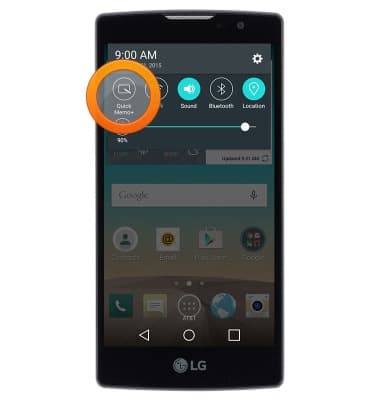
- Swipe down from the top of the screen.
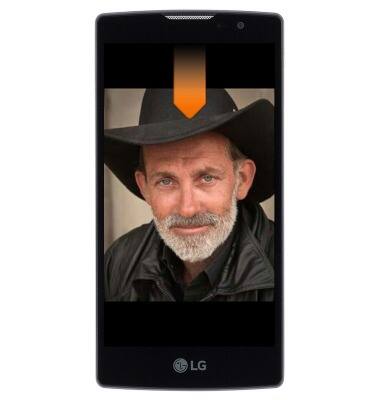
- Tap Quick Memo+.
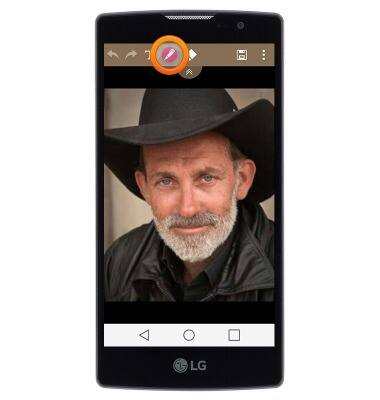
- Tap the Draw tool to access drawing options and draw on the screen.
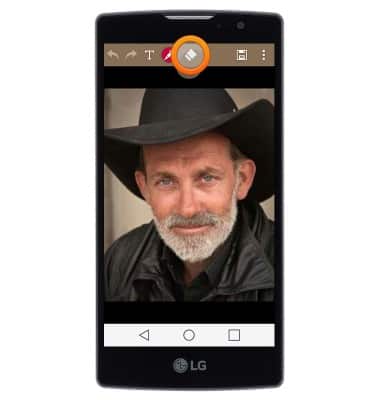
- Tap the Eraser to erase from the screen.
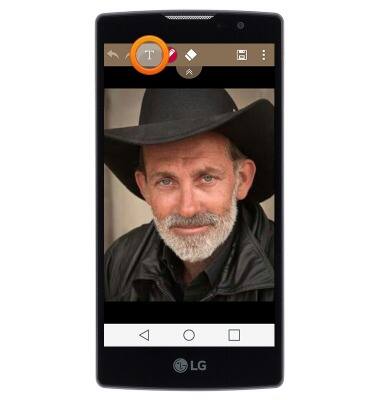
- Tap the T icon to add a text memo.
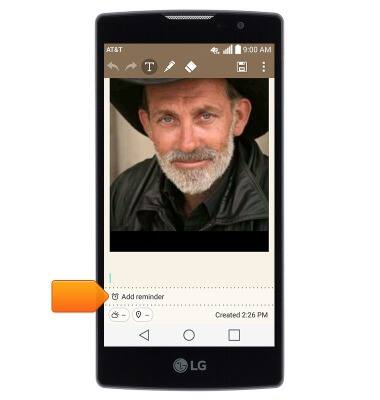
- With the text editor open, tap Add reminder to add a reminder to the memo.
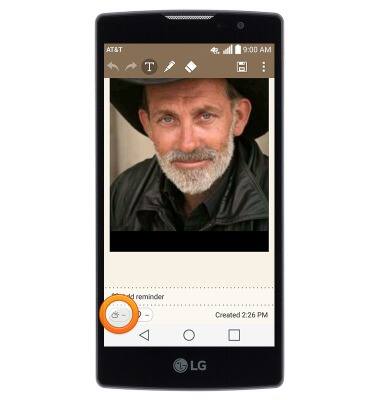
- Tap the Weather icon to insert weather info.
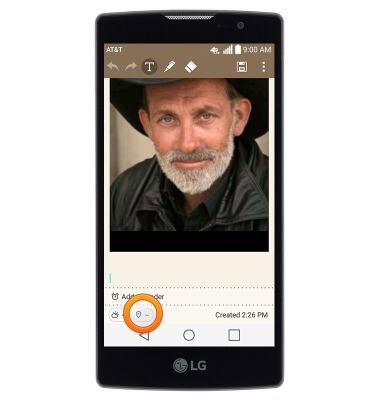
- Tap the Location icon to tag your location.
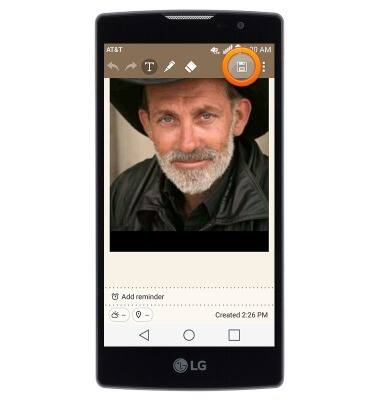
- Tap the Save icon to save the memo.
QuickMemo+
LG Escape 2 (H443)
QuickMemo+
Create a memo or note and insert reminders, location information, images, videos, audio, and more.
INSTRUCTIONS & INFO