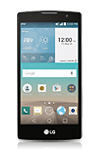
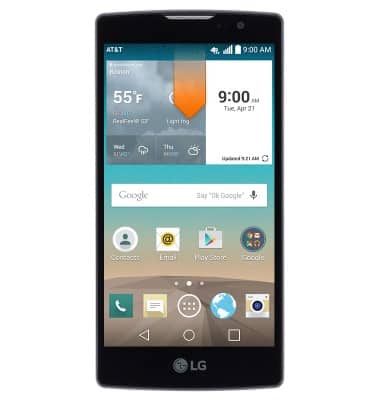
- From the home screen, swipe down from the Notification bar.
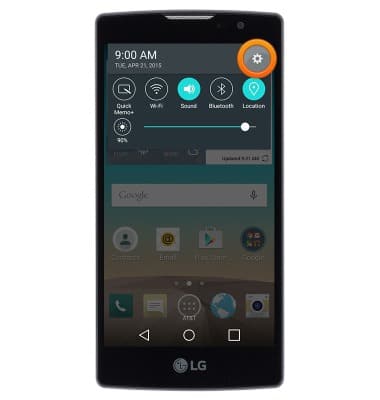
- Tap the Settings icon.
- Under the 'General' tab, tap Location.
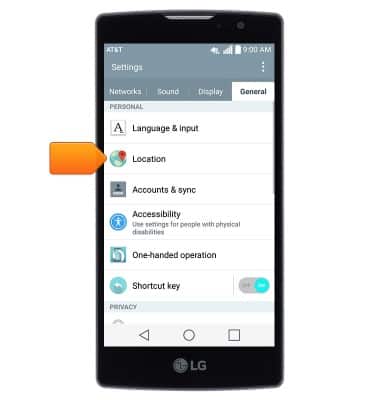
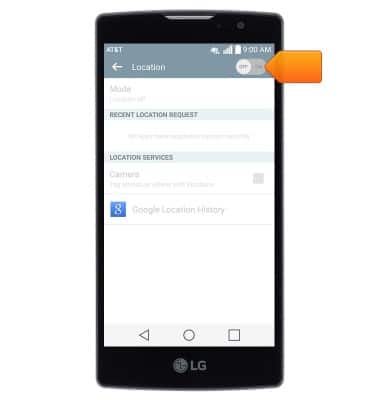
- Tap the Location switch to toggle Location services on/off.
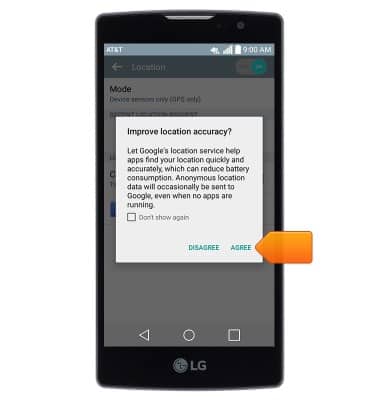
- If enabling, tap AGREE.
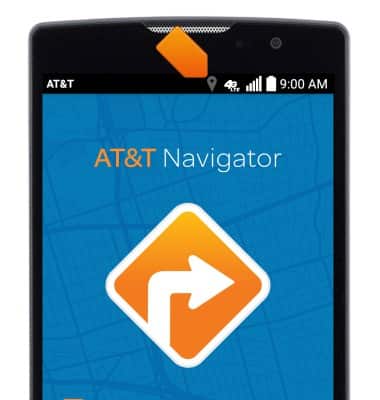
- When Location services are being utilized, the Location icon will display in the notification bar.
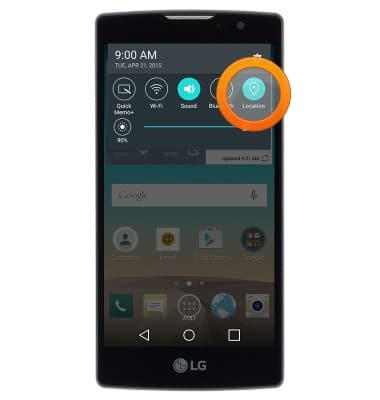
- To quickly toggle Location services on/off, swipe down from the notification bar then tap Location.
Location services & GPS
LG Escape 2 (H443)
Location services & GPS
This article provides an overview of location services and GPS features.
INSTRUCTIONS & INFO