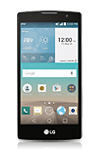
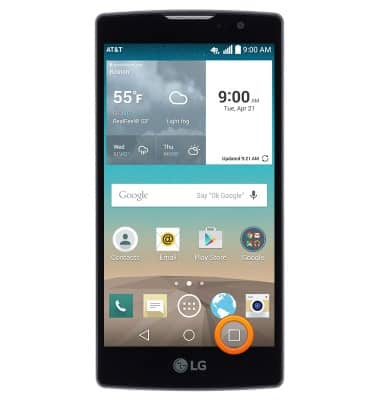
- To view running applications, press the Recent apps key.
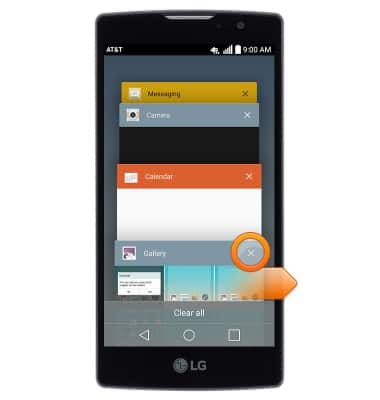
- Swipe right over an app or tap the X icon to close it.
- Tap an app to open it.
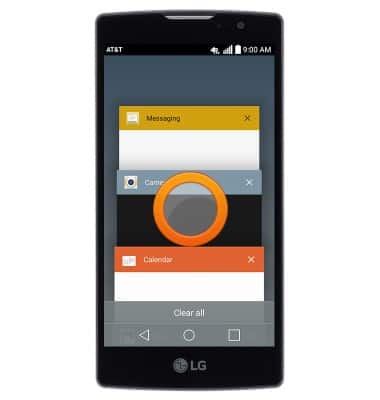
- Tap Clear all to close all running apps.
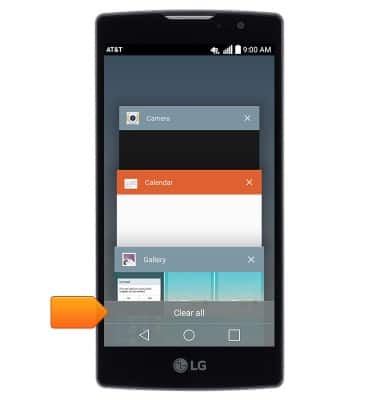
View or close running apps
LG Escape 2 (H443)
View or close running apps
How to view, switch between, and close running applications
INSTRUCTIONS & INFO