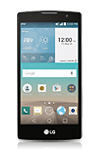
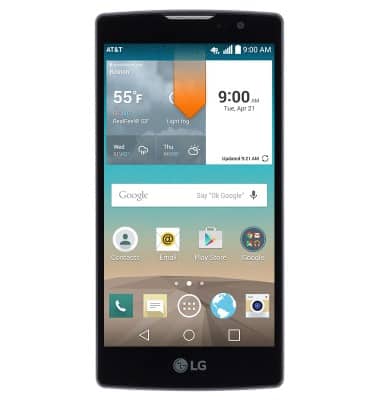
- From the home screen, swipe down from the Notification bar.
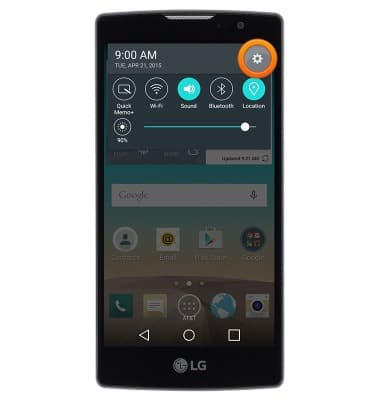
- Tap the Settings icon.
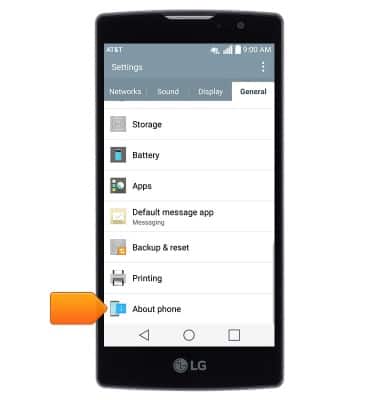
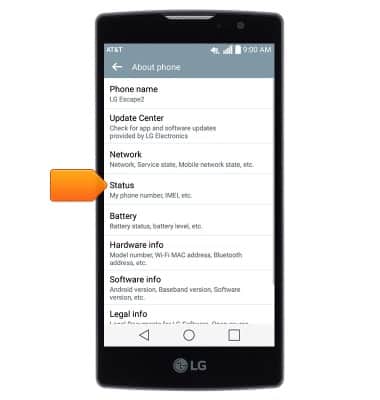
- Under the 'General' tab, scroll to then tap About phone.
- Tap Status.
- The IMEI will be displayed.
Note: You can also view your IMEI by entering *#06# from the keypad.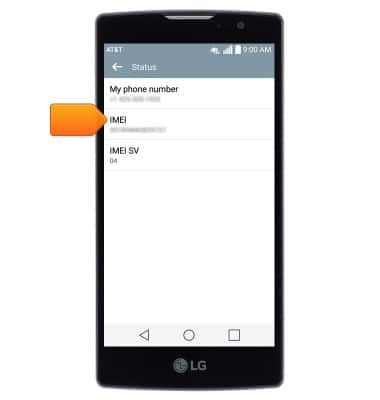
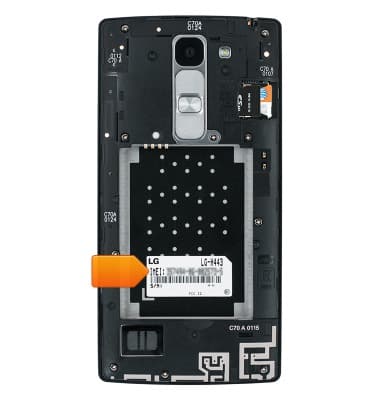
- The IMEI and Serial number may also be found on a sticker in the device interior.
Find IMEI & serial number
LG Escape 2 (H443)
Find IMEI & serial number
View the device IMEI, phone, SIM (ICCID) & serial number.
INSTRUCTIONS & INFO