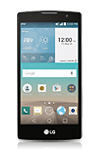
- From the home screen, swipe down from the Notification bar.
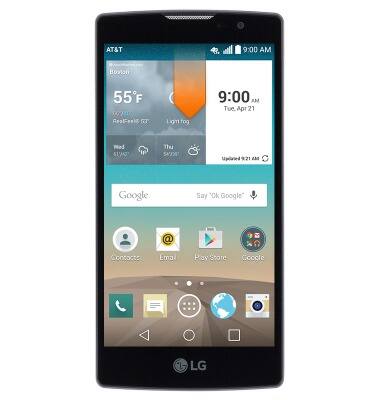
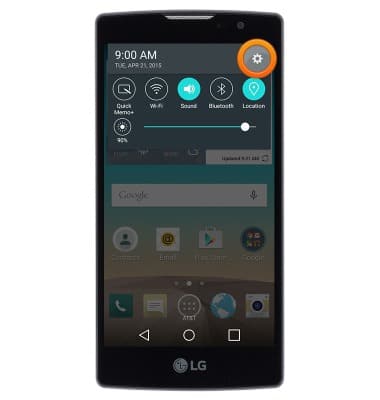
- Tap the Settings icon.
- Under the 'Networks' tab, tap the Bluetooth switch to toggle Bluetooth connectivity on/off.
Note: To optimize battery life, turn Bluetooth off when not in use.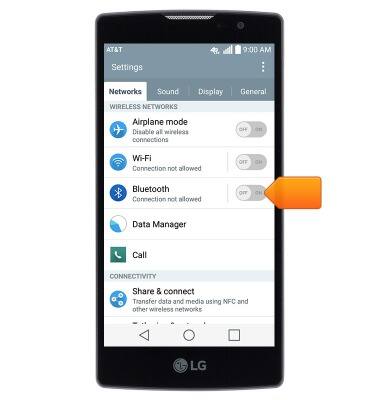
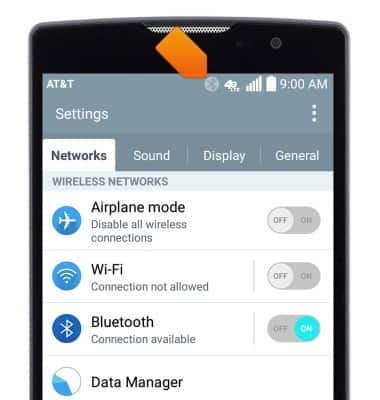
- When Bluetooth is enabled, the Bluetooth icon will display in the notification bar.
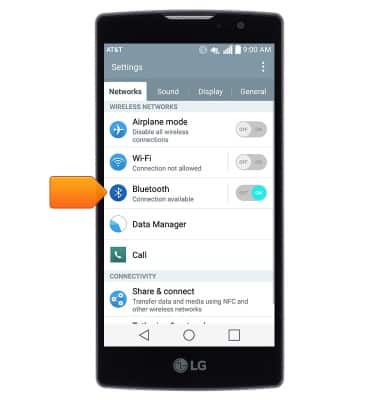
- To connect to a Bluetooth device, tap Bluetooth.
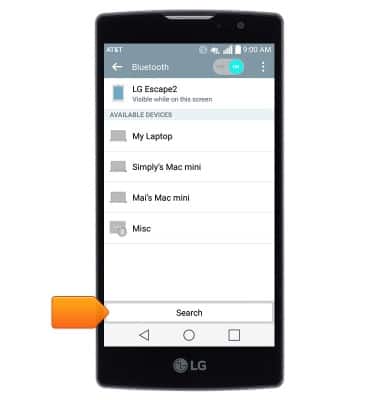
- The phone will scan for nearby Bluetooth devices automatically. To refresh, tap Search.
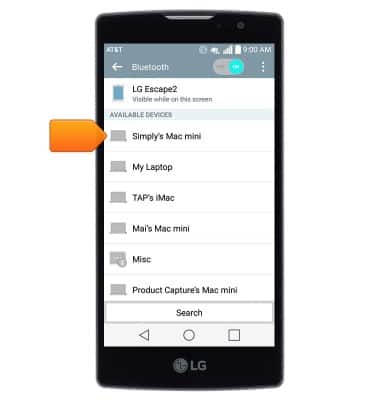
- Tap to connect to the desired Bluetooth device.
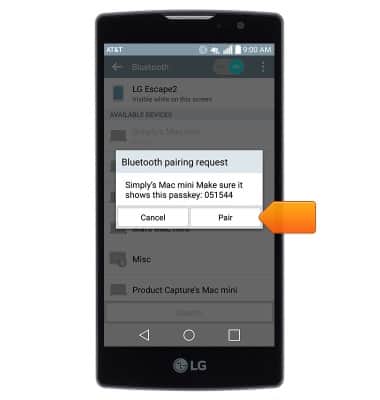
- If prompted, confirm the passkey then tap Pair.
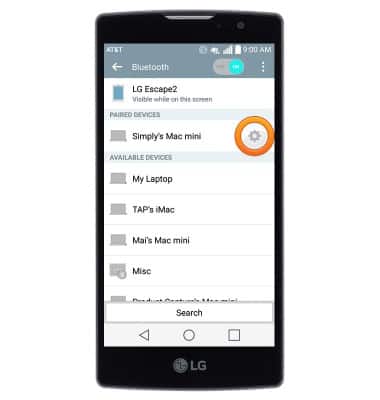
- To disconnect from a paired device, tap the Settings icon next to the desired device.
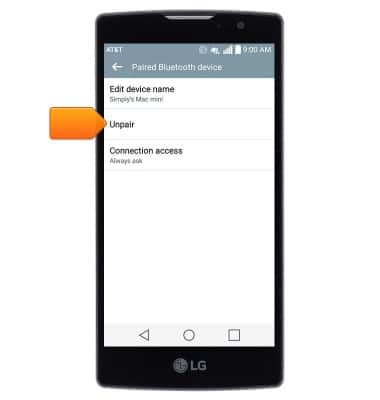
- Tap Unpair.
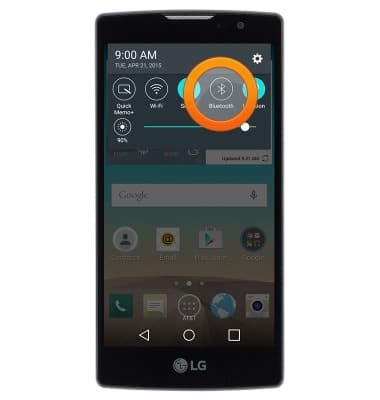
- To quickly toggle Bluetooth on/off, swipe down from the Notification bar, then tap Bluetooth.
Bluetooth
LG Escape 2 (H443)
Bluetooth
Turn Bluetooth on or off, scan and connect to other Bluetooth devices, and unpair a connected device.
INSTRUCTIONS & INFO