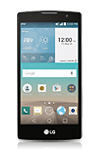
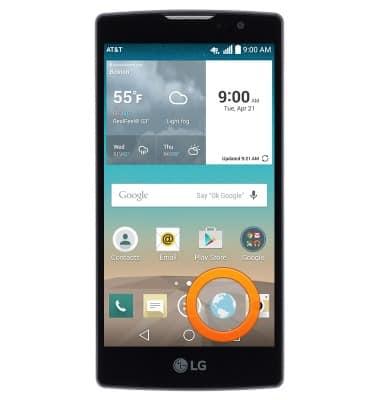
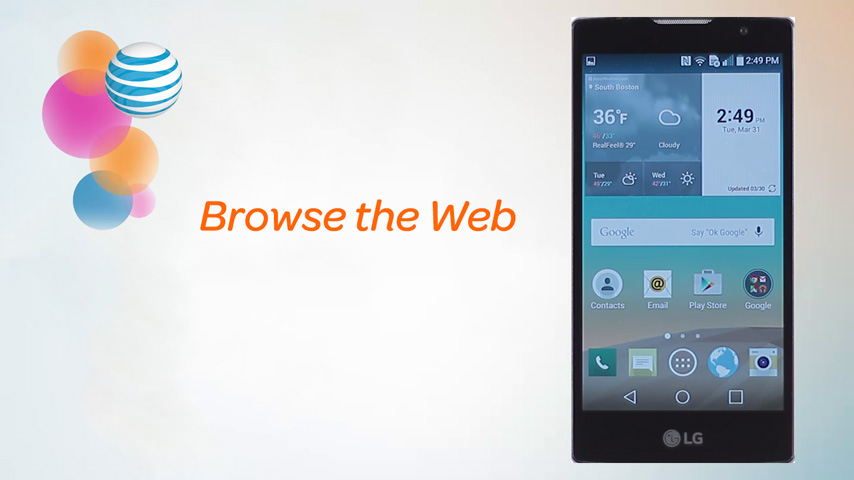
- From the home screen, tap the Browser icon.
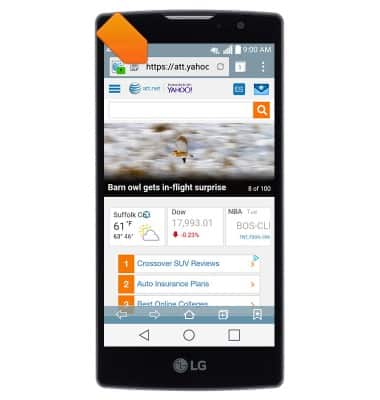
- Tap the URL field.
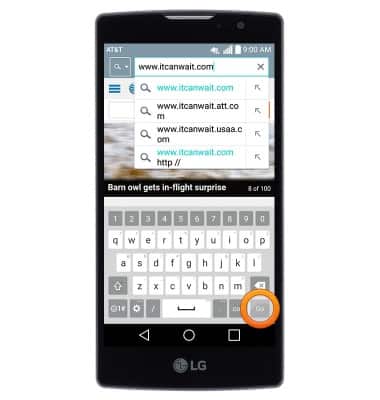
- Enter the desired URL, then tap Go.
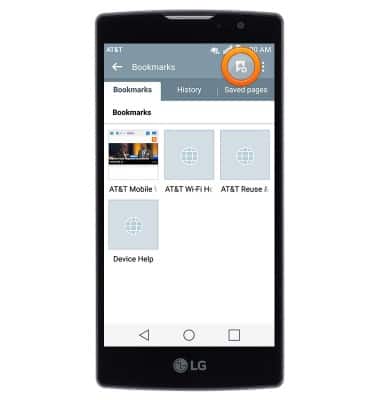
- To view and manage bookmarks, tap the Bookmark icon.
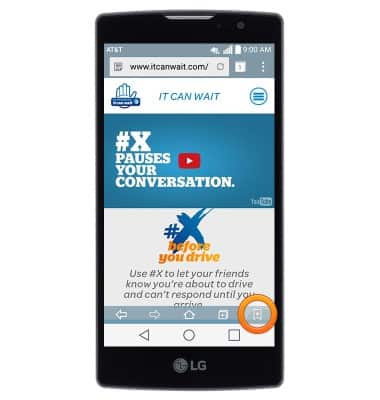
- To add the current website to your bookmarks, tap the Add icon.
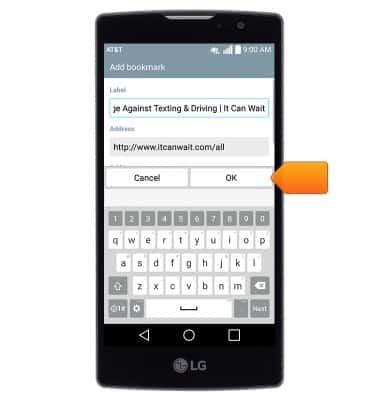
- Edit bookmark settings if desired, then tap OK.
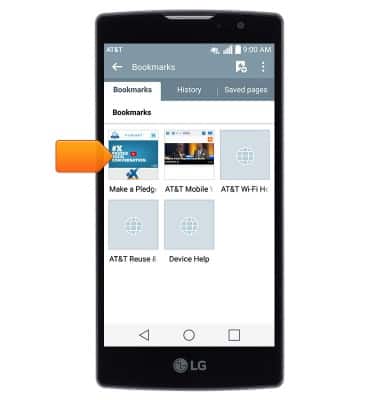
- The page will be added to your bookmarks. Tap to access.
- To create a new browser tab, tap the New tab icon.
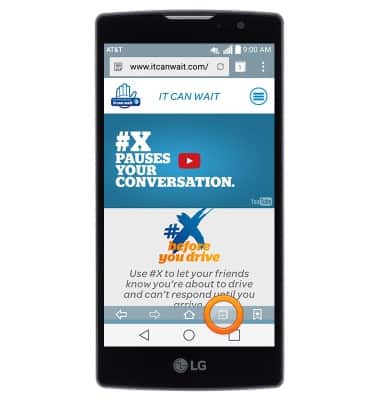
- To view and manage browser tabs, tap the Tabs icon.
Note: The number of currently open tabs is displayed on the Tabs icon.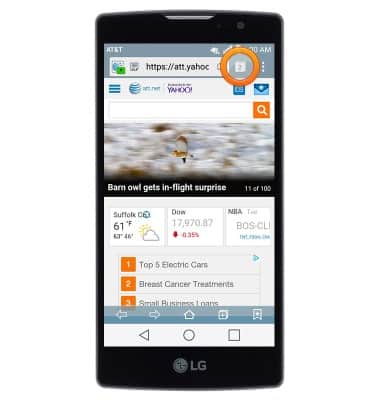
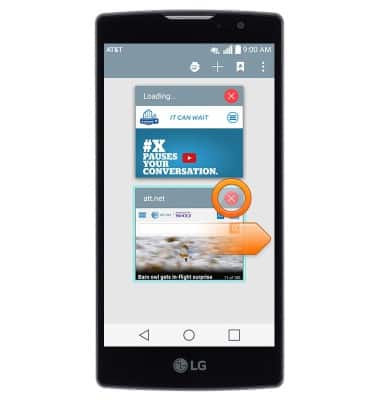
- Swipe right over a tab or tap the X icon to close it.
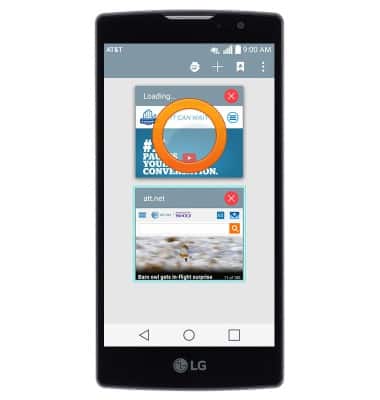
- Tap a tab to open it.
Browse the web
LG Escape 2 (H443)
Browse the web
Learn to browse the web and manage tabs and bookmarks.
Browse the Web
This video explains the features of the device's web browser.
Browse the Web
1:49
INSTRUCTIONS & INFO