- From the home screen, tap the Camera icon.
Note: Alternatively, launch the Camera by twisting your wrist twice while holding the phone.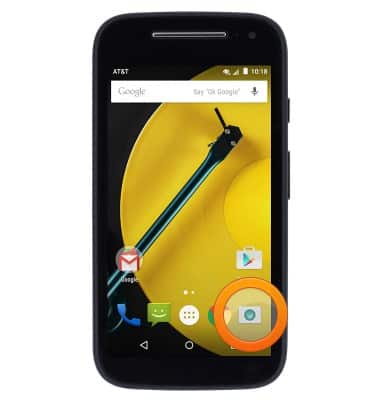
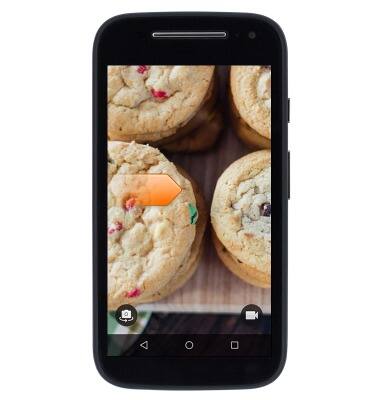
- Swipe right to access settings.
- Scroll along the Settings wheel to browse settings.
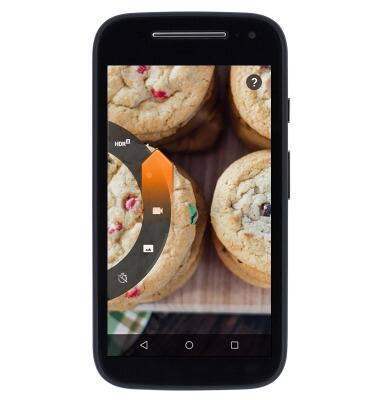
- Tap the Camcorder icon to adjust video settings.

- Tap the Timer icon to set a timer.
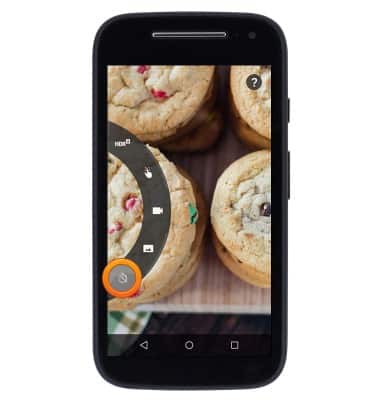
- Scroll to then tap the Memory card icon to select the storage location.
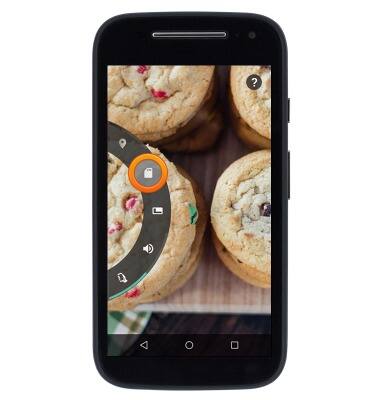
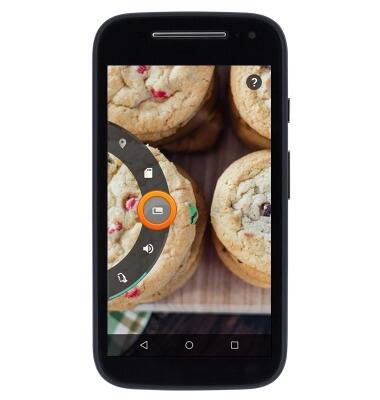
- Tap the Resolution icon to set the photo resolution.
- To learn more about your camera & video settings, download the user manual from your computer at www.att.com/devicehowto.
Camera & video settings
Motorola Moto e (XT1527)
Camera & video settings
Manage camera and video settings including flash, timer, voice control, recording mode, storage location, and more.
INSTRUCTIONS & INFO