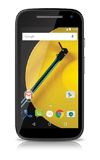
- From the home screen, swipe down from the Notification bar with two fingers.
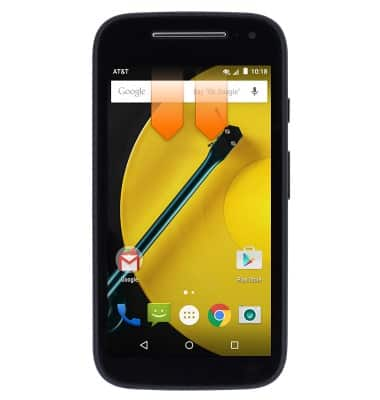
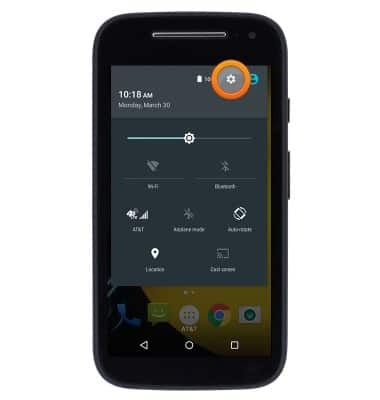
- Tap the Settings icon.
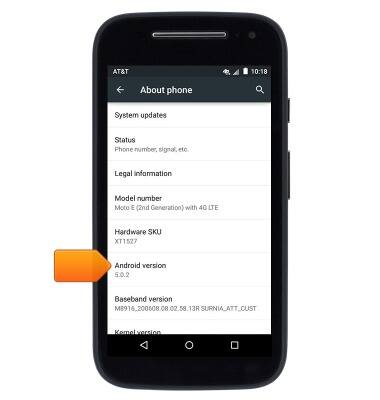
- Scroll to then tap About phone
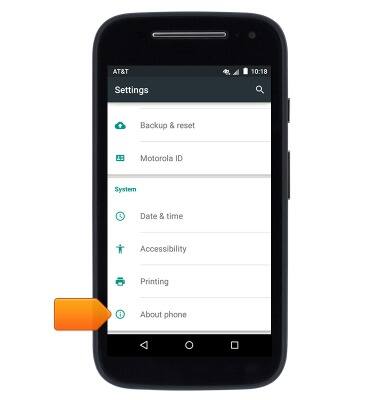
- The device software version will be displayed.
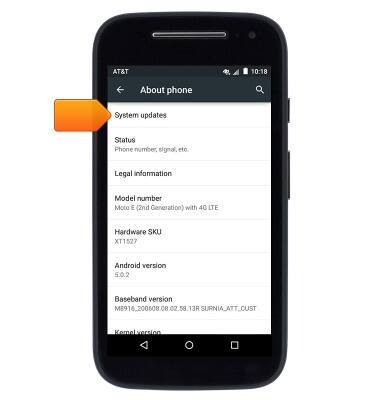
- To check for updates, tap System updates.
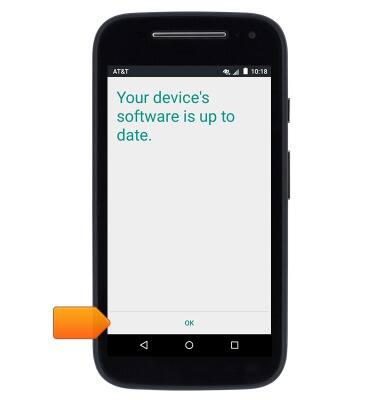
- If updates are available, follow on-screen prompts to download and install. Otherwise, tap OK.
Software version
Motorola Moto e (XT1527)
Software version
Determine your current device software version and check for updates.
INSTRUCTIONS & INFO