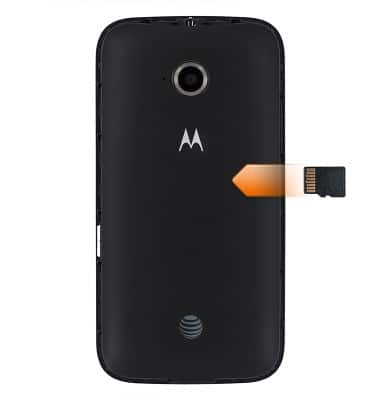
- Inserting a memory card into your device allows you to transfer and store contacts, music, pictures, and videos.
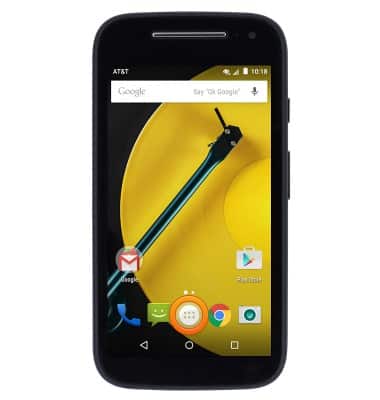
- To backup your contacts, from the home screen, tap the Apps icon.
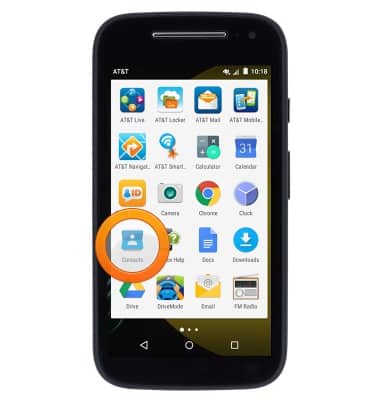
- Tap Contacts.
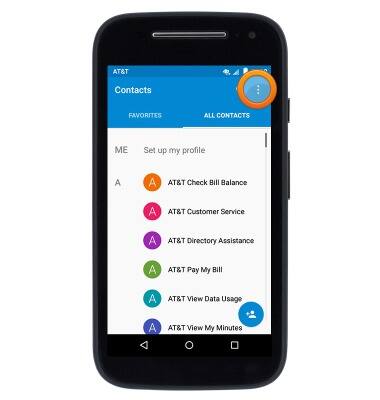
- Tap the Menu icon.
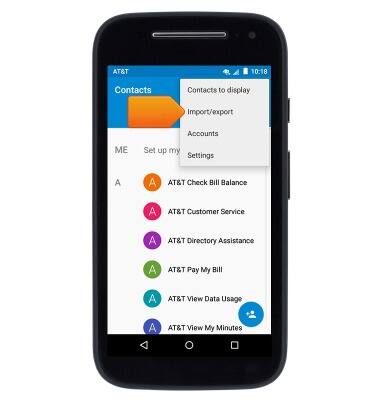
- Tap Import/export.
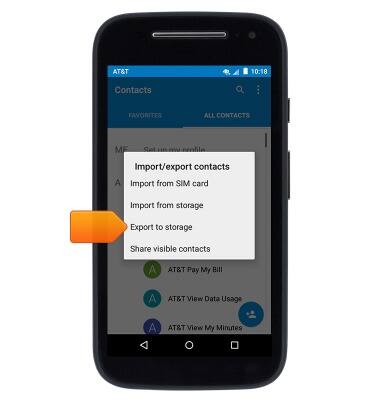
- Tap Export to storage.
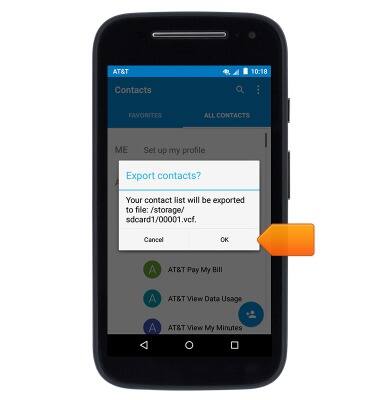
- Tap OK.
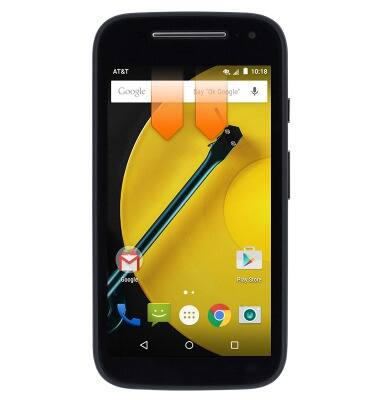
- To transfer media files to your memory card, swipe down from the Notification bar with two fingers.
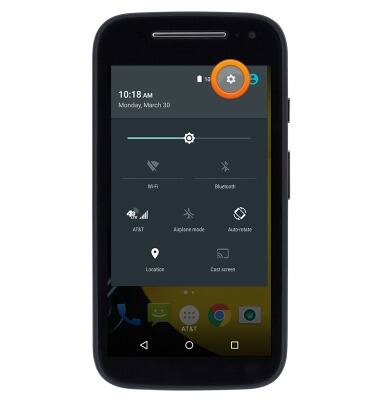
- Tap the Settings icon.
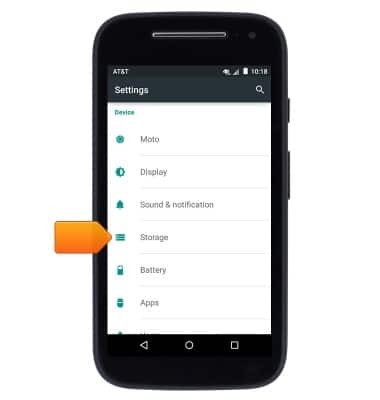
- Scroll to then tap Storage.
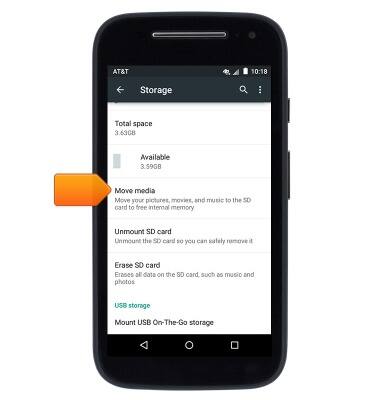
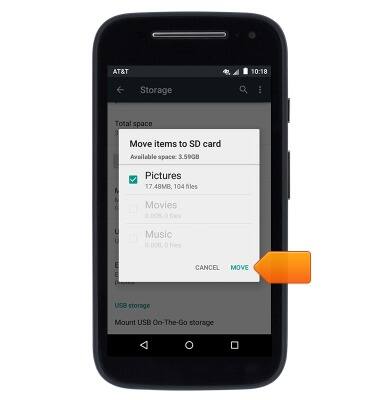
- Scroll to then tap Move media.
- Select the desired media types, then tap MOVE.
Backup & restore with memory card
Motorola Moto e (XT1527)
Backup & restore with memory card
Backup and restore contacts, photos, & files using a memory card.
INSTRUCTIONS & INFO