
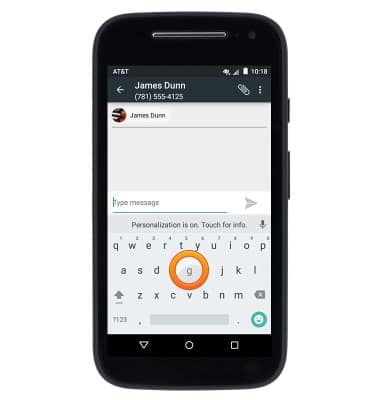
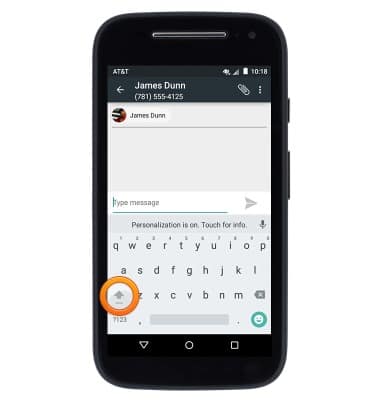
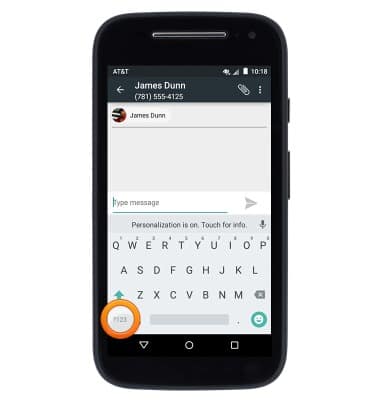
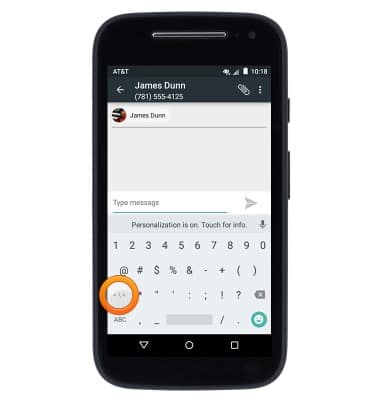
- Tap keyboard icons to input the desired characters.
- Tap the Shift icon to capitalize the next input letter. Tap again to enable CAPS lock. Tap once more to return to lowercase input.
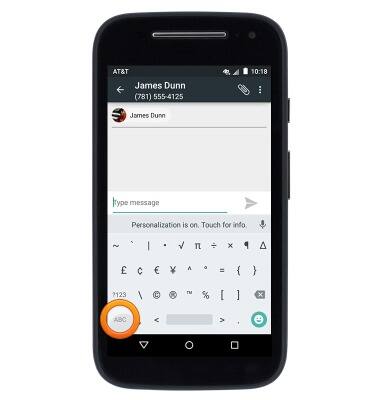
- Tap the ?123 icon to access symbols and special characters.
- Tap the Symbols icon to access additional symbols.
- Tap the ABC icon to return to the standard alphanumeric keyboard.
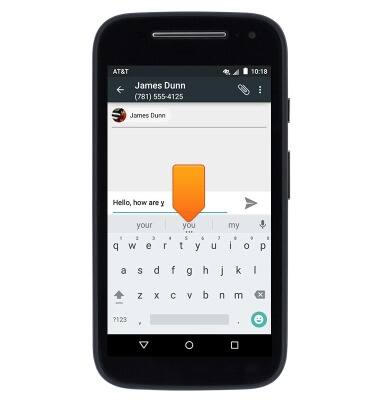
- When you are typing, autocomplete suggestions will display above the keyboard. Tap the desired suggestion to input.
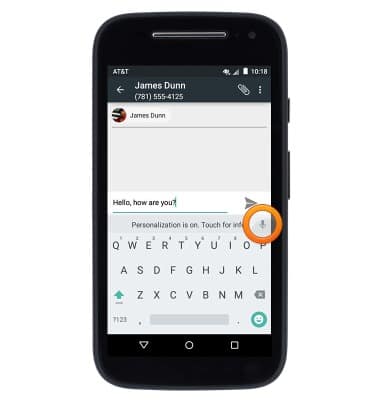
- To use speech-to-text input, tap the Microphone icon.
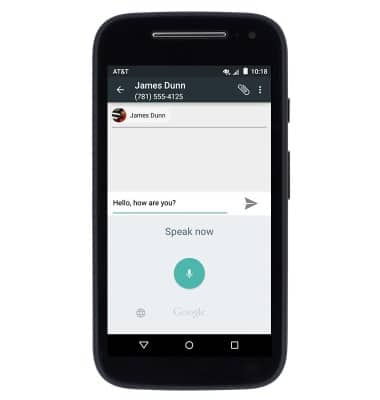
- Speak the desired message.
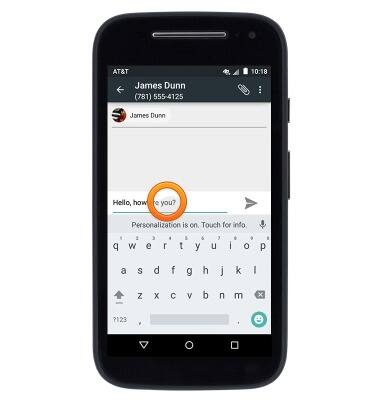
- To copy text, touch and hold the desired text.
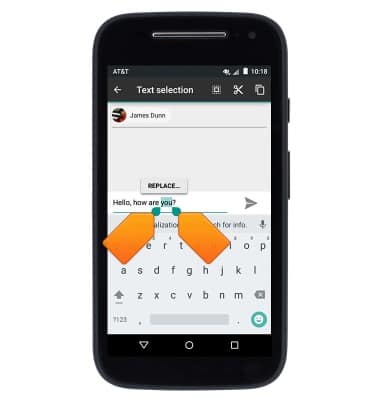
- Drag the Selection markers to modify the selection.
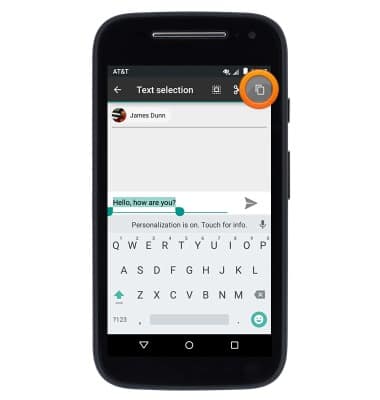
- Tap the Copy icon.
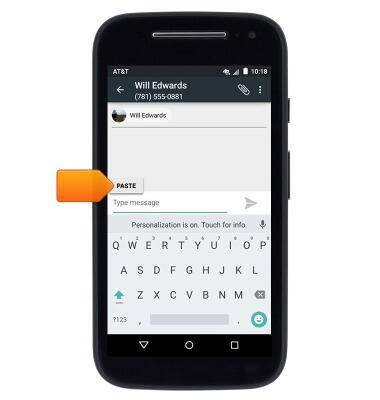
- To paste, first navigate to then touch and hold within the desired text field.
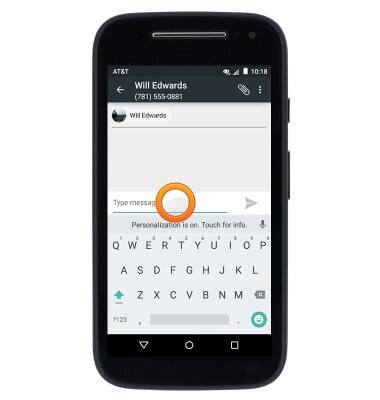
- Tap PASTE.
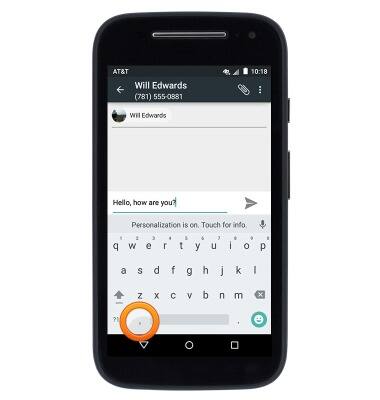
- To access keyboard and input settings, touch and hold the Comma icon.
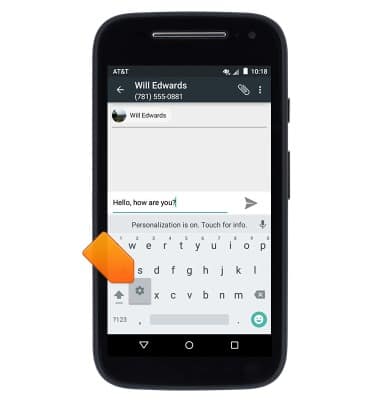
- Release when the Settings icon displays.
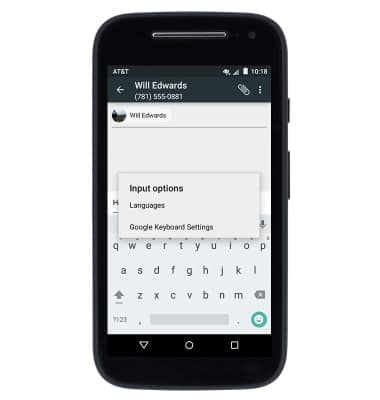
- Tap to access the desired options.
Keyboard & typing
Motorola Moto e (XT1527)
Keyboard & typing
How to use the keyboard, use speech-to-text, access keyboard settings, and more.
INSTRUCTIONS & INFO