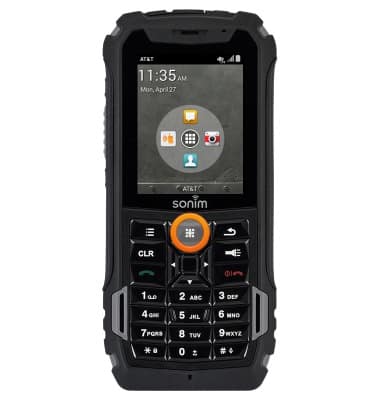
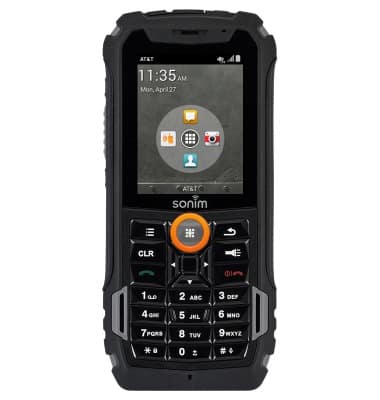
- From the home screen, press the Menu key.
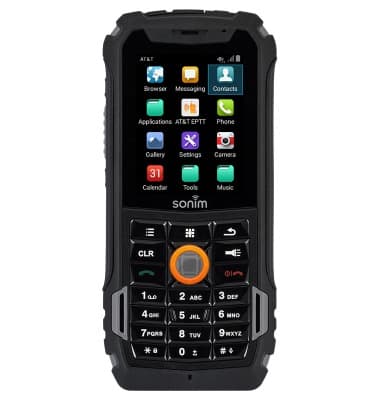
- Select Contacts, then press the Center Nav key.
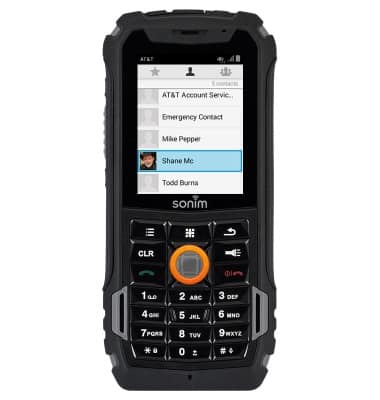
- Select the desired contact, then press the Center Nav key.
- Press the Options key.

- Select Add to favorites, then press the Center Nav key.

- To use favorites, from any screen, press the Menu key.
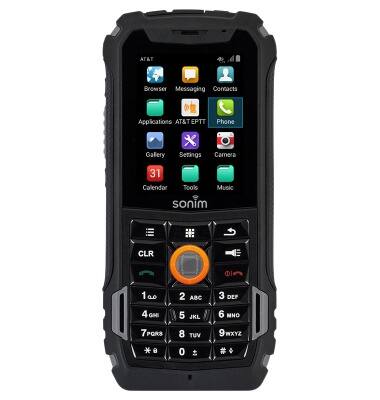
- Select Phone, then press the Center Nav key.
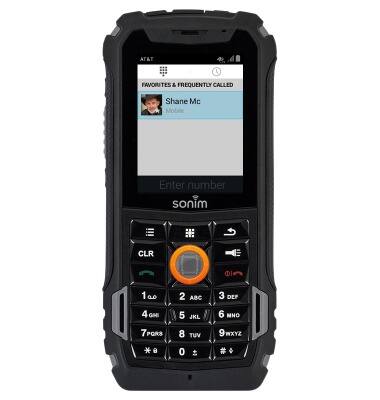
- Favorites will be listed under FAVORITES & FREQUENTLY CALLED. Select the desired favorite, then press the Center Nav key to call.
Speed dial
Sonim XP5 (XP5700)
Speed dial
Learn how to use speed dial and manage speed dial contacts.
INSTRUCTIONS & INFO