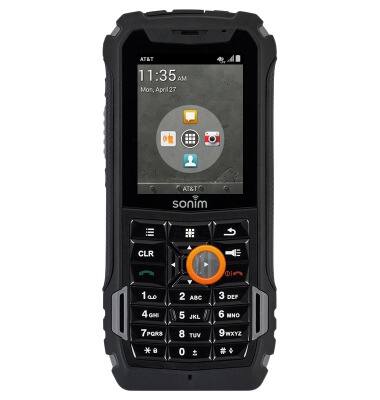
- From the home screen, press the Right Nav key.
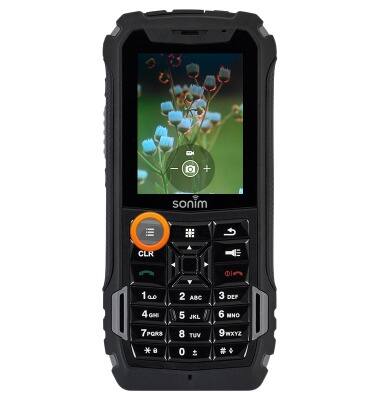
- To access settings, press the Options key.
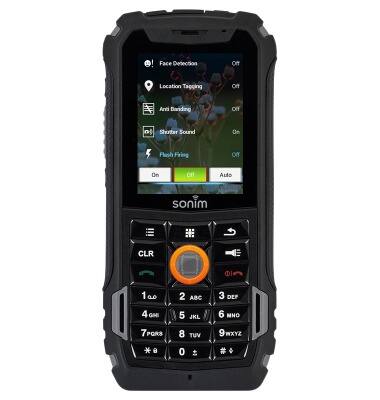
- To set flash on/off/auto, select Flash Firing, then press the Center Nav key.
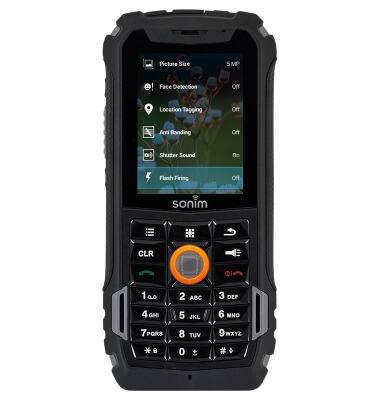
- Select the desired option, then press the Center Nav key.
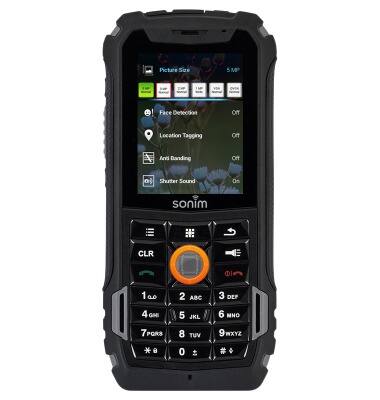
- To set picture size, select Picture Size, then press the Center Nav key.
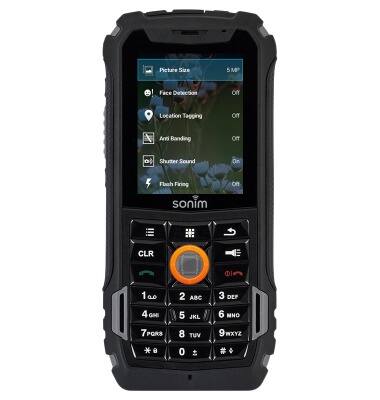
- Select the desired option, then press the Center Nav key.
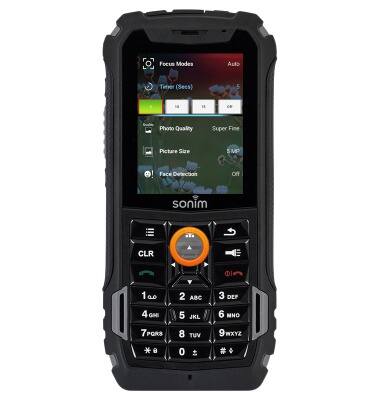
- To set the timer, select Timer (Secs), then press the Center Nav key.
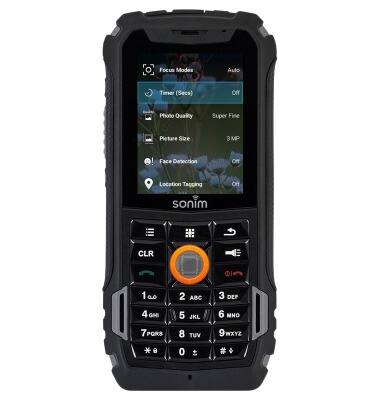
- Select the desired option, then press the Center Nav key.
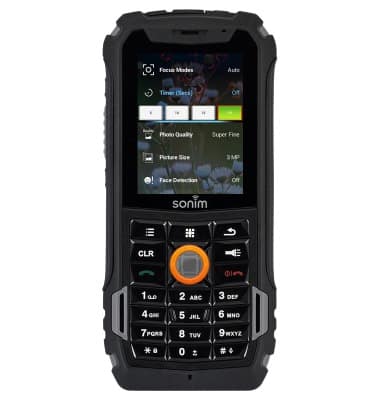
- Press the Up Nav key to return to the settings list.
- To restore the settings to factory default, select Restore Defaults, then press the Center Nav key.
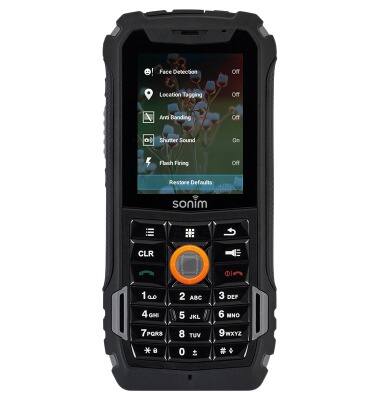
- Select OK, then press the Center Nav key.

- To learn more about your camera settings and features, from a computer download the user manual at www.att.com/devicehowto.
Camera & video settings
Sonim XP5 (XP5700)
Camera & video settings
Manage camera and video settings including flash, timer, voice control, recording mode, storage location, and more.
INSTRUCTIONS & INFO