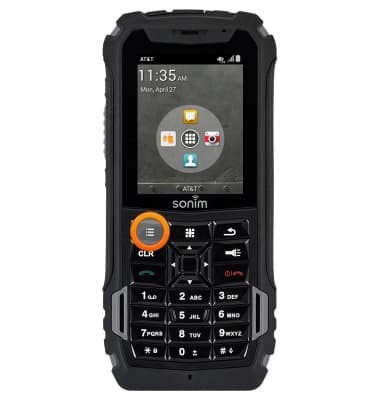
- From the home screen, press the Options key.
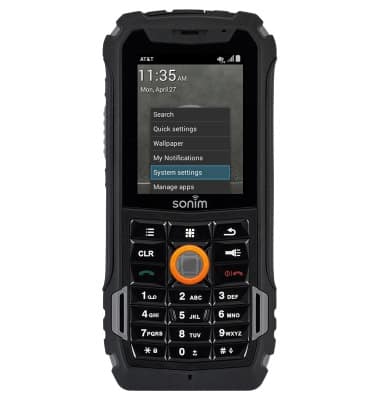
- Select System settings, then press the Center Nav key.
- Select Storage, then press the Center Nav key.
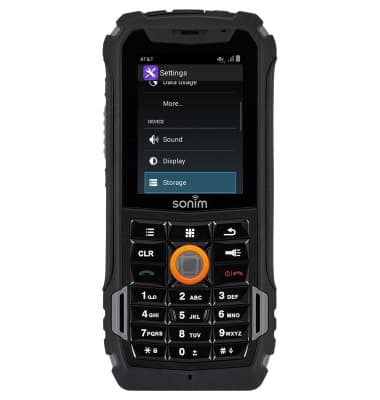
- The internal storage memory will be displayed beneath Internal storage.
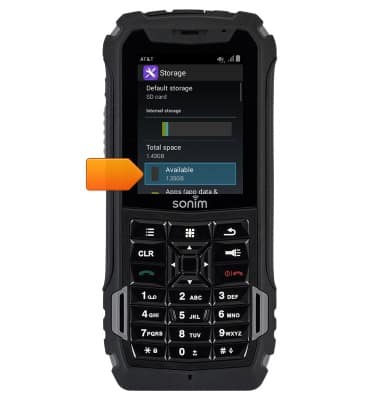
- The external storage memory will be displayed beneath SD card.
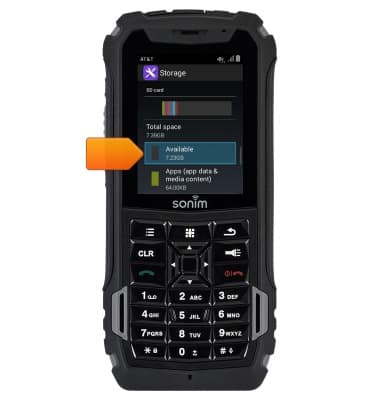
- The Sonim XP5 is available with 4GB internal memory (1.8GB usable storage internal memory) with the option to add a MicroSD card up to 64GB (Sold separately).
Available memory
Sonim XP5 (XP5700)
Available memory
Check the available device storage.
INSTRUCTIONS & INFO