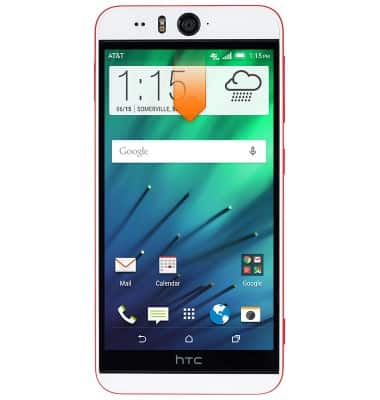
- From the home screen, swipe down from the Notification bar.
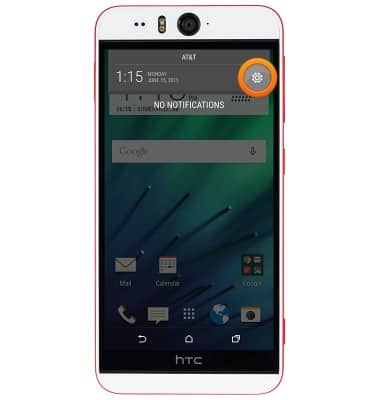
- Tap the Settings icon.
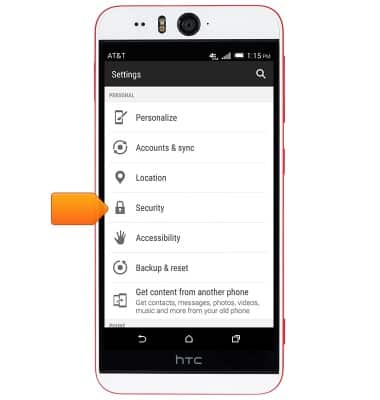
- Scroll to, then tap Security.
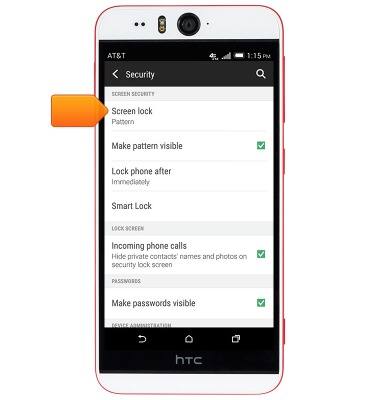
- Tap Screen lock.
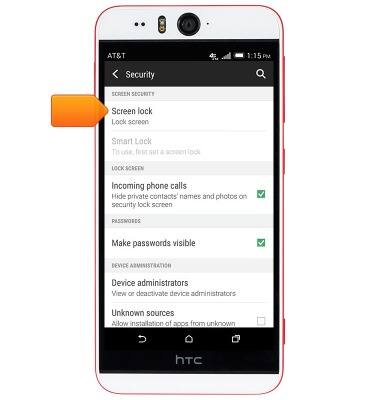
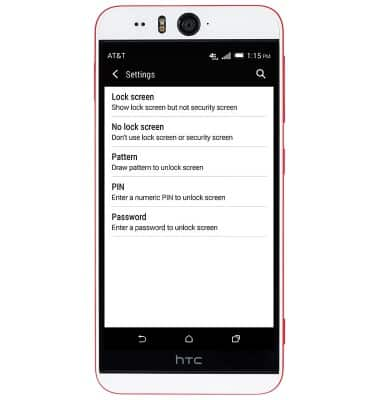
- Tap the desired option.
Note: For this demonstration, tap 'Pattern'.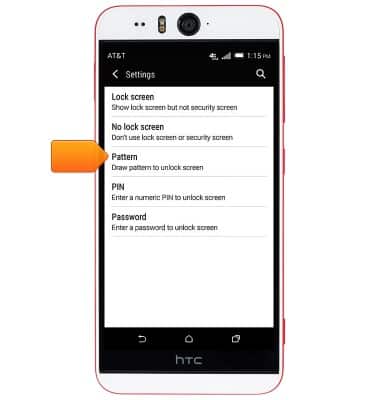
- Draw the desired unlock pattern.
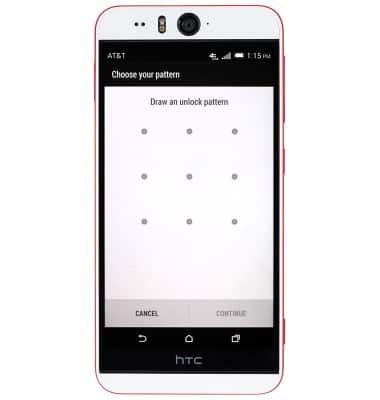
- Tap CONTINUE.
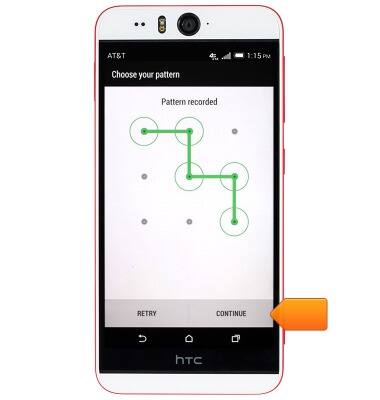
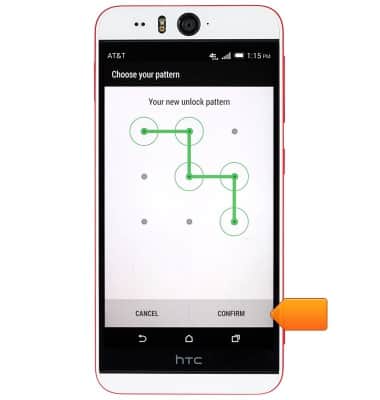
- Re-draw the chosen unlock pattern to confirm.
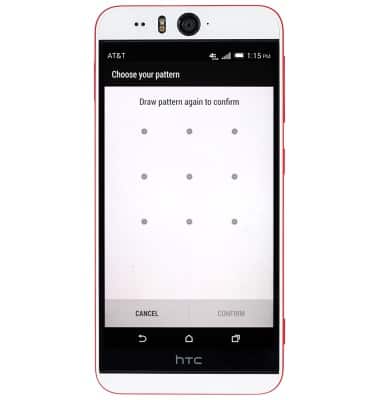
- Tap CONFIRM.
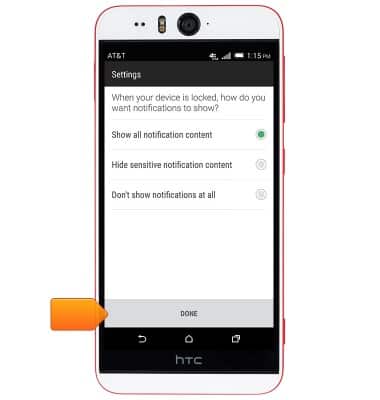
- Select the desired option, then tap DONE.
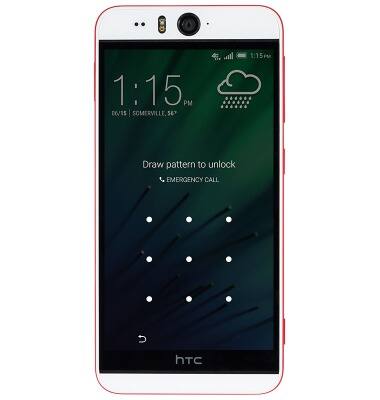
- To unlock your device, swipe up at the Lock screen.
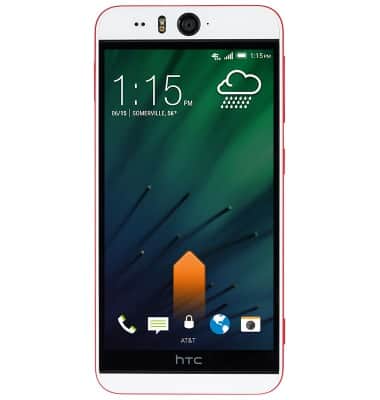
- Draw the chosen unlock pattern.
- To change the Security screen lock type, from the Security settings menu, tap Screen lock.
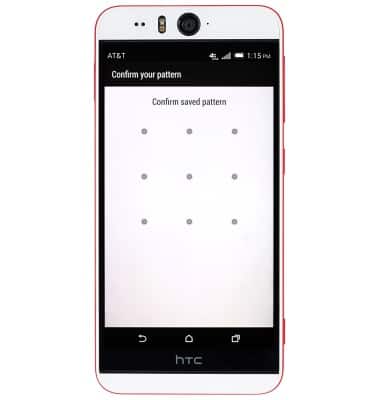
- Draw the current unlock pattern.
- Tap and follow prompts to set up the desired security type.
Set or change password security
HTC Desire EYE (0PFH100)
Set or change password security
Enable or change the password on your device.
INSTRUCTIONS & INFO