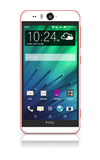
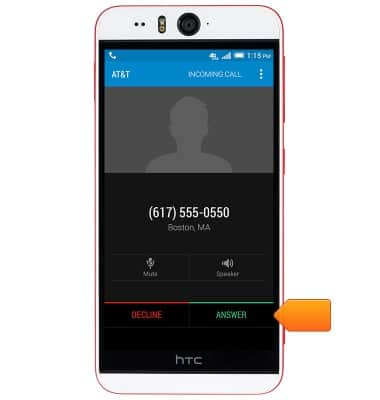
- To use call waiting, while on a call, tap Answer to accept an incoming call and place the current call on hold.
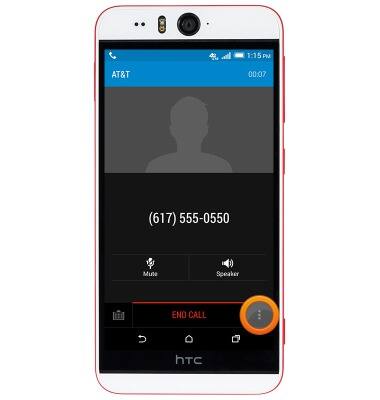
- To create a 3-way call, while on a call, tap the Menu icon.
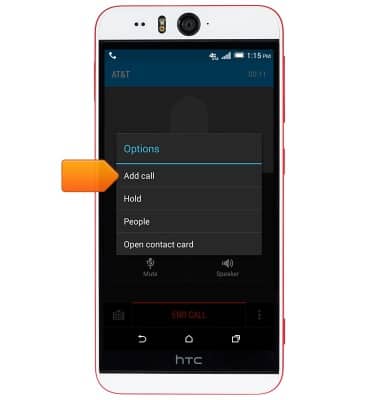
- Tap Add call.
- Dial the desired phone number.
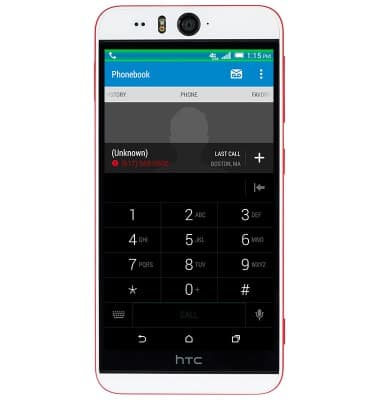
- Alternatively, tap the Keyboard icon, then type the name of a contact.
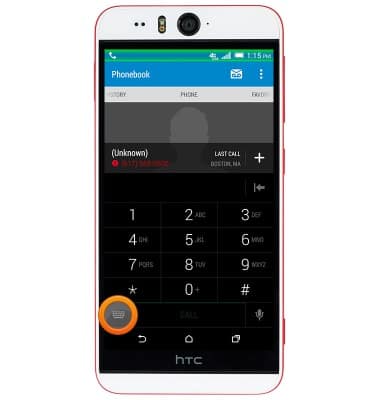
- Tap CALL.
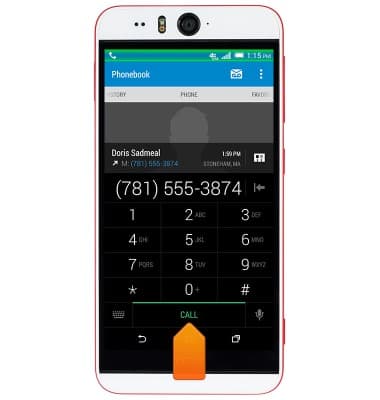
- Once the second call has connected, tap Merge calls.
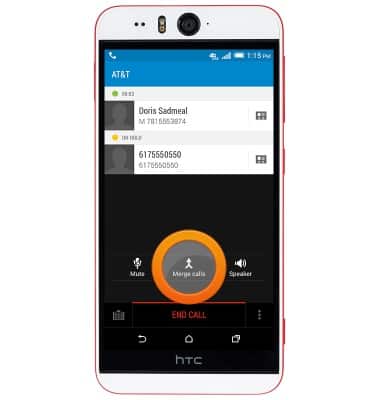
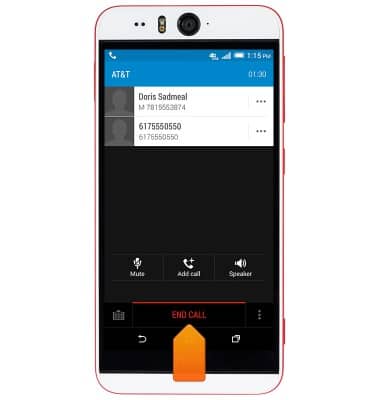
- To end all calls, tap END CALL.
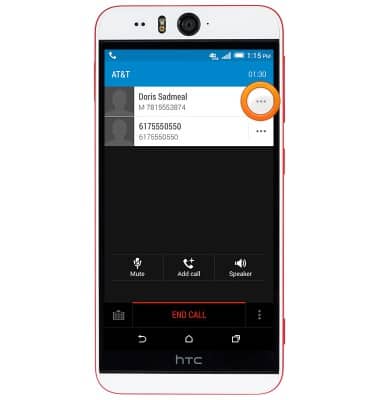
- To disconnect from a single call, tap the Options icon next to the desired contact.
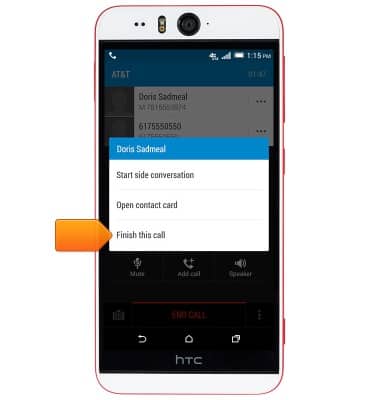
- Tap Finish this call.
Conference calling
HTC Desire EYE (0PFH100)
Conference calling
Add another person to your call, merge calls, place someone on hold and more.
INSTRUCTIONS & INFO